Call

Description

The Call command enables you to execute and run created global functions and modules, which are seen in the multitask screen. To use this command, a prior program creation using modules and functions is a requisite. See Modules and Functions on how to set up commands and group them into modules and functions. Read Gripper Module and Movement Module for details about modules. Read Open/Close and Pick/Place for details about functions.


To access Call command

  1. Open an existing program where commands are grouped in modules and functions. In this example, open the Pick and Place program.
  2. Go to the main program screen. See Command Nodes.

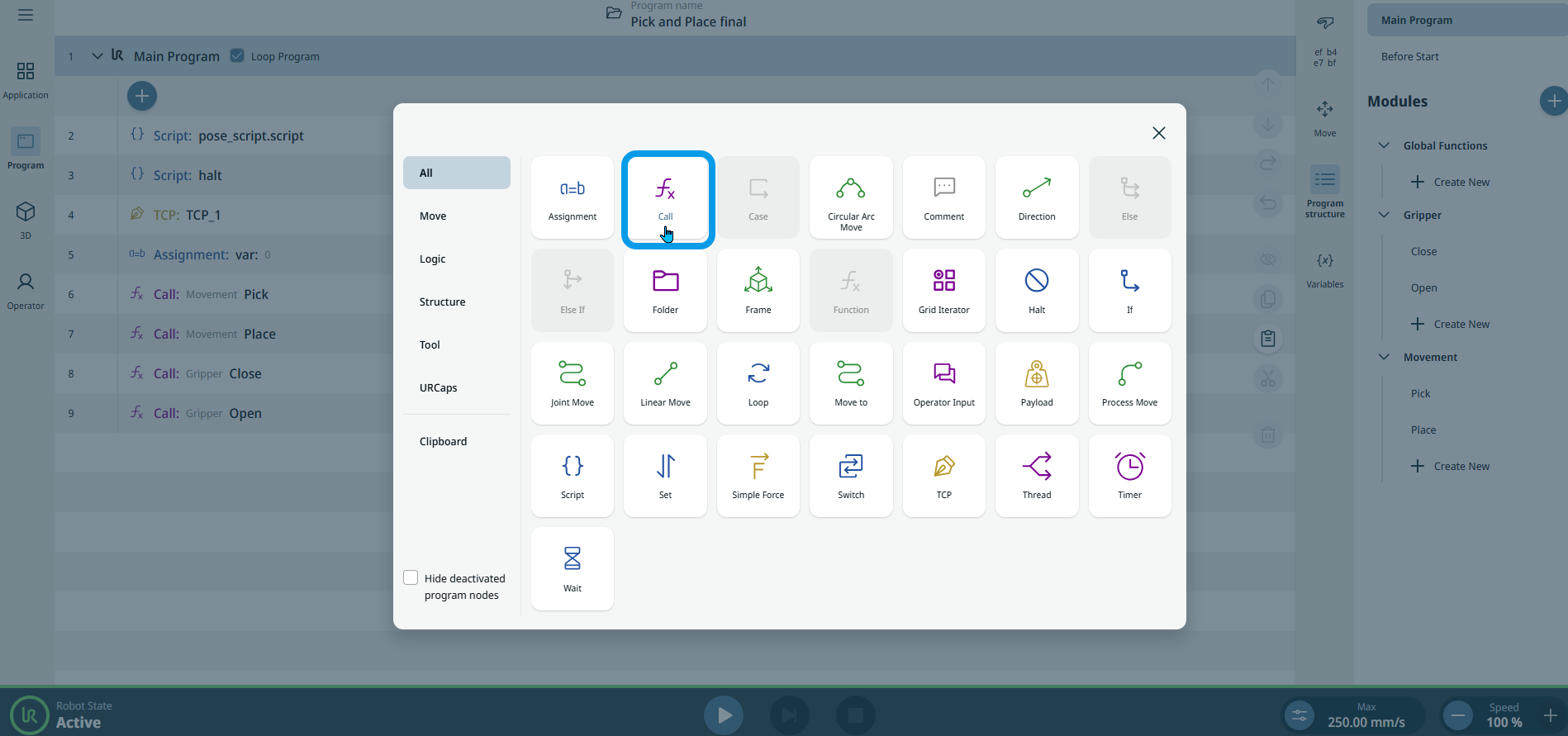
  3. Tap the Call icon in the Commands toolbox.

    An editable Module field is inserted into the program tree.

  4. Tap the Module field.

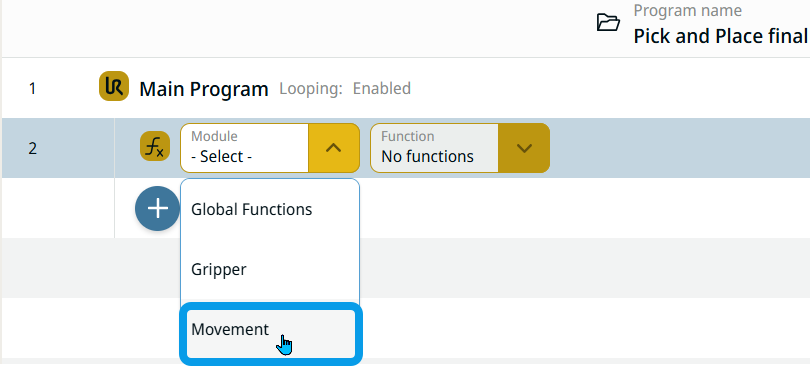
    In addition to Global Functions, you can see the created modules: Gripper and Movement. The list of modules correspond to the ones in the Modules tree in the multitask screen.

Call Movement module
  1. Select Movement in the Module field.

Call a Pick function
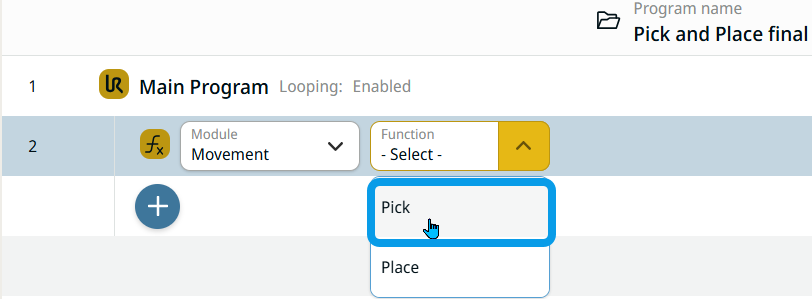
  1. After the module is selected, the Function field is activated. Select Pick function.

Call a Place function
  1. Repeat steps 2–5.

  2. In the same Function field, select Place function.

Call Gripper module and Close function

  1. Tap the add icon and then the Call icon.

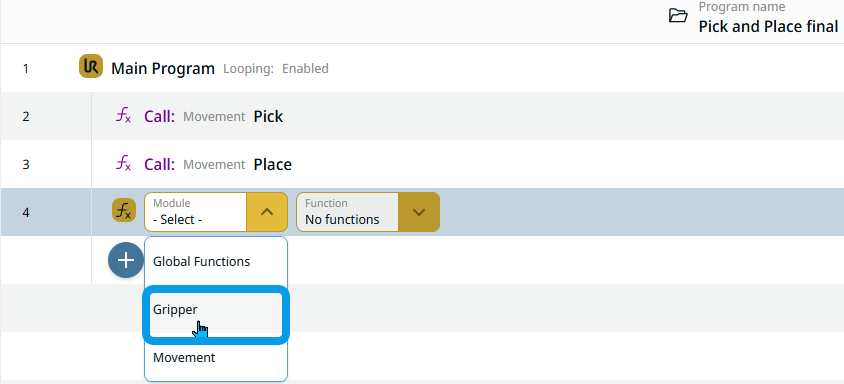
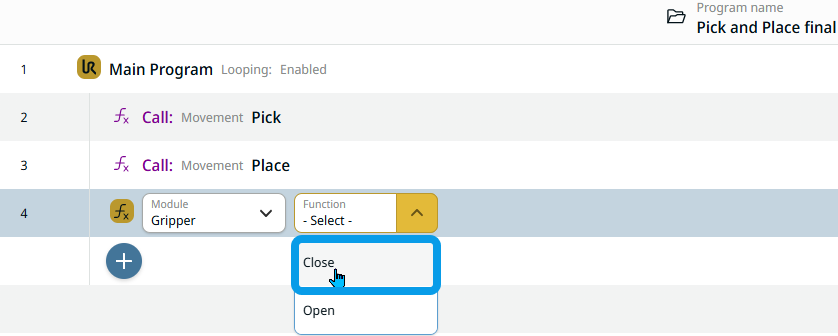
  2. Select Gripper in the Module field.

  3. In the Function field, select Close function.

Call an Open function

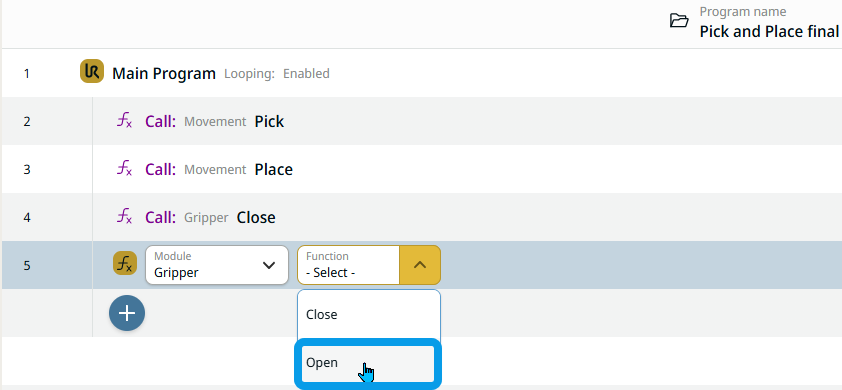
  1. Repeat steps 2–5.

  2. In the same Function field, select Open function.