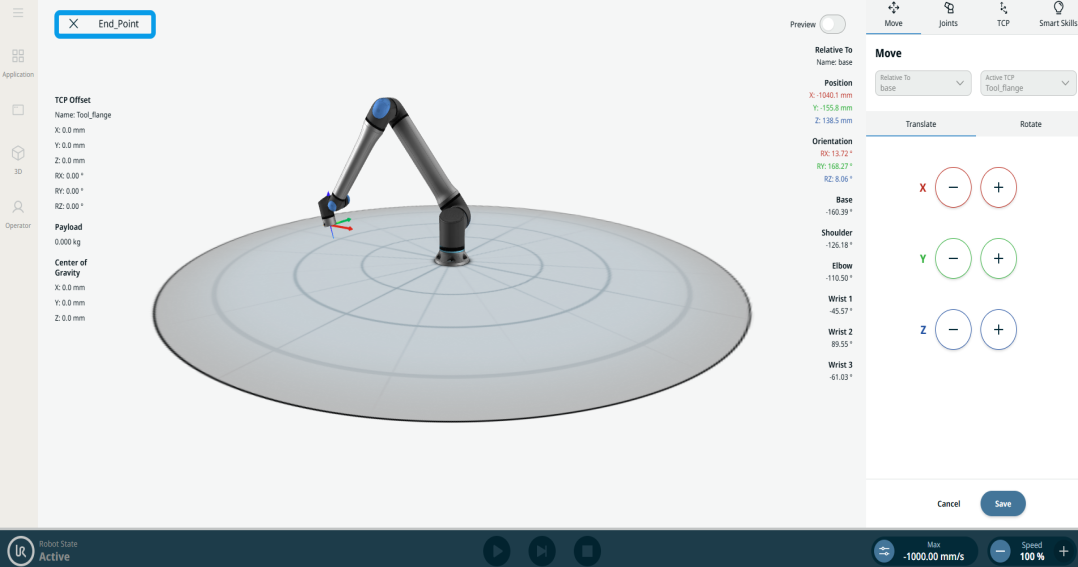
Circular Arc Move
| Description |
The Circular Arc Move enables you to program the robot to move in a circular motion while keeping the tool orientation either fixed or unconstrained.
|
|
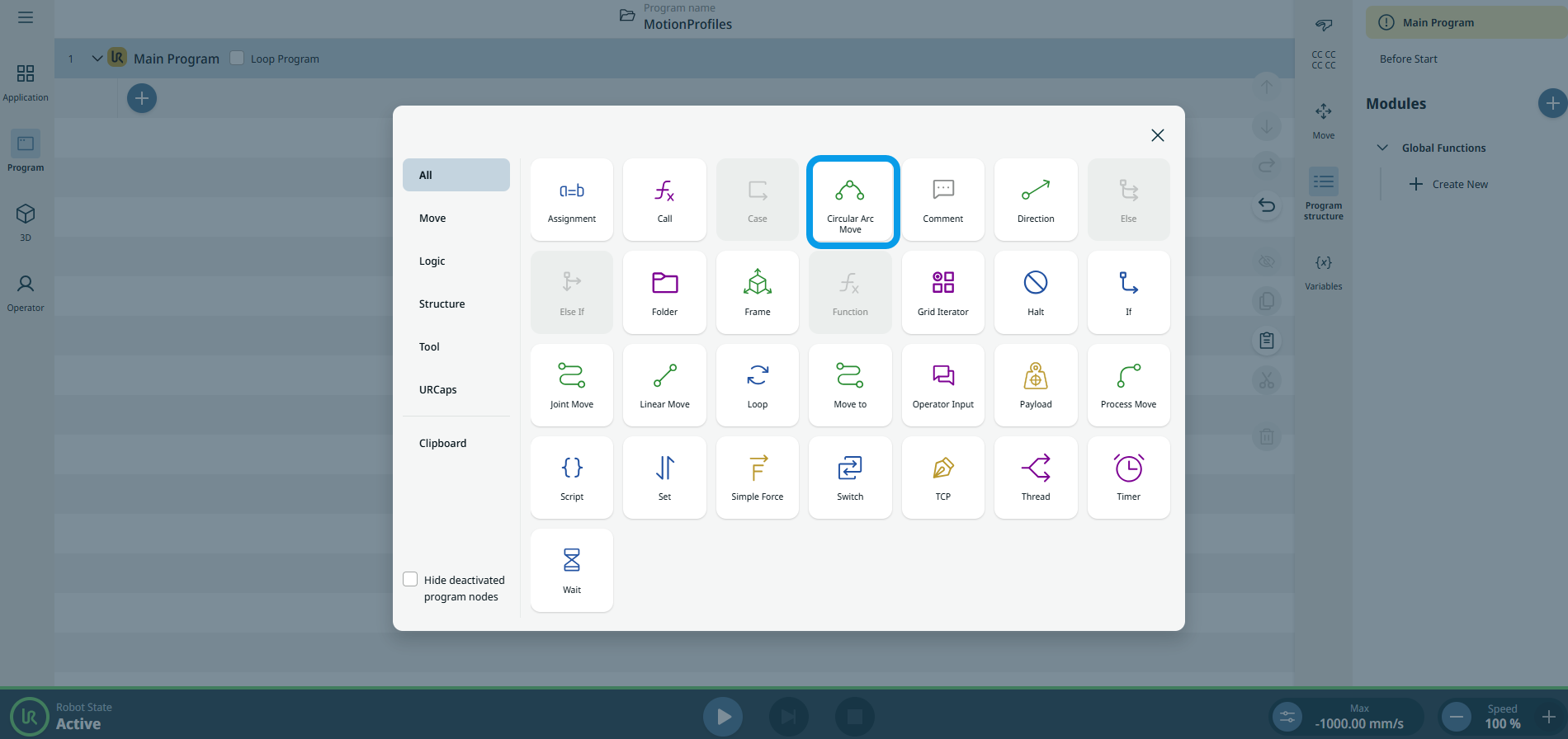
To access Circular Arc Move command |
|
|
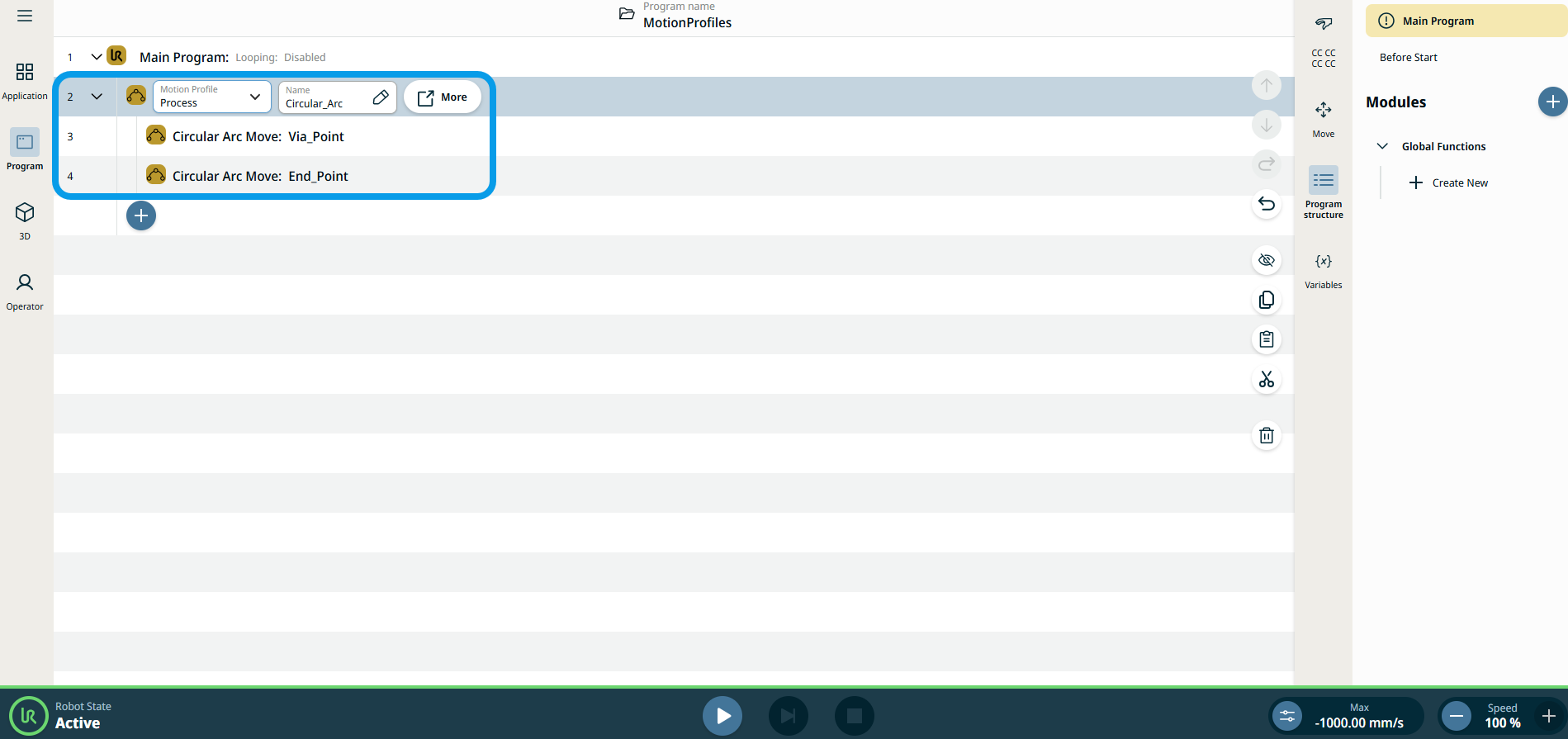
The three editable fields are:
|
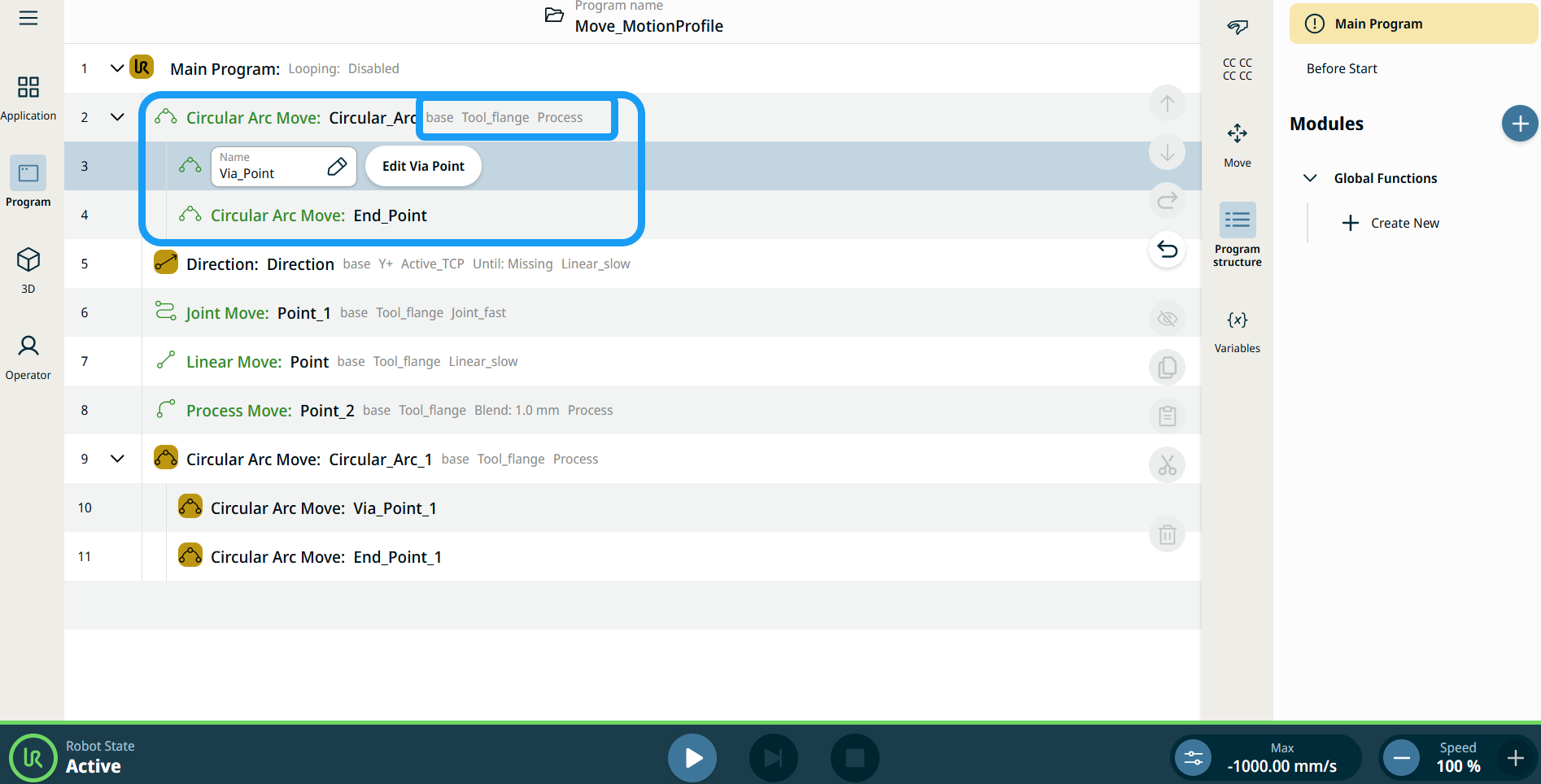
| Motion Profile labels on Move Nodes |
All Move-related command nodes in the program tree display the Motion Profile associated with each node. This feature enables users to see the selected Motion Profile on a Move node. This feature is implemented on the following command nodes: Move nodes with Custom motion profile will display the values for the speed and acceleration instead of Motion profile. |
|
|
|
| To access More settings |
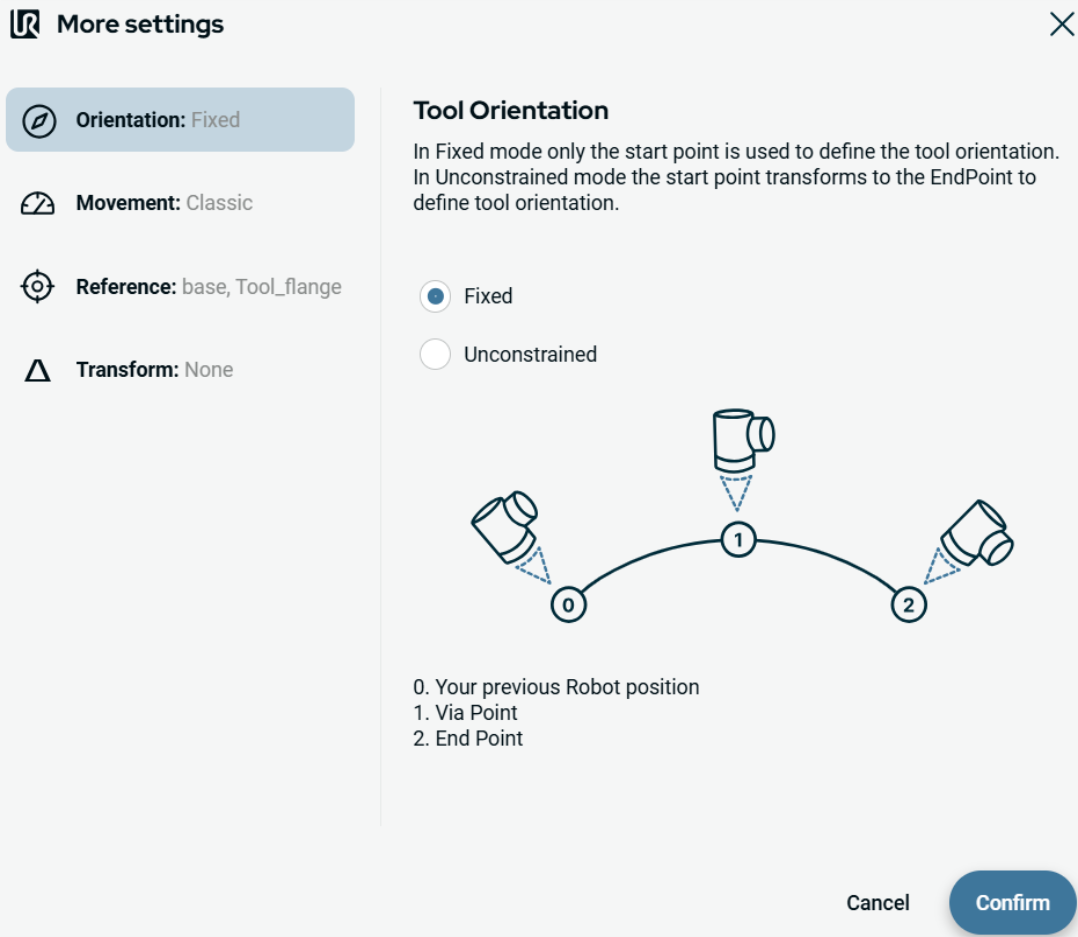
Tap the More button, and the More settings screen appears. On the left side, you see four advanced options:
|
|
To use Orientation |
|
|
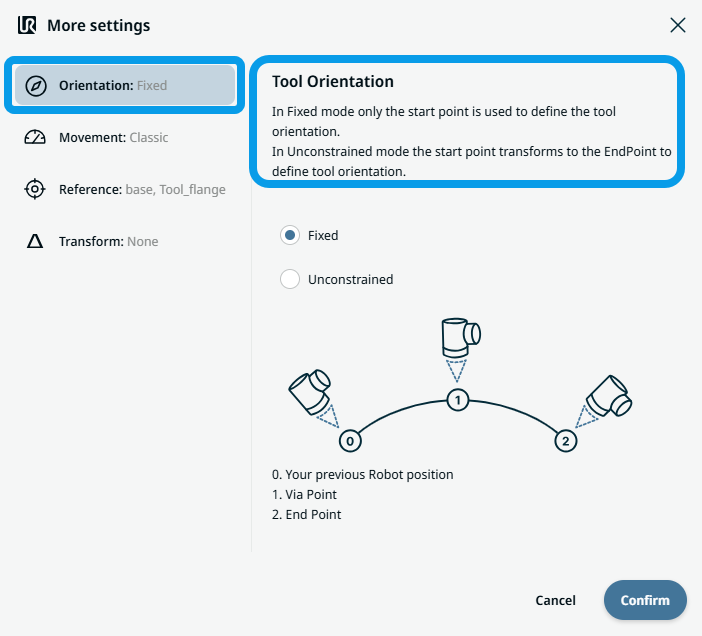
To use Movement |
|
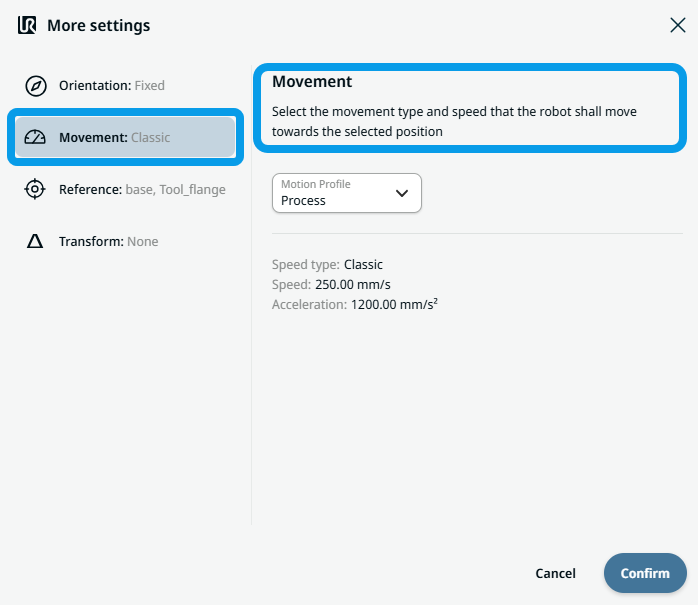 Two fields appear:
|
To use Reference |
|
|
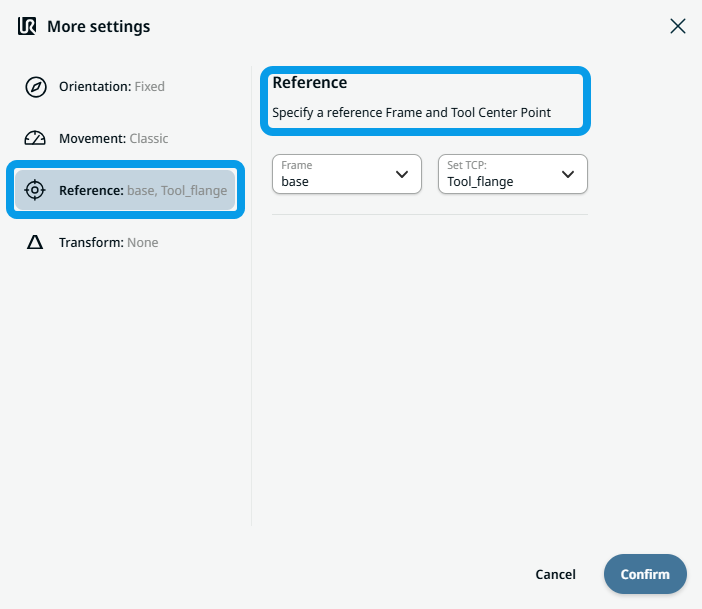
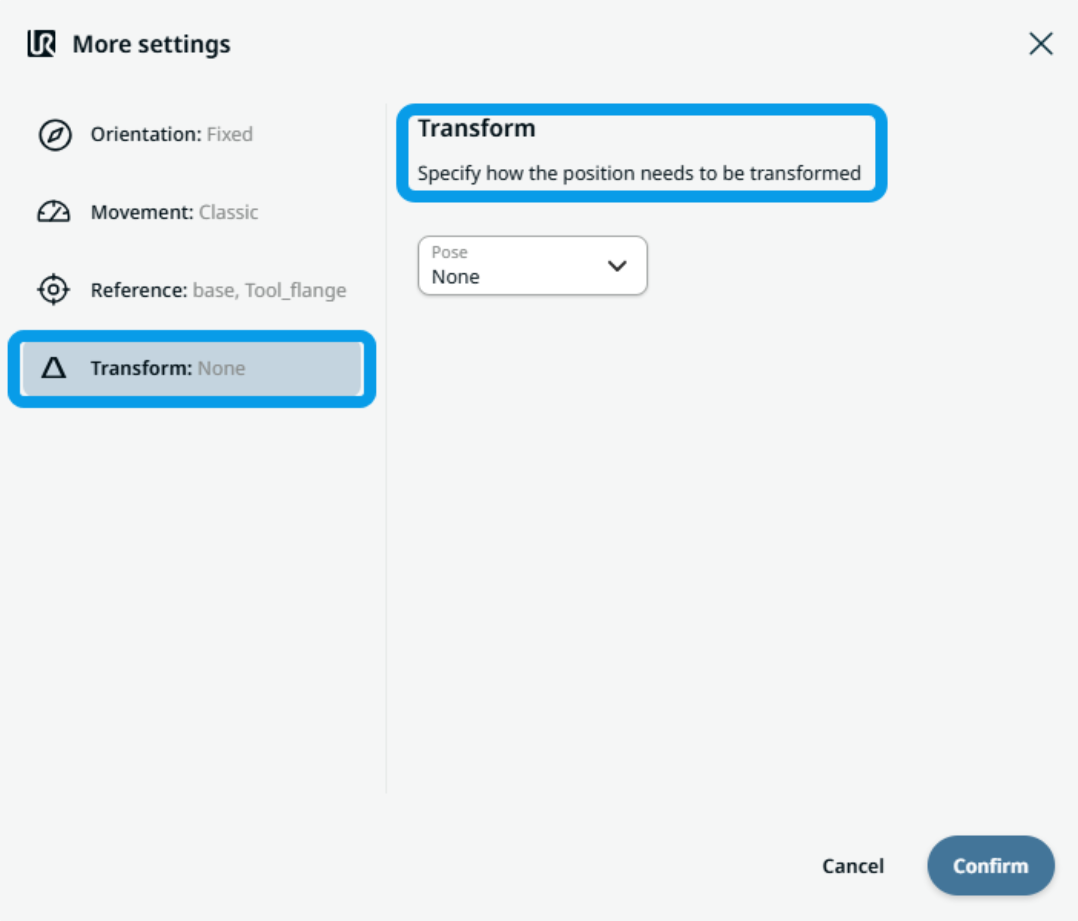
To use Transform |
|
|
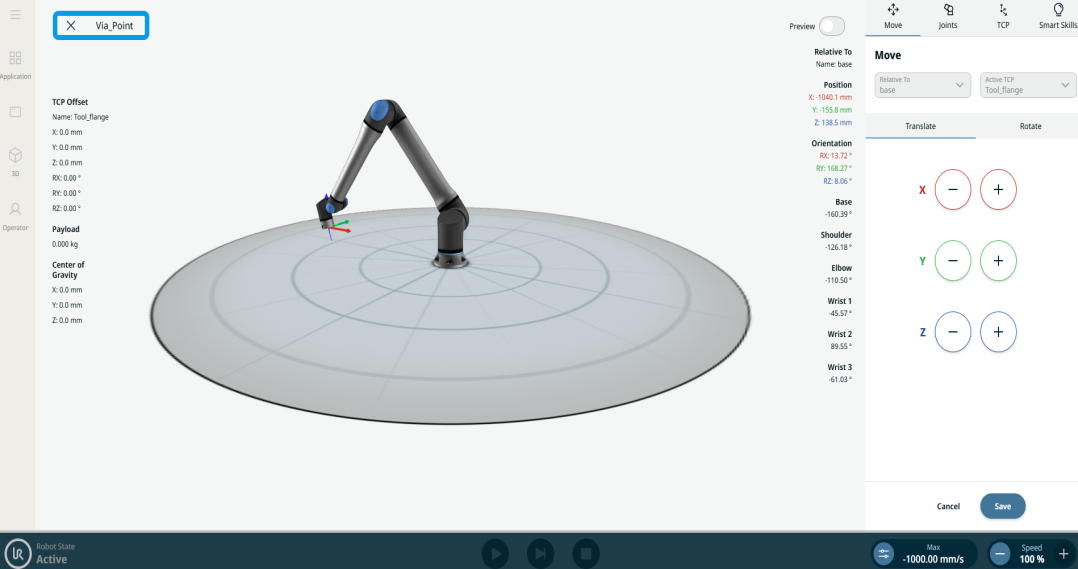
To use Circular Arc Move: Via_point |
|
|
To use Circular Arc Move: End_Point |
|