Create Program

Description

The Create program command enables you to create and add programs for the robot.


To open Create program menu
  1. Tap the Operator icon on the left toolbar.

  2. Tap the Program name tab found topmost in the main screen.

    The System Manager screen appears.

  3. Tap the add program icon.

  4. Tap Create New Program.

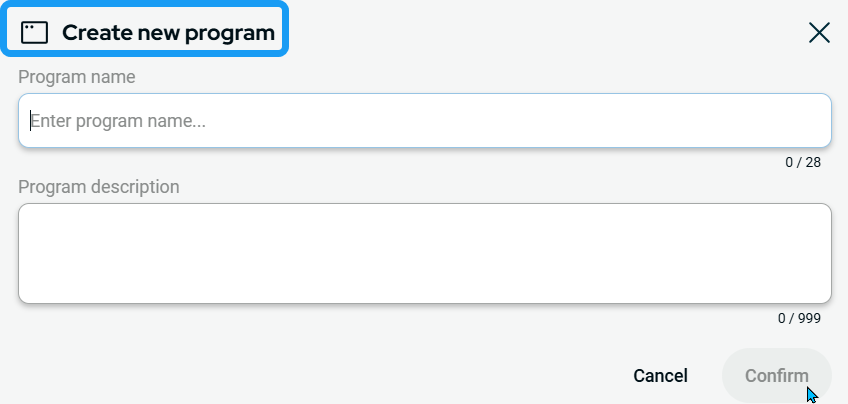
    A new box appears with the heading Create new program.

 
  1. Enter your program name on the first box, Program name.

  2. Enter the program description on the second box, Program description.

  3. Tap Confirm.