Safe Home

Description

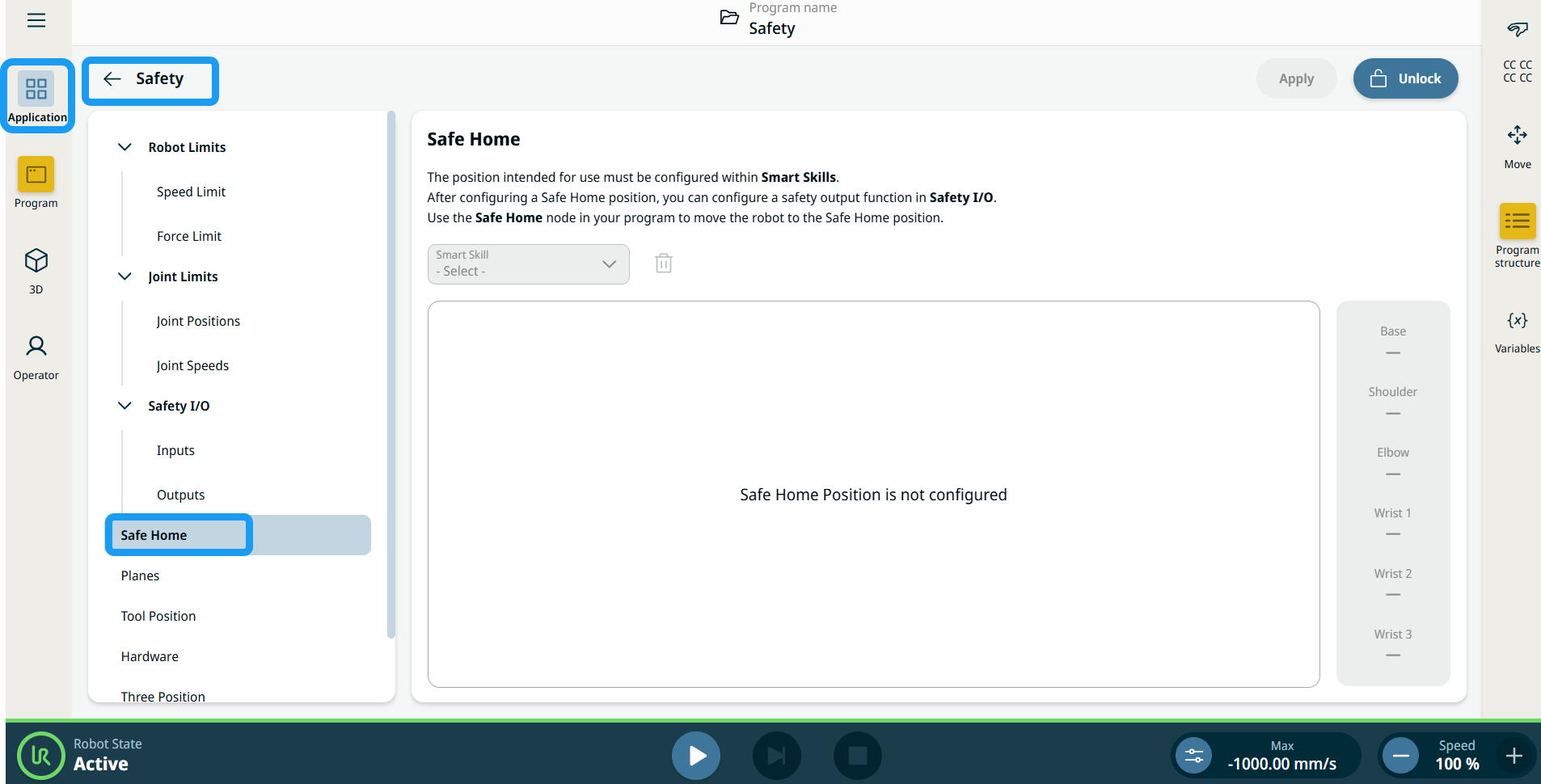
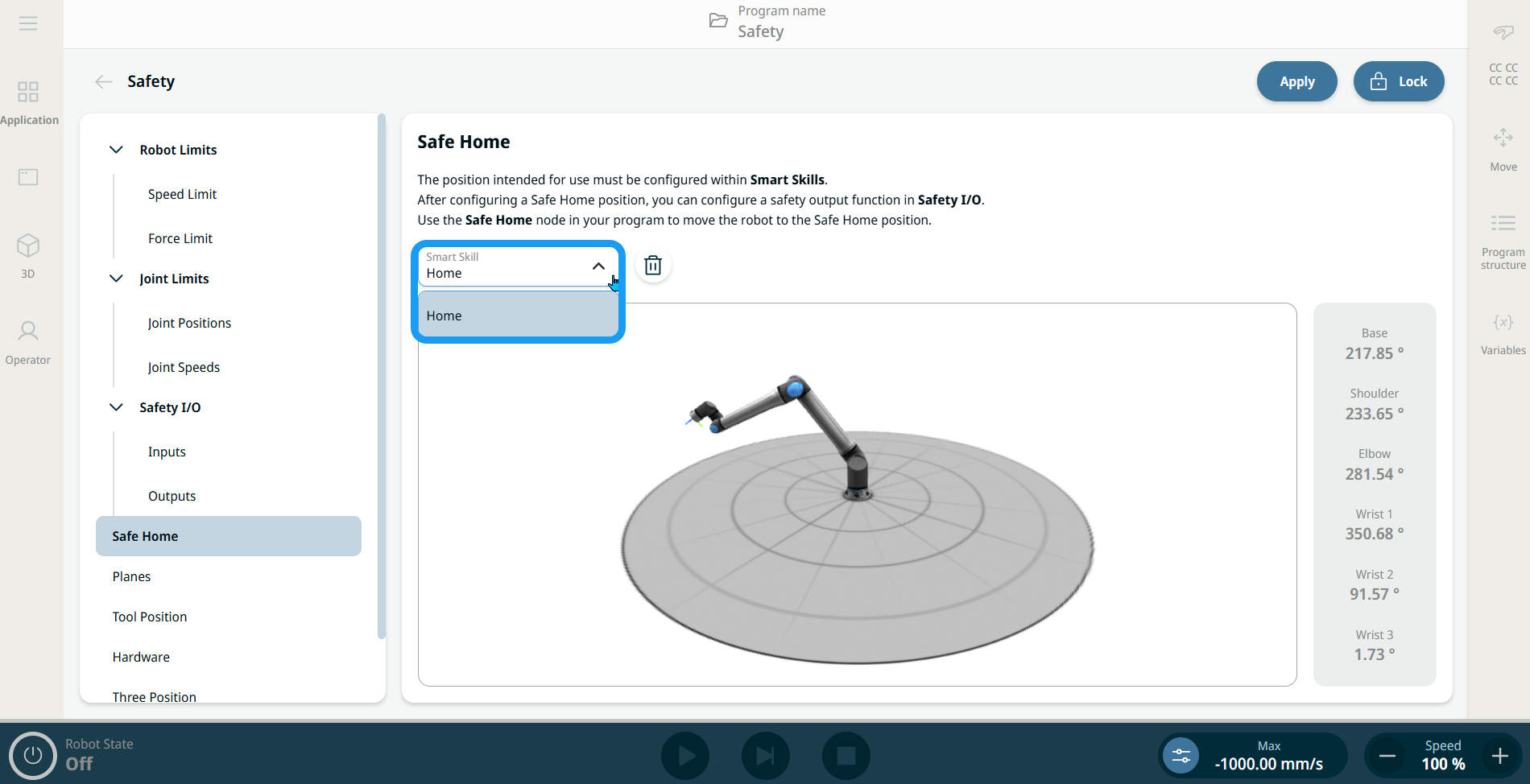
Safe Home is a PolyScope X feature that enables users to define a safety-related output that activates when the robot reaches the configured safe home position in Smart Skills. The user chooses Home in the dropdown of available smart skill positions, which can be assigned as the reference for the Safe Home position.


Create Safe Home

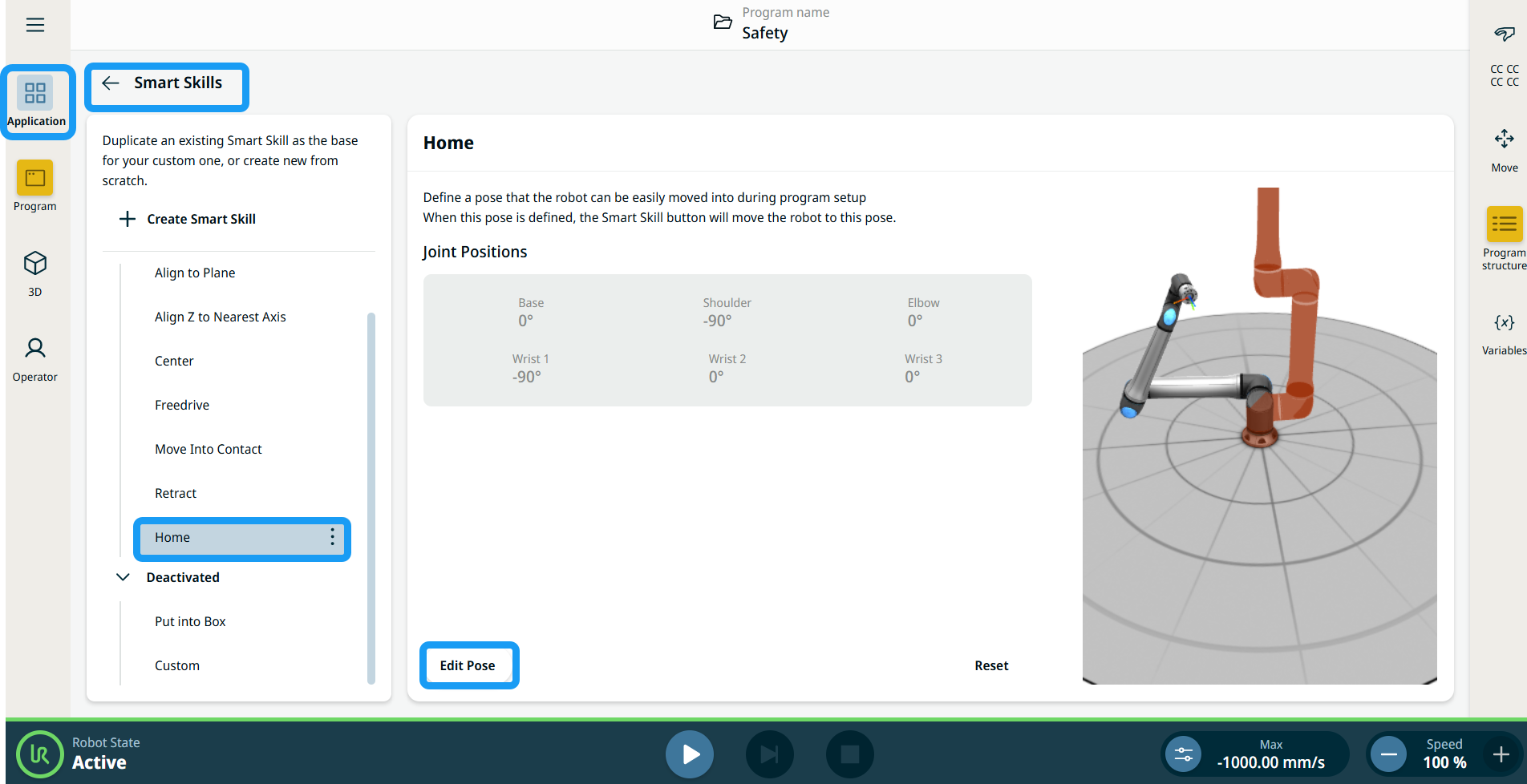
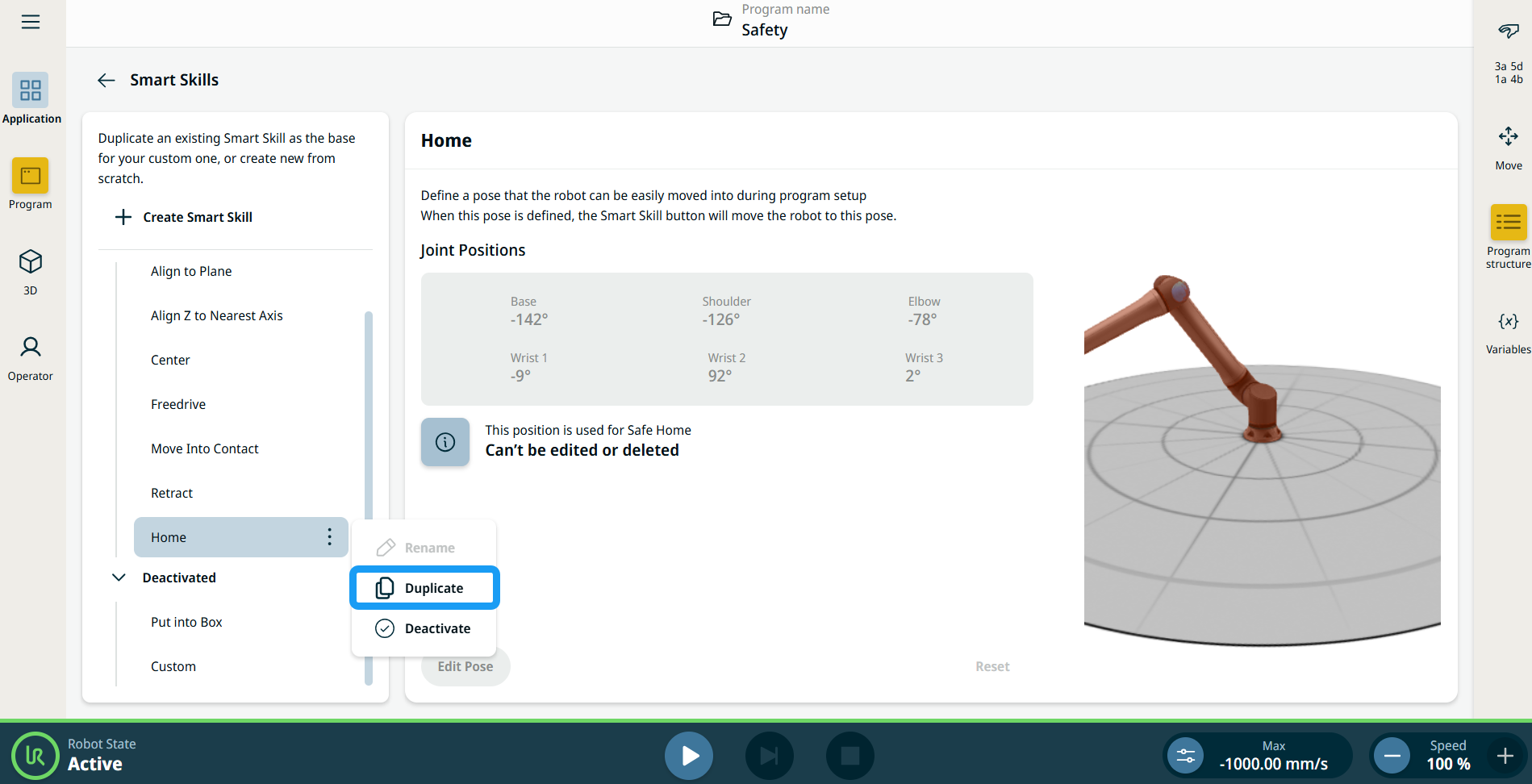
  1. Tap the Application Tab and choose Smart Skills Application. You can see Home in the activated Smart Skill.


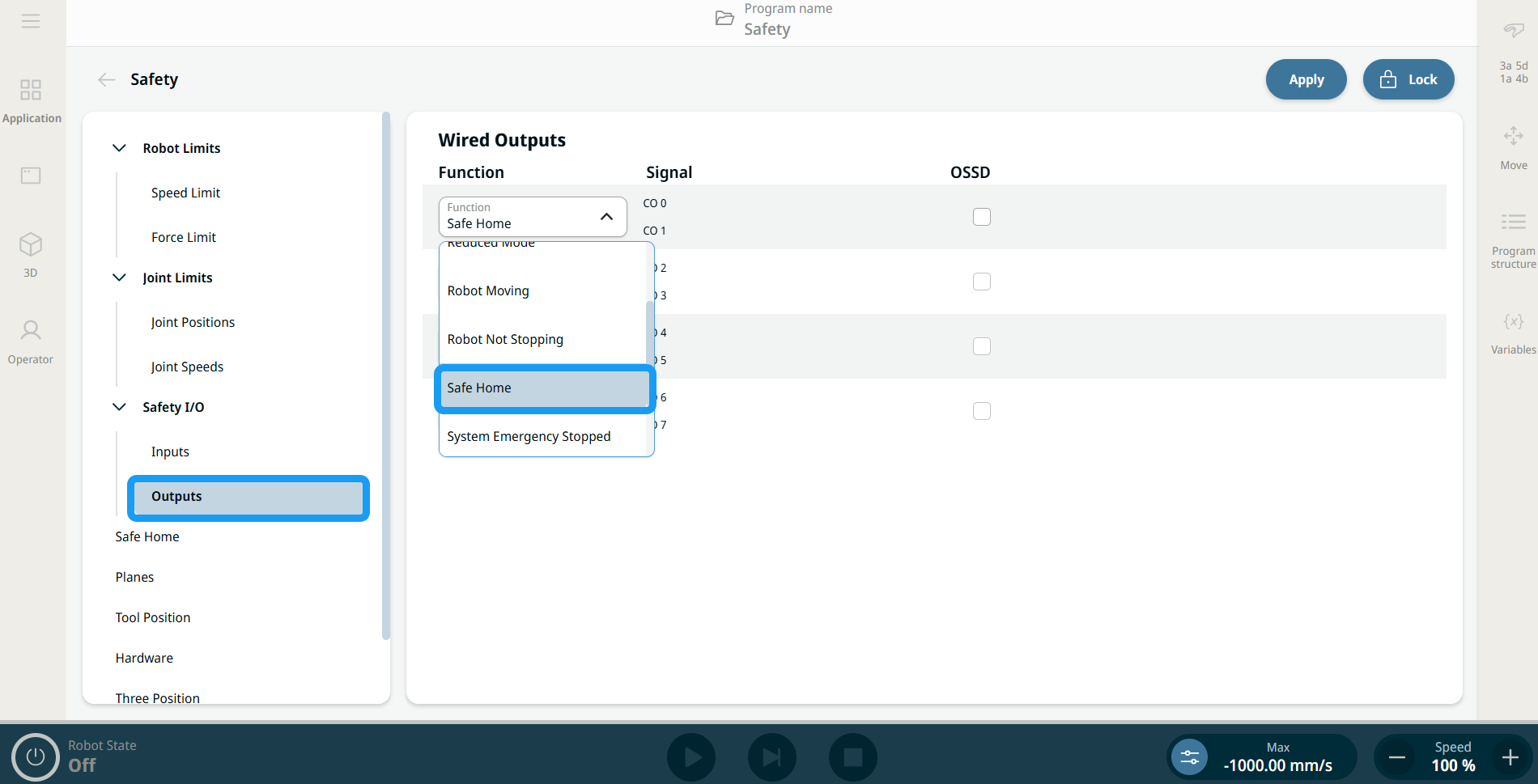
  2. Go back to the Application Tab and choose Safety Application. Choose Outputs under Safety I/O. Tap Unlock. Enter the Safety password and Confirm.


  1. The four Function fields are now activated. In any Function field, choose Safe Home.


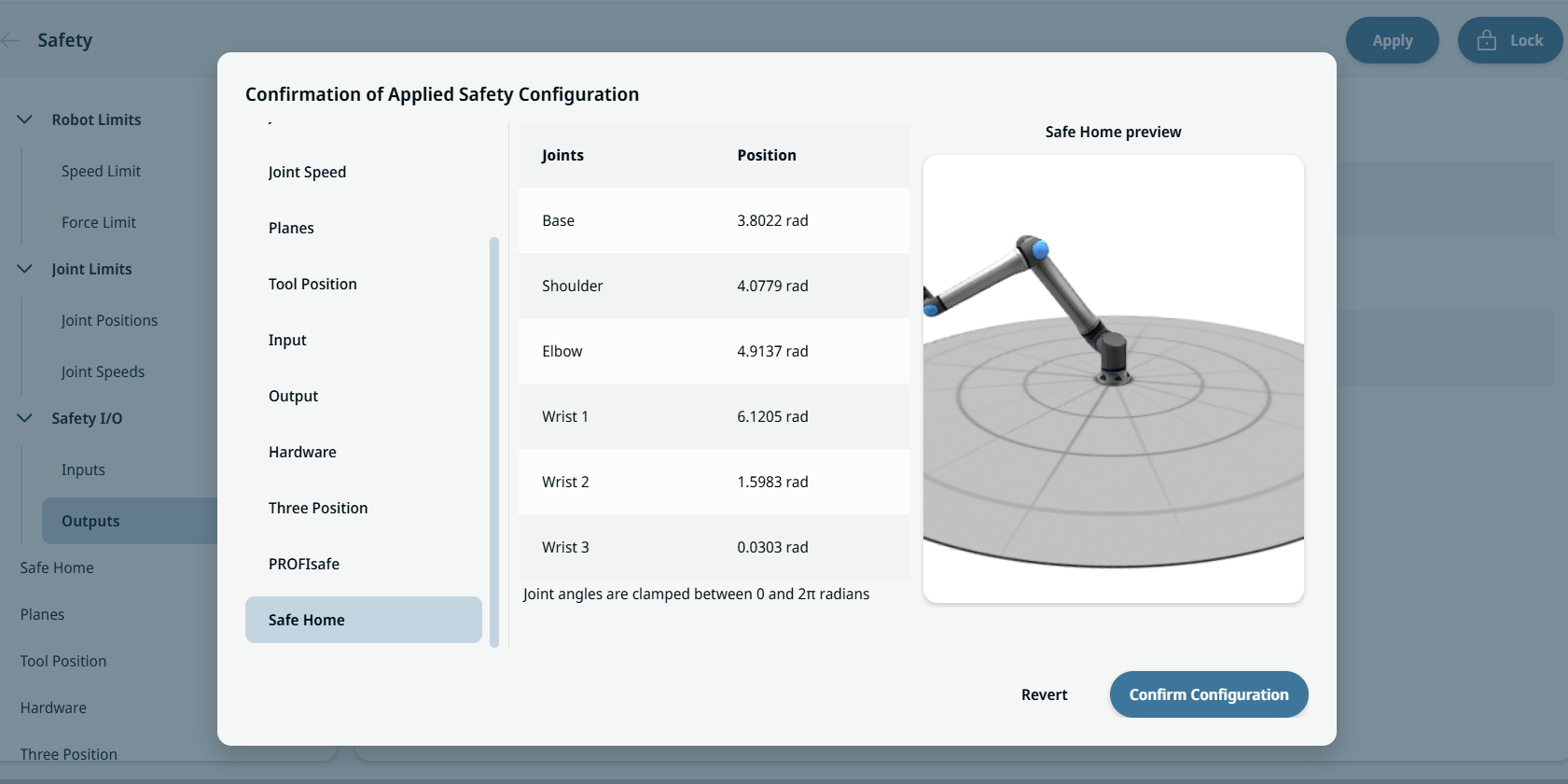
  2. A Home Position field is inserted to the right. Tap Apply and choose Apply and restart. Then tap Confirm Configuration.

  3. Go back to Smart Skills Application in the Application Tab. Under Home, you can see a notification message stating "Position is used for Safe Home."


Changing Position

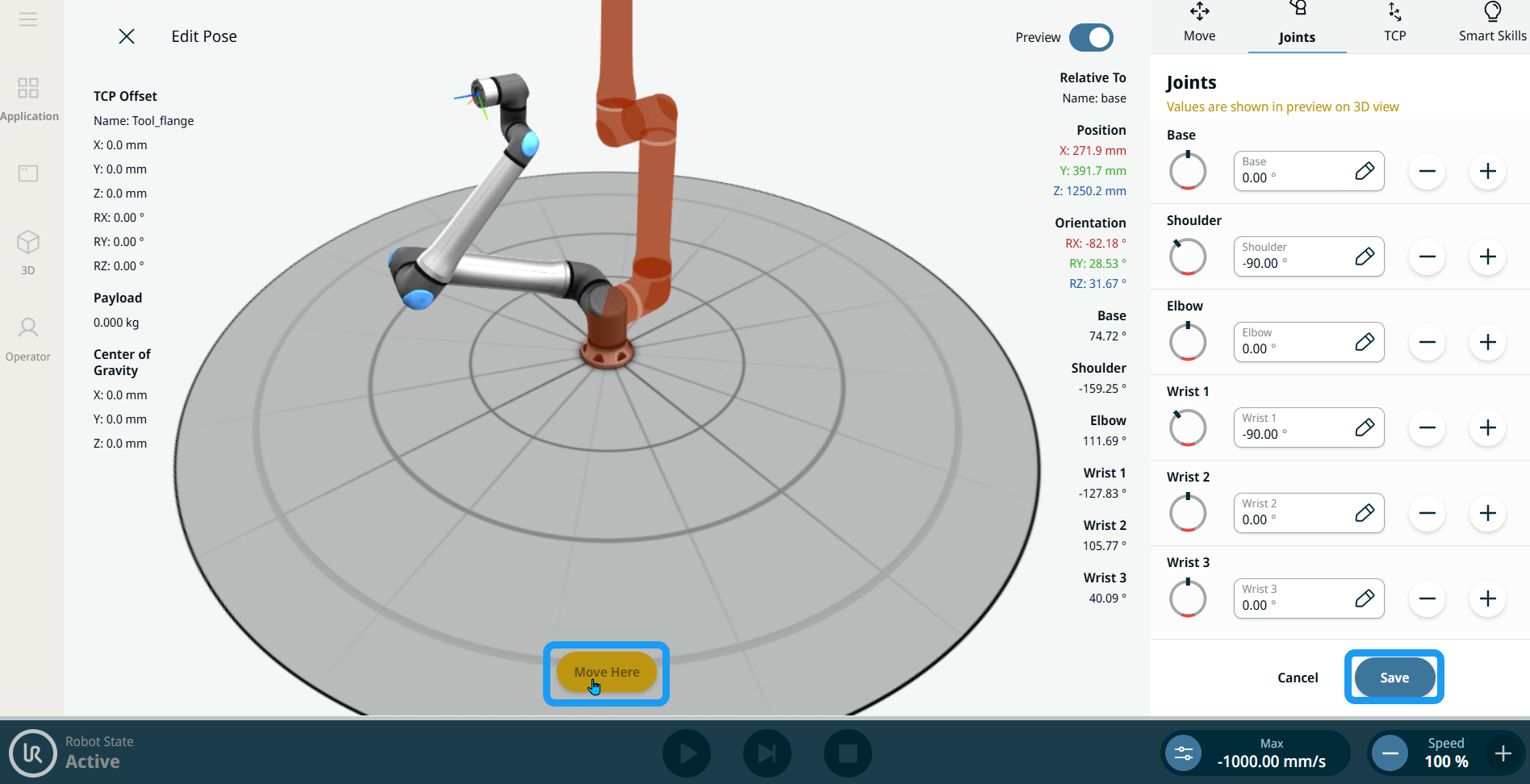
  1. Tap Edit Pose to jog the robot using the X, Y, Z plus-minus buttons. The 3D view of the robot arm appears in the main screen. Tap Save. Another notification message appears, stating "Position has been changed."

  2. Repeat procedure number 2. The Safe Home function and Home position are in gray, signifying Sync.

  3. Tap the yellow Sync button and Apply.

  4. Tap Apply and restart. Before you confirm configuration, scroll down the left pane of the popup screen, and tap Safe Home. The new synched values are displayed with the new robot visualization.


Safe Home as a program node

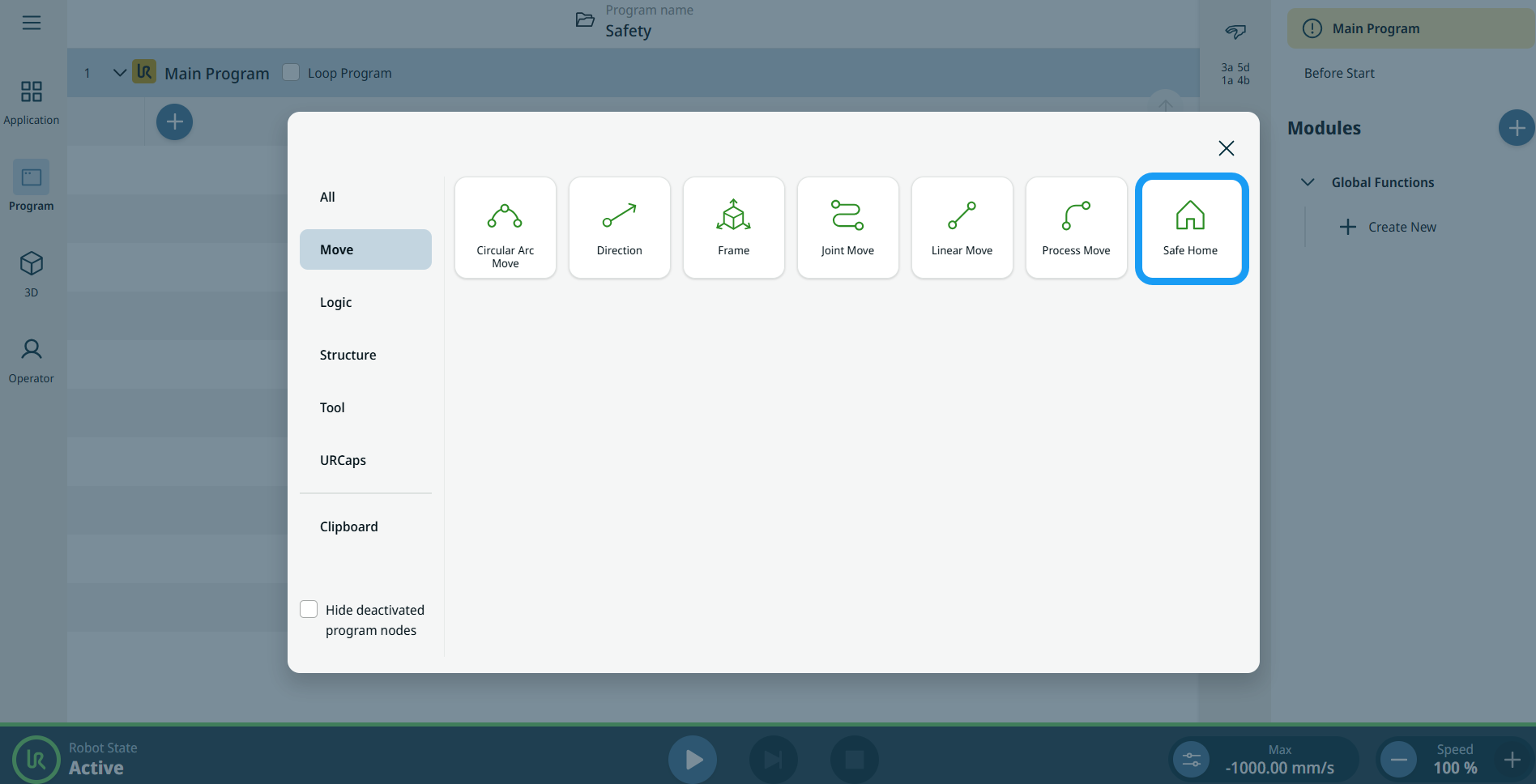
When the Safe Home feature is created successfully, a new program node called Safe Home is added to the Move category.