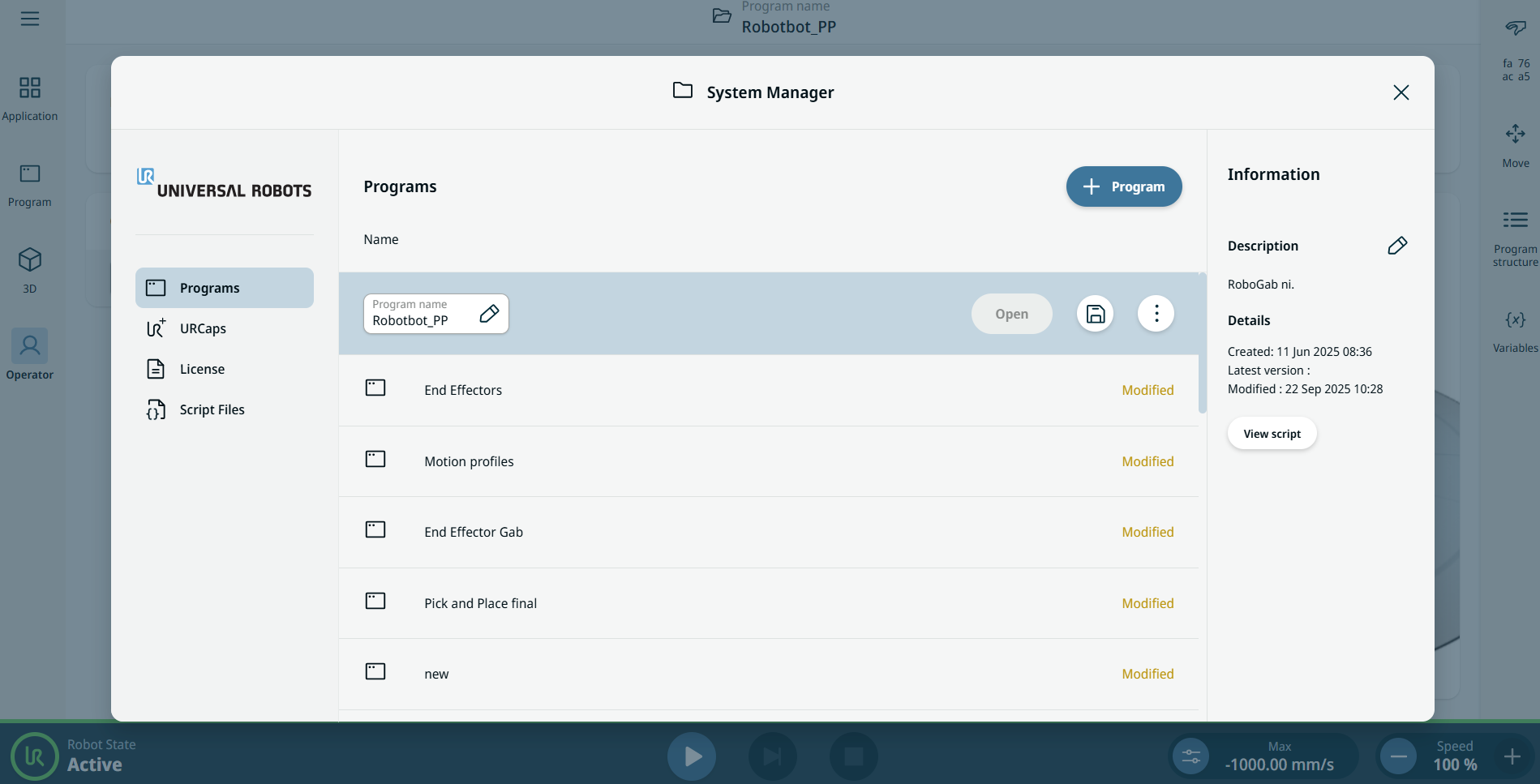
System Manager
| Description |
The System Manager enables you to do the following functions:
|
|
To access System Manager |
There are two ways to access the System Manager: Header: Tap the header, which contains solely the Program name menu. Hamburger Icon: In the main navigation, tap the hamburger icon and then System Manager.
|
|
|
The System Manager screen appears, which contains the following components located in three columns.
On the left column are found the following sections:
On the center column are found the Program Manager, which lists the created program, and the + Program button/icon, which enables the creation of new program and importing a program. On the right column are found the editable Description field and View script button.
|