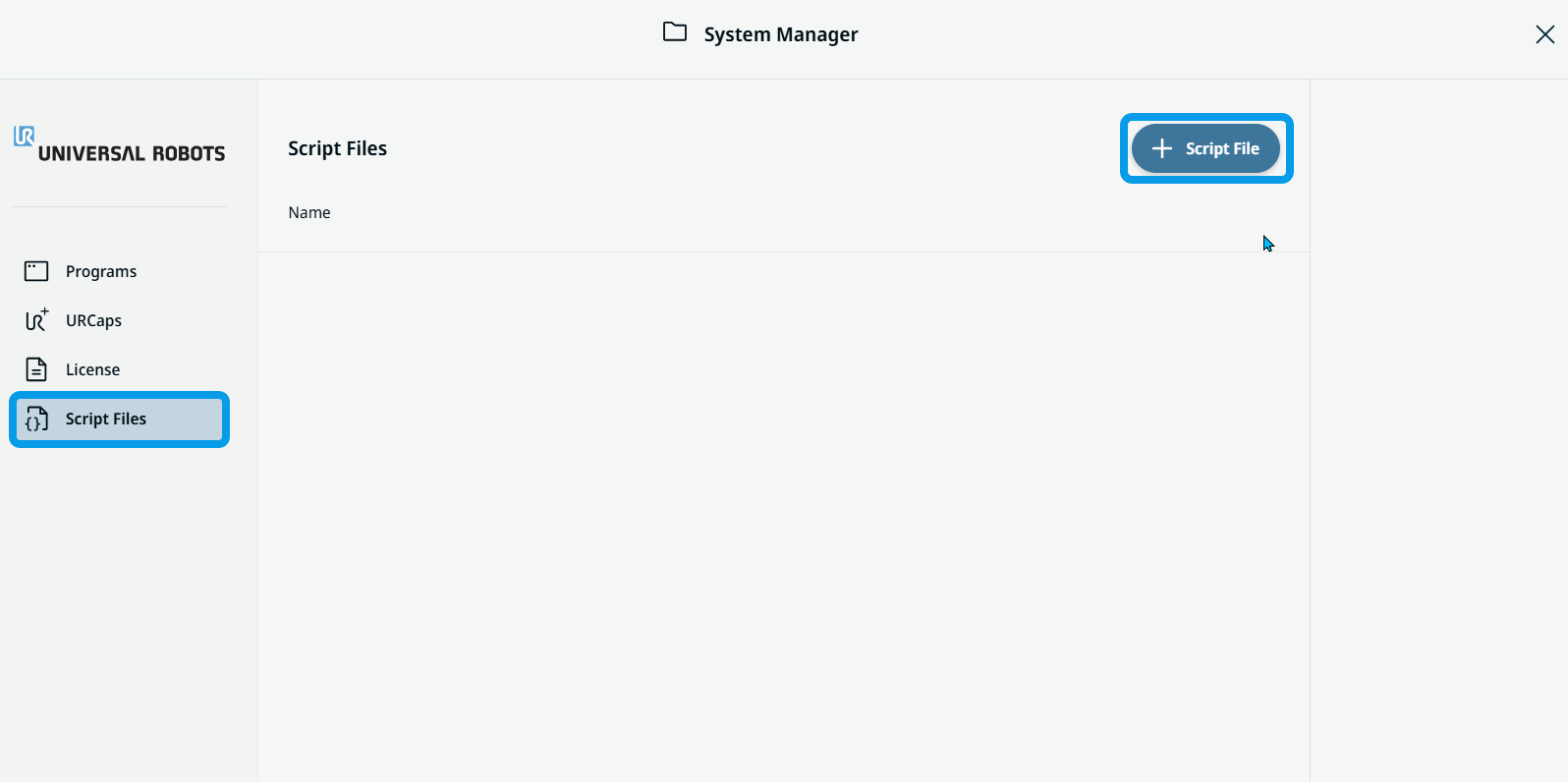
Script Files
| Description |
Script files are used in the program through the Script Node, imported from a disk into PolyScope X. The script files are managed via the System Manager
|
| To access Script Files |
Script files are kept according to their file name. So reimporting the script file again from disk will overwrite the old one. Once imported, the script file can be deleted or viewed.
|