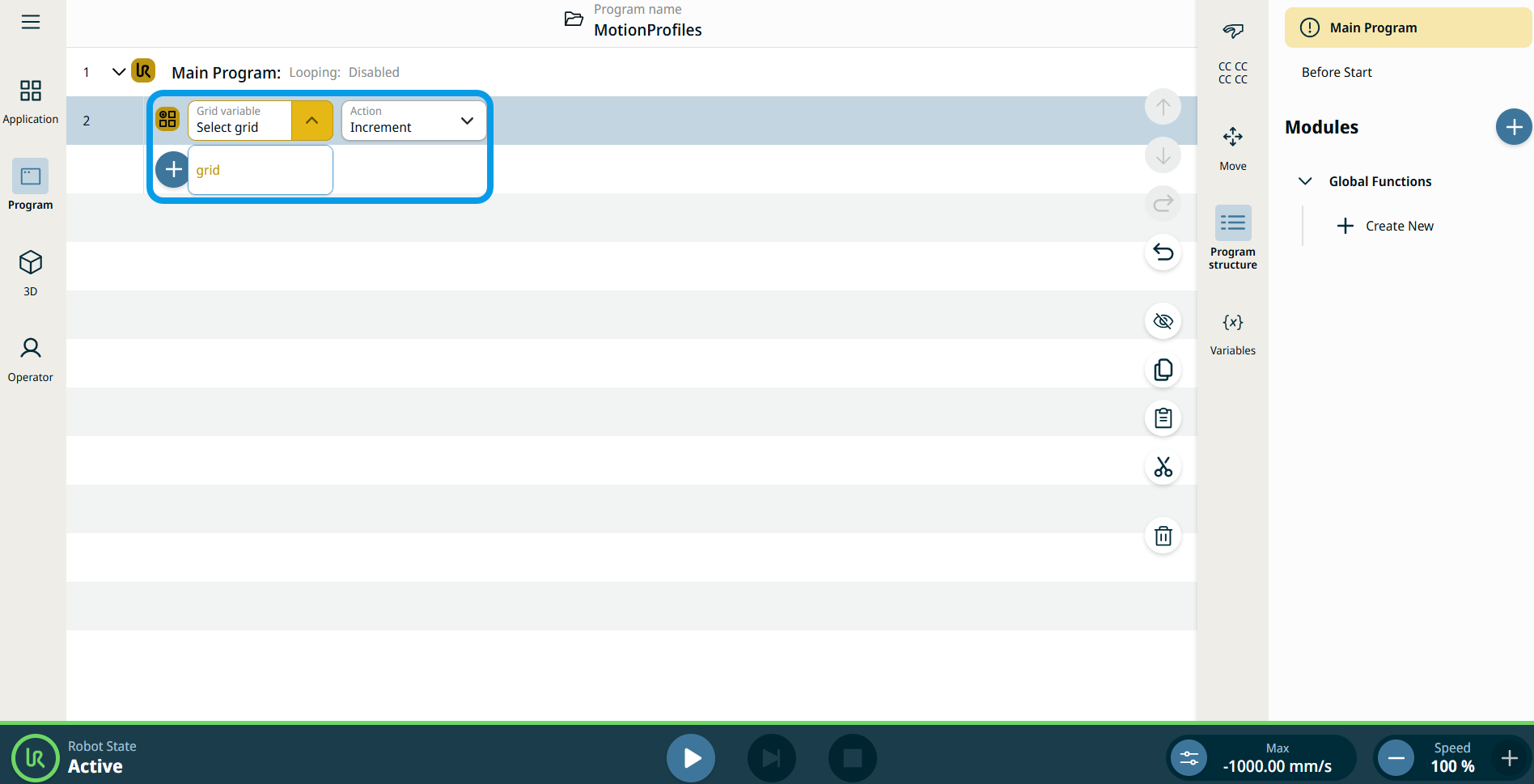
Grid Iterator
| Description |
The Grid Iterator command enables you to move a grid from the first position the next to first position. The Grid Iterator command is used in combination with a grid created in the Grids submenu under the Application menu, located on the left toolbar. See Grids Application.
|
|
To access Grid Iterator command |
Each increment moves the variable to the next grid position. The pose variable, grid_iterator, can be used as the target in a Move node instead of a fixed waypoint, enabling sequential motion through the grid layout.
|