|
To access Loop command
|
-
Go to the main program screen. See Command Nodes.
-
Tap the Loop icon in the Commands toolbox.
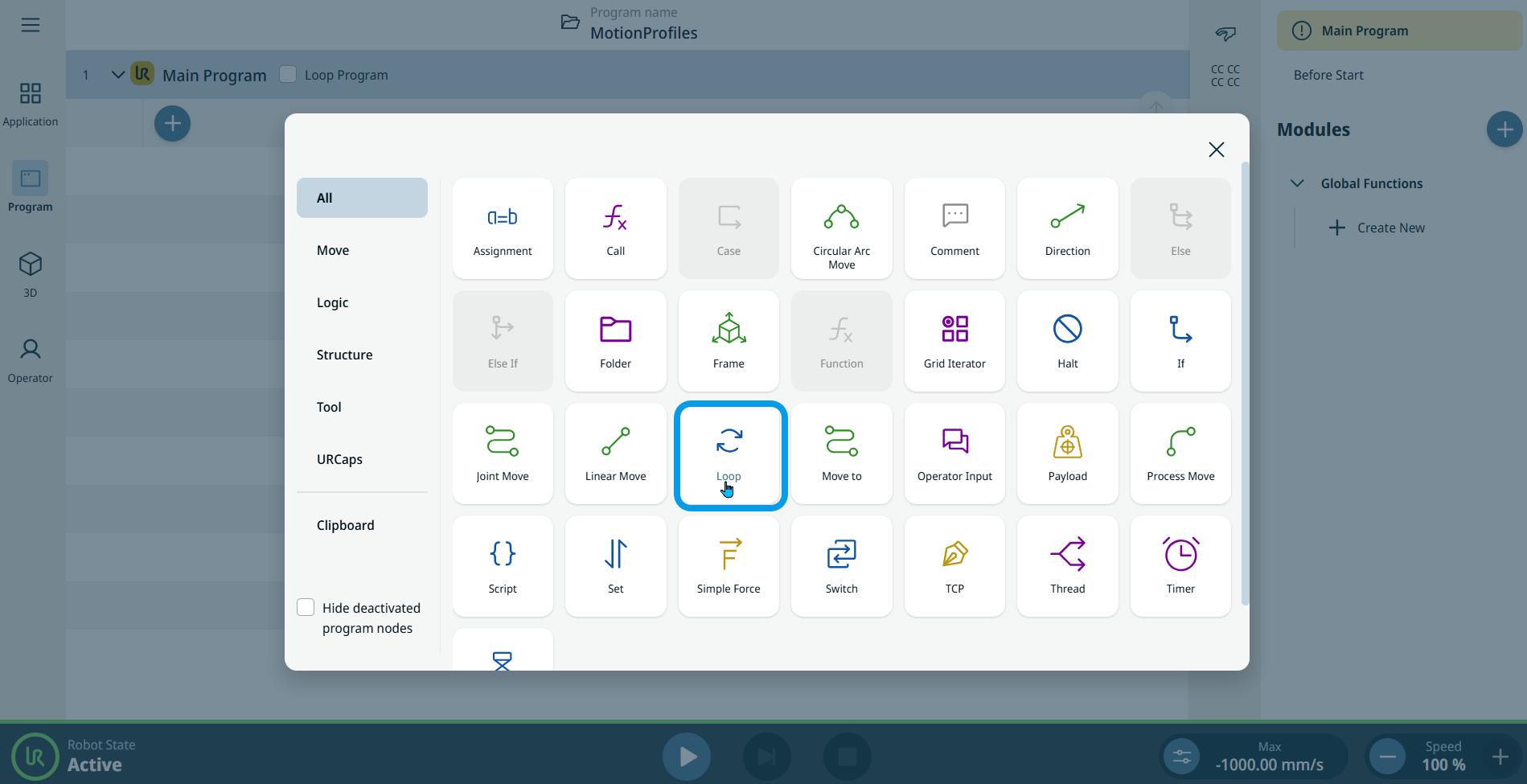
A node with Loop Type field is inserted into the program tree.
-
Tap the Loop Type field. Three choices are available:
-
Always. Any commands under the loop command will be repeated continuously, such as the Loop Program, which continually repeats everything under the Main Program.
-
X Times. Repeats any commands in the loop command the number of times that’s entered.
-
While. Use some type of expression as the trigger to end the loop cycle.

-
Tap the Always tab. No further action to do.
|
| |
-
Tap X Times, and two additional tabs appear on the right:
-
On the X Times tab, edit and Confirm.
-
On the Variable Name tab, edit and Confirm.
-
Tap While. An additional Expression tab appears on the right.
-
Tap Expression to create expression that must be between 1 and 1000 characters, and Confirm.
|