Comment

Description

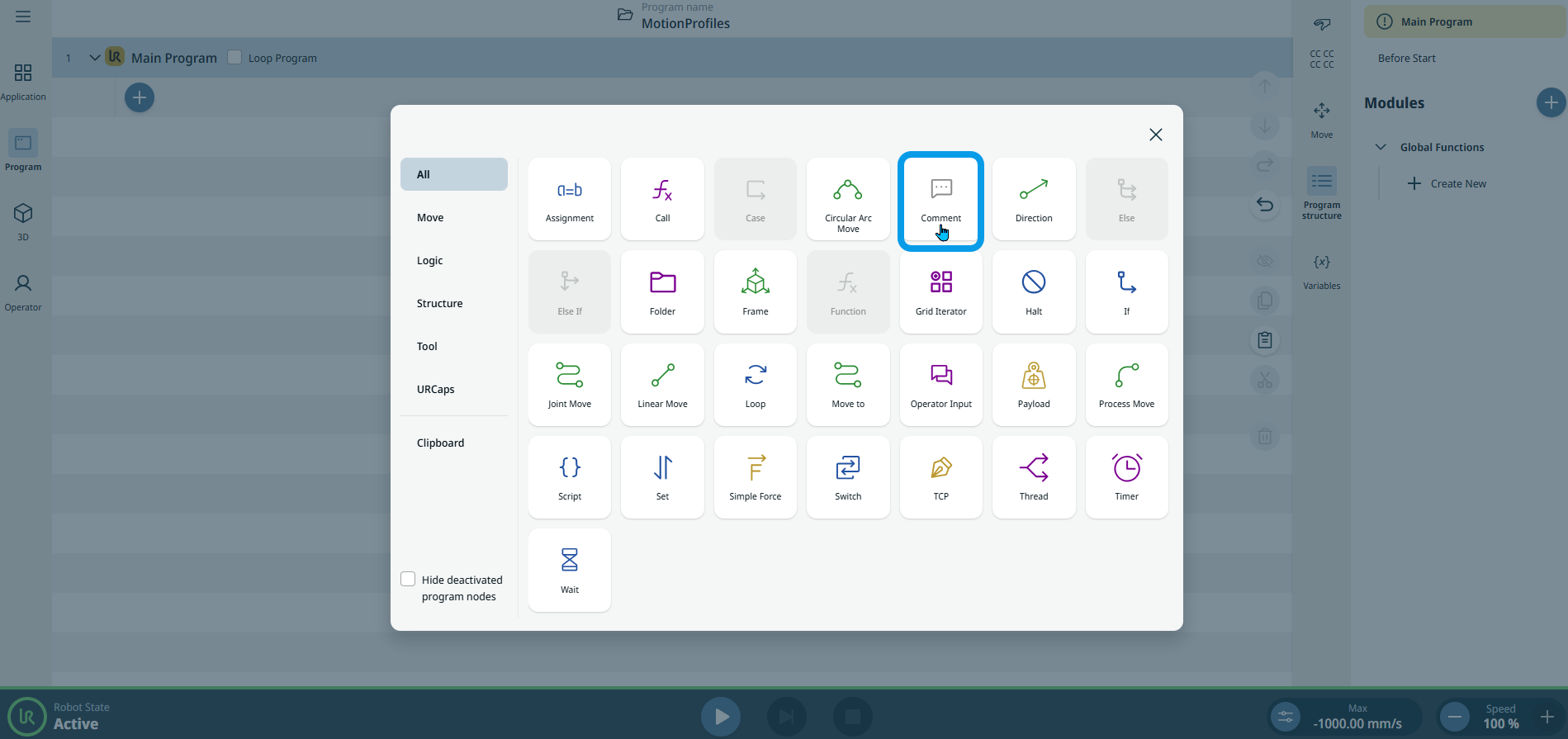
The Comment command allows you to add text descriptions into your program and so enables allows you to keep track of decisions you make while you create or update your robot program.


To access Comment command

  1. Go to the main program screen. See Command Nodes.

  2. Tap the Comment icon in the Commands toolbox.

    An editable Comment field is inserted into the program tree.

  3. Tap the Comment field.

  4. Create your comment.

    Note: A maximum of 1,000 characters is allowed.

  5. Tap Confirm.