Direction
| Description |
The Direction command enables you to move the robot in a specific direction in a linear motion along an axis. A stop condition halts it.
|
|
To access Direction command |
|
|
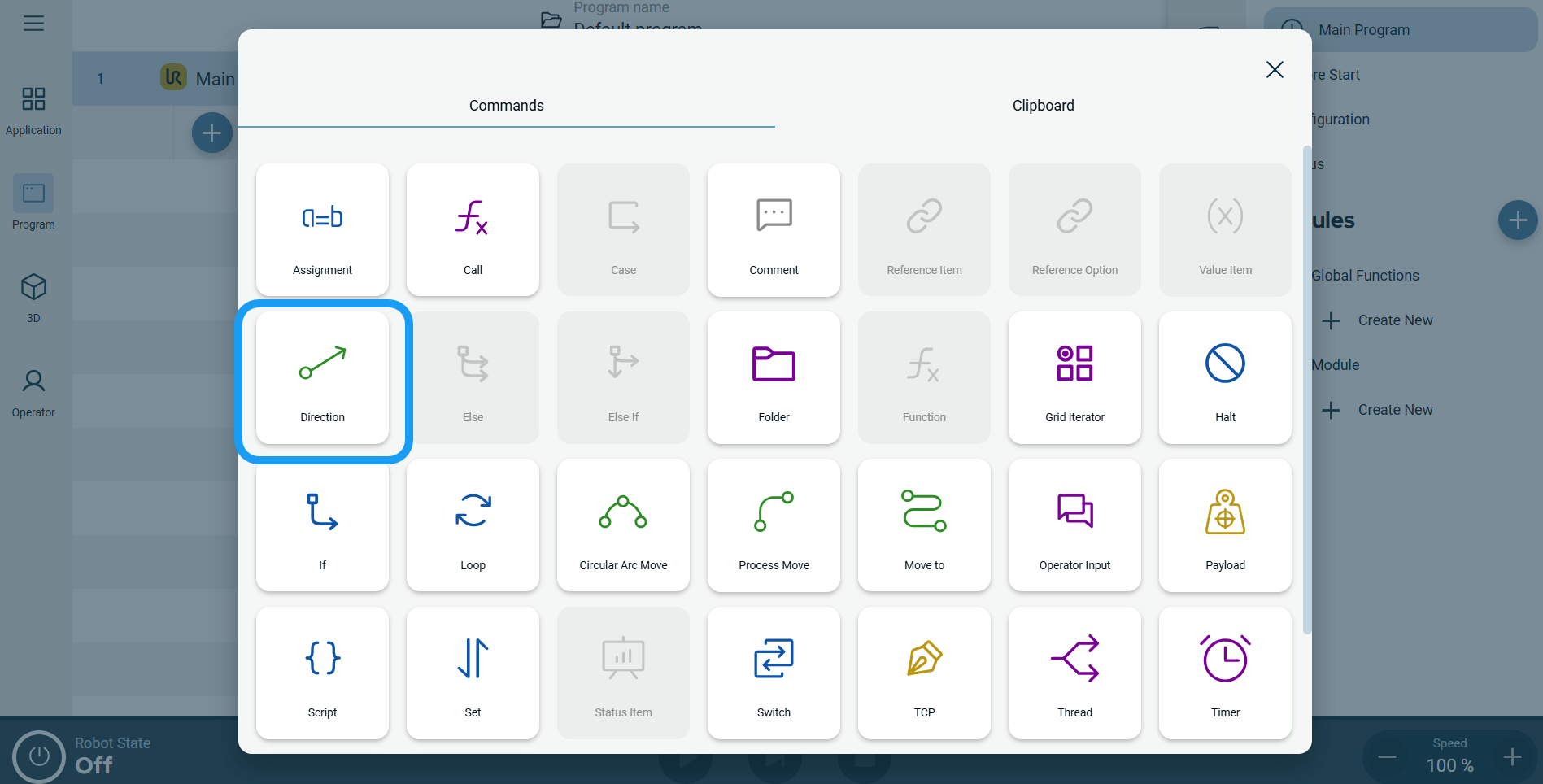 A node with three editable fields and a More button is inserted into the program tree. The three fields are: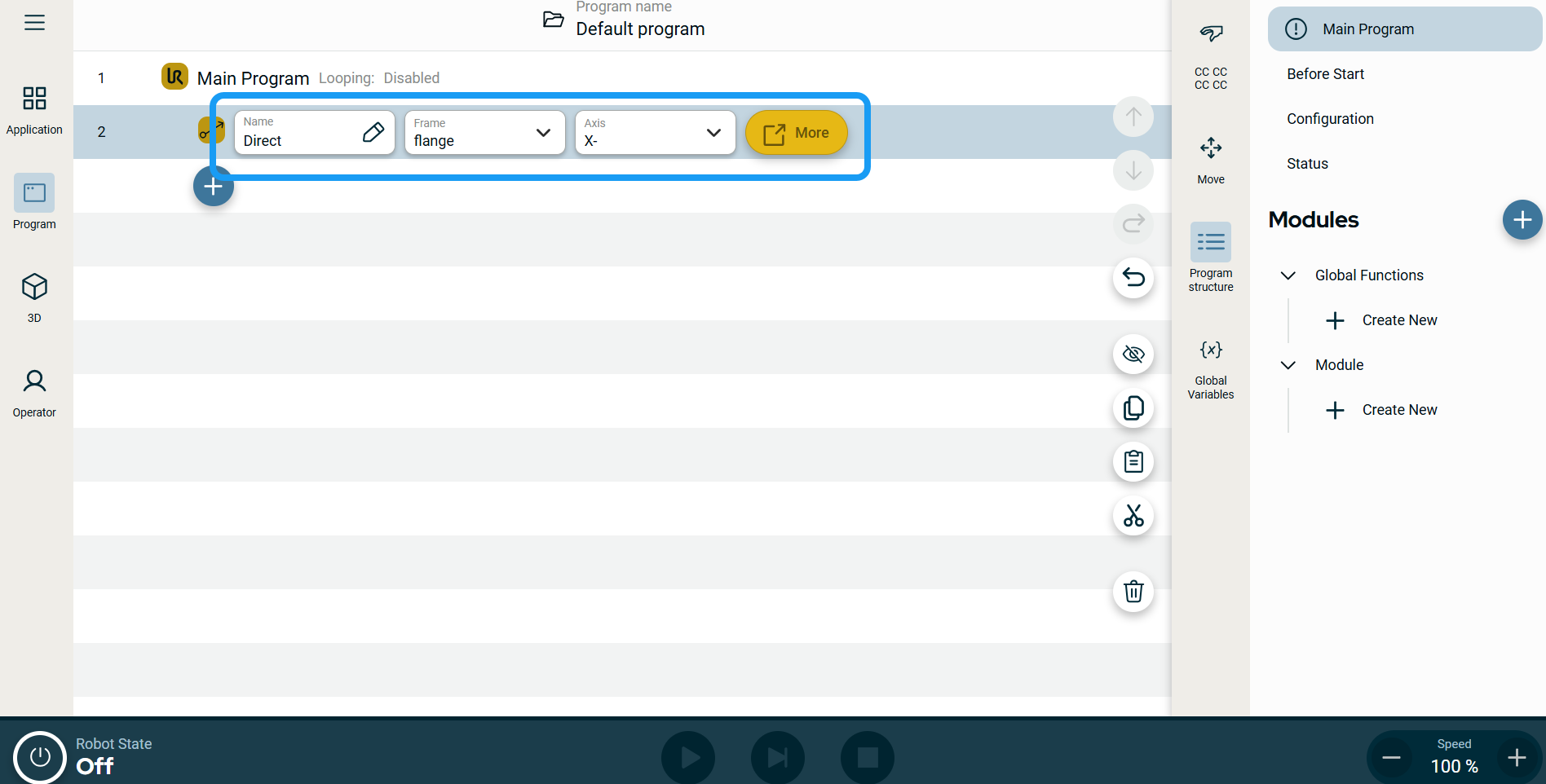
| Motion Profile labels on Move Nodes |
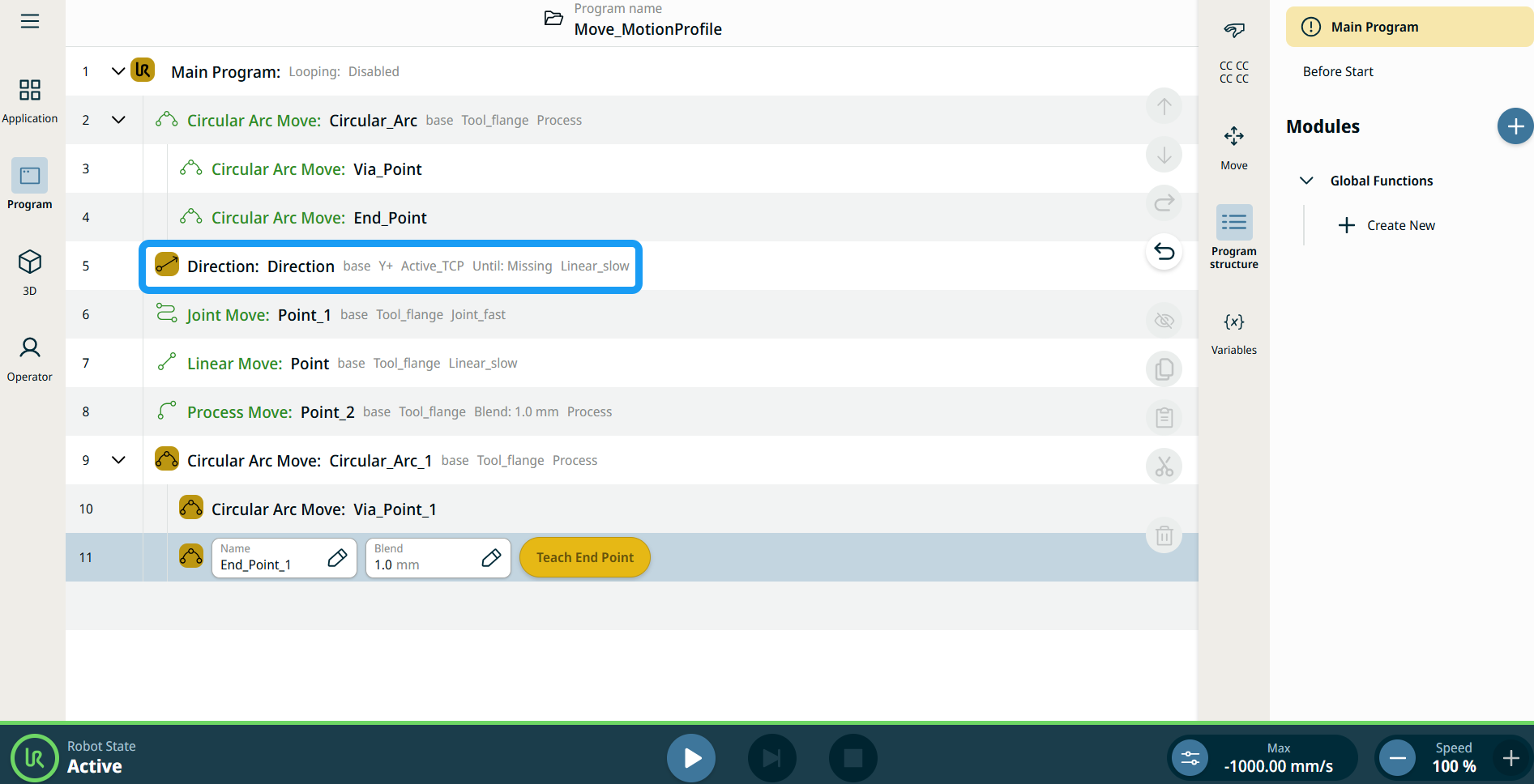
All Move-related command nodes in the program tree display the Motion Profile associated with each node. This feature enables users to see the selected Motion Profile on a Move node. This feature is implemented on the following command nodes: Move nodes with Custom motion profile will display the values for the speed and acceleration instead of Motion profile. |
|
|
|
|
To use the More options |
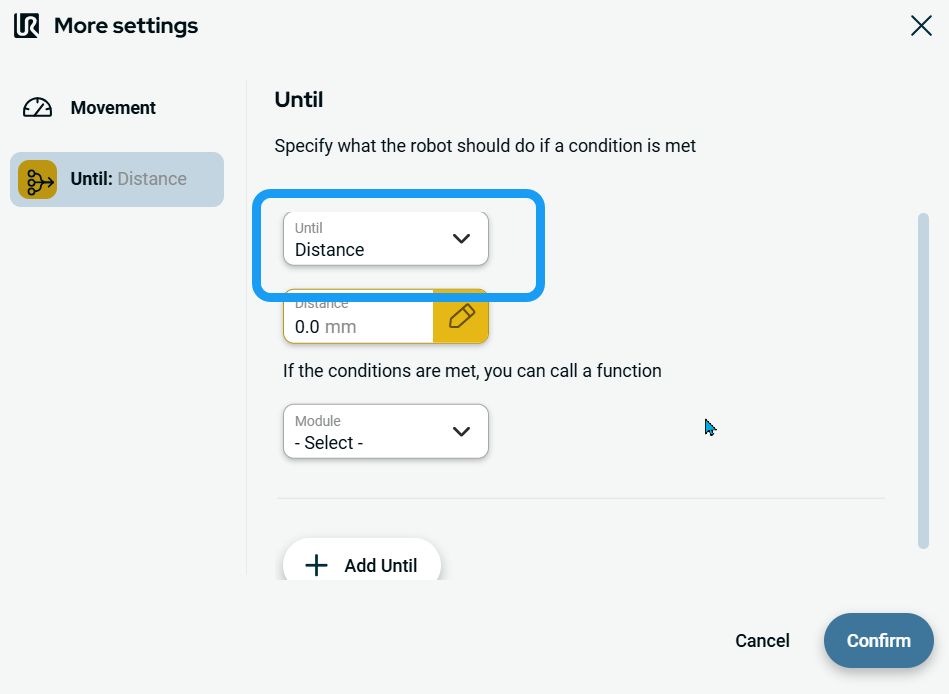
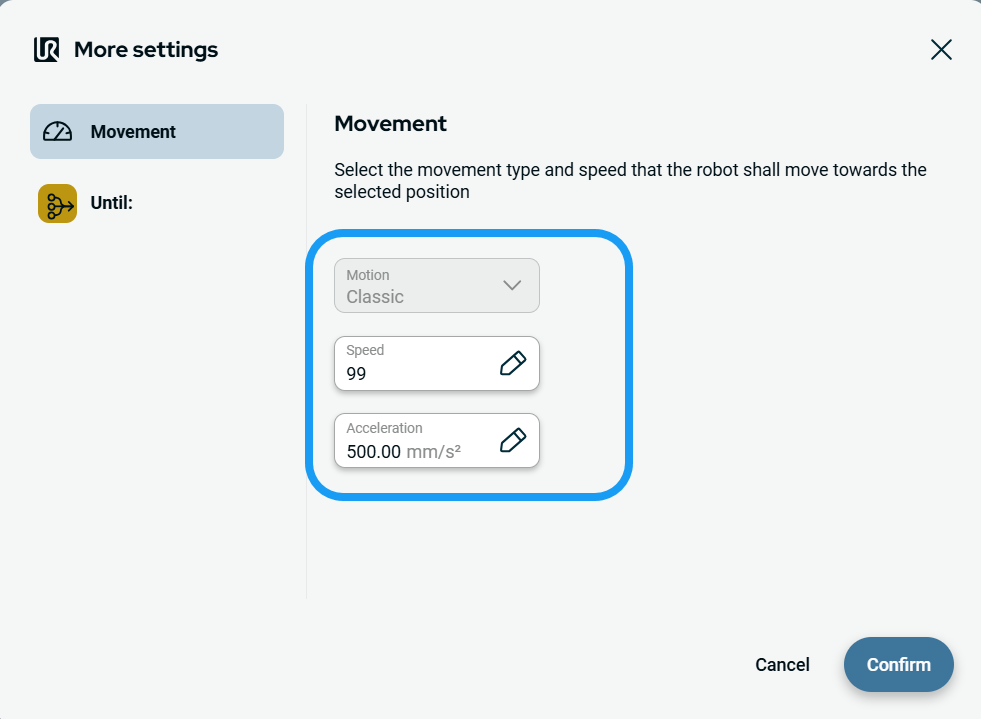
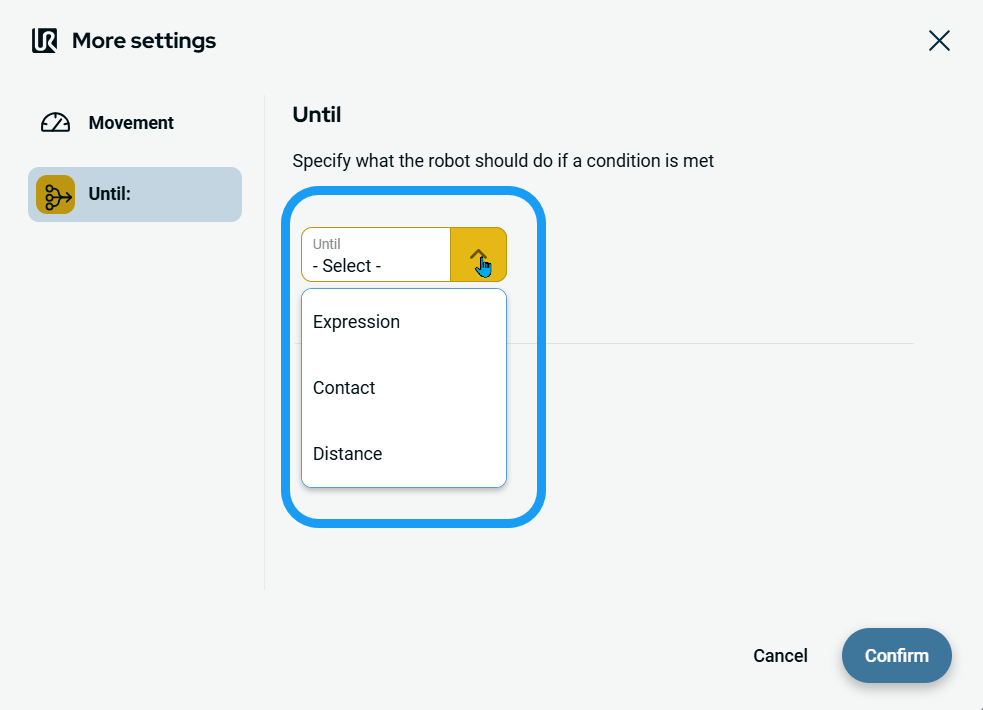
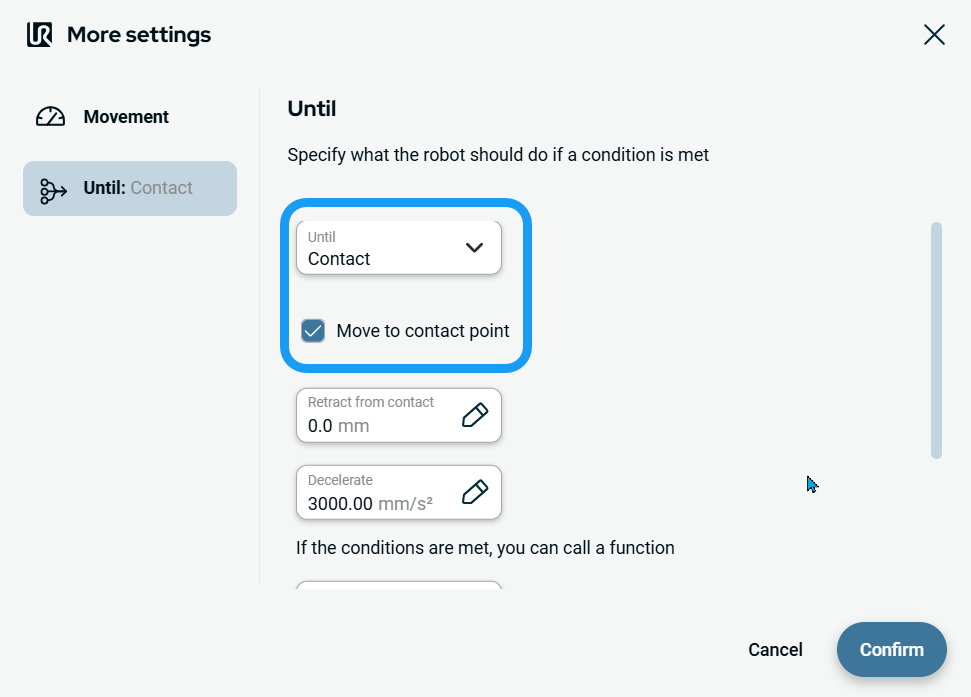
Tap the More button. A new screen appears containing two advanced settings:
|
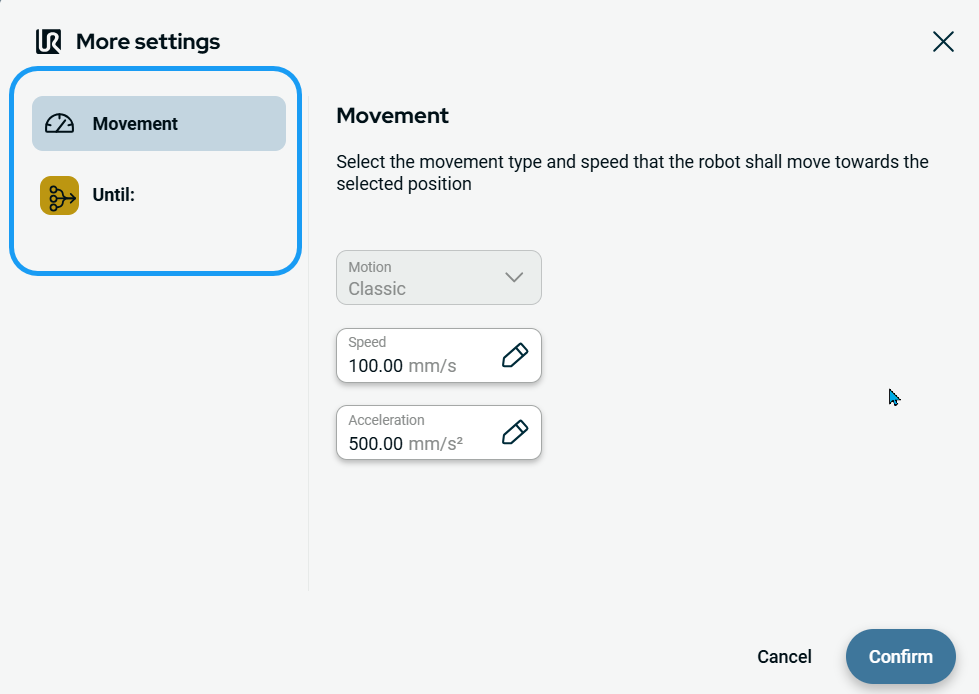
| To use Movement setting |
|
| To use Until setting |
|
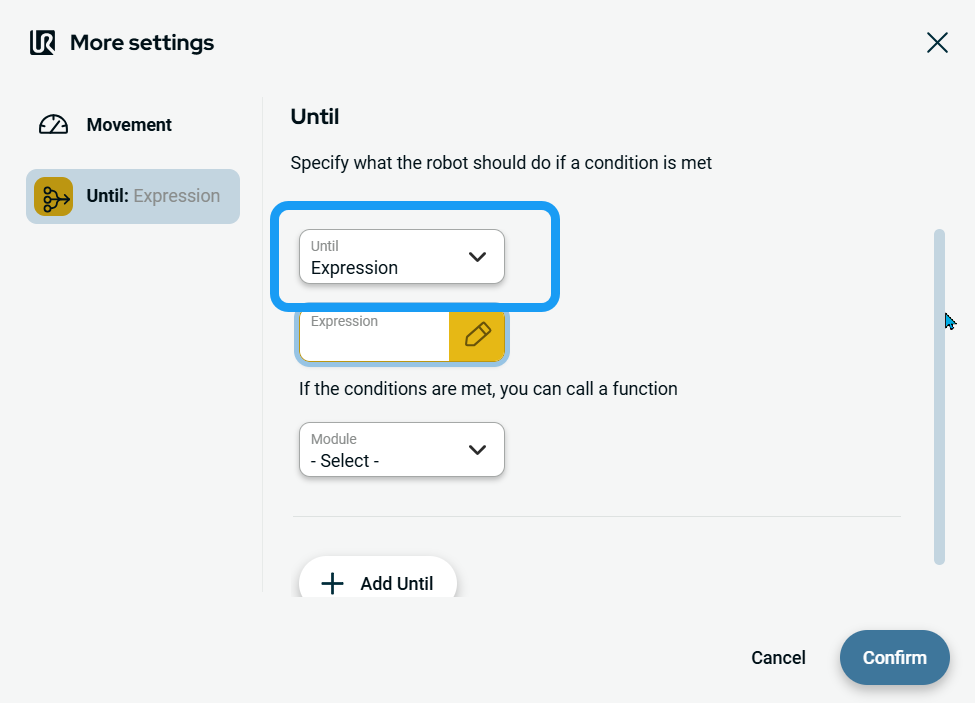
| To access Expression |
|
| To access Contact |
|
|
| To access Distance |
|