Timer

Description

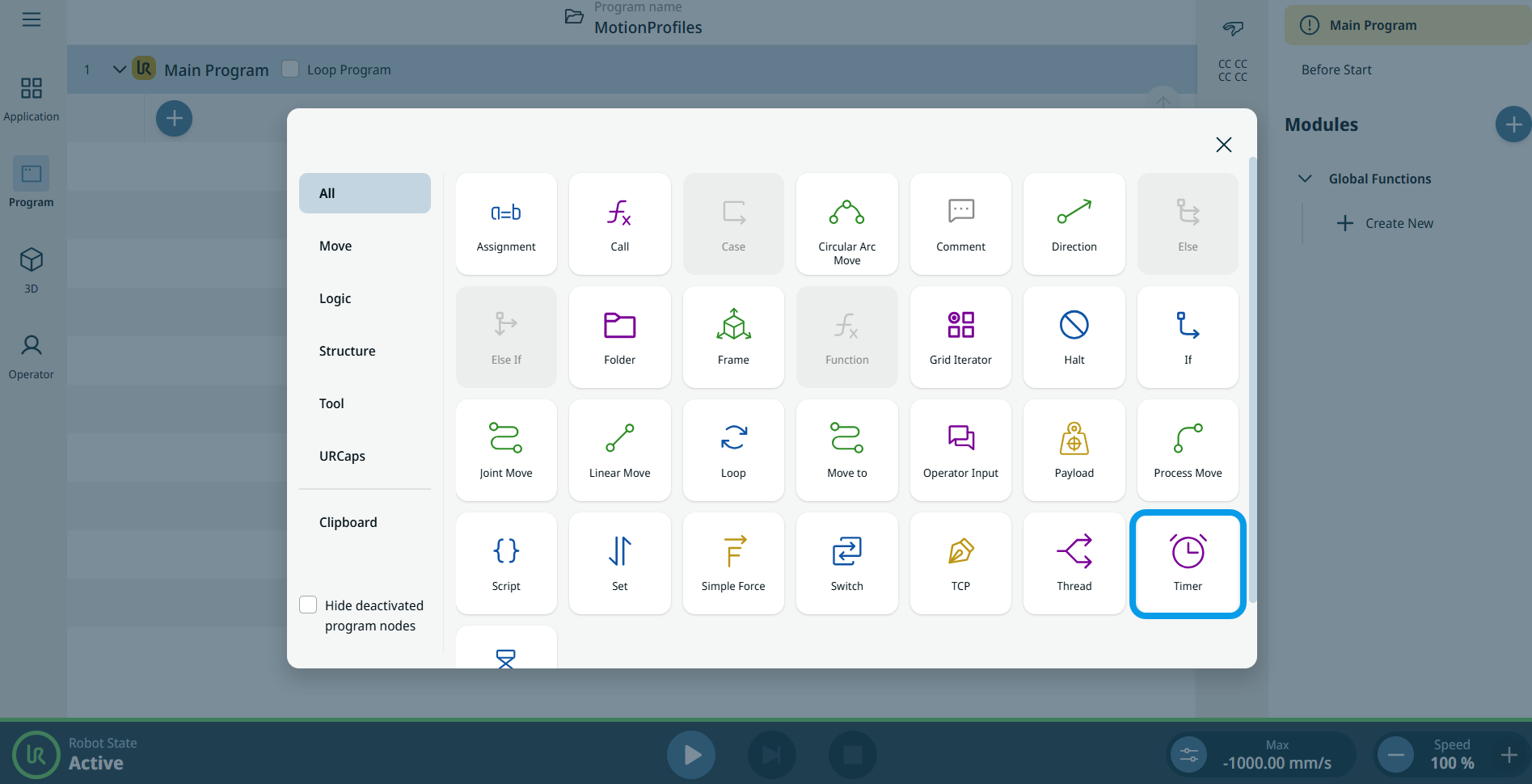
The Timer command is used to measure real time during program execution. Each timer node adds a timer variable or references an existing timer variable.


To access Timer command

  1. Go to the main program screen. See Command Nodes.

  2. Tap the Timer icon in the Commands toolbox.


    A node with two editable fields, Variable and Action, is inserted into the program tree.

  3. Tap the Variable field.

  4. Tap Rename if you choose a new name, and Confirm.

  5. Tap the Action field.

    Three options are available:

    • Start

    • Pause

    • Reset

    Note: Timer can be started, paused, and reset to 0.

    The elapsed time since the timer started can be read from the timer variable.