Movement Module

Description

A movement module enables you to reuse Move To command nodes to pick and place an object from one place to another using a gripper.


To create Movement Module

  1. Tap the add icon of the modules tree in the multitask screen. A module is inserted below Gripper module.

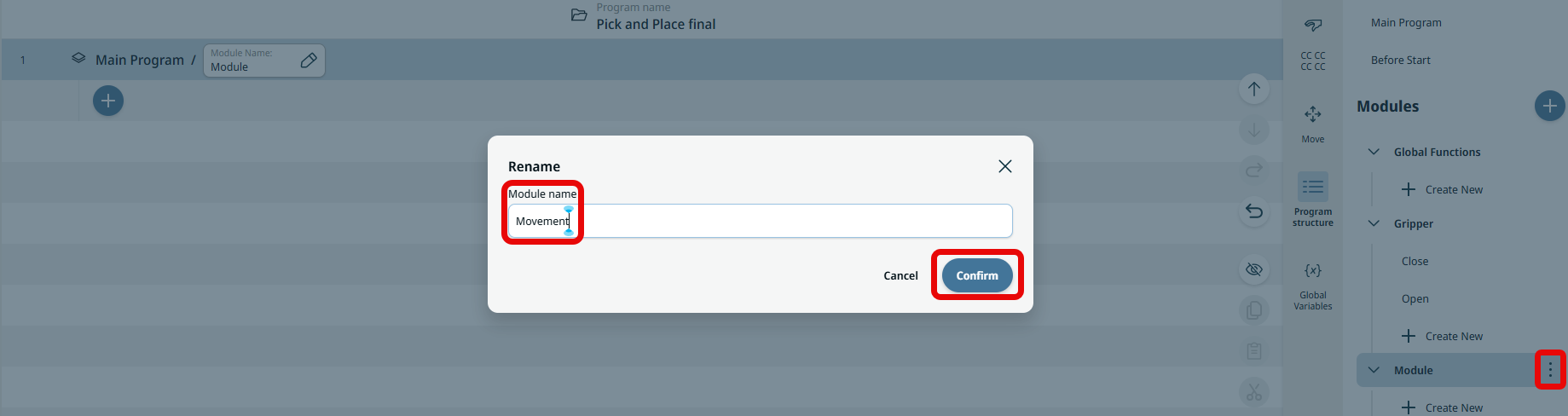
  2. Tap the Module kebab icon, rename the module name as Movement, and Confirm.

  3. Below the created Movement module, tap + Create New.

  4. In the main screen, tap the Function Name field in the Main Program tree, create name as Pick, and Confirm.

  5. In the multitask screen, tap + Create New below the newly created Pick function of Movement.

  6. In the main screen, tap the Function Name field in the Main Program tree, name it as Place, and Confirm.

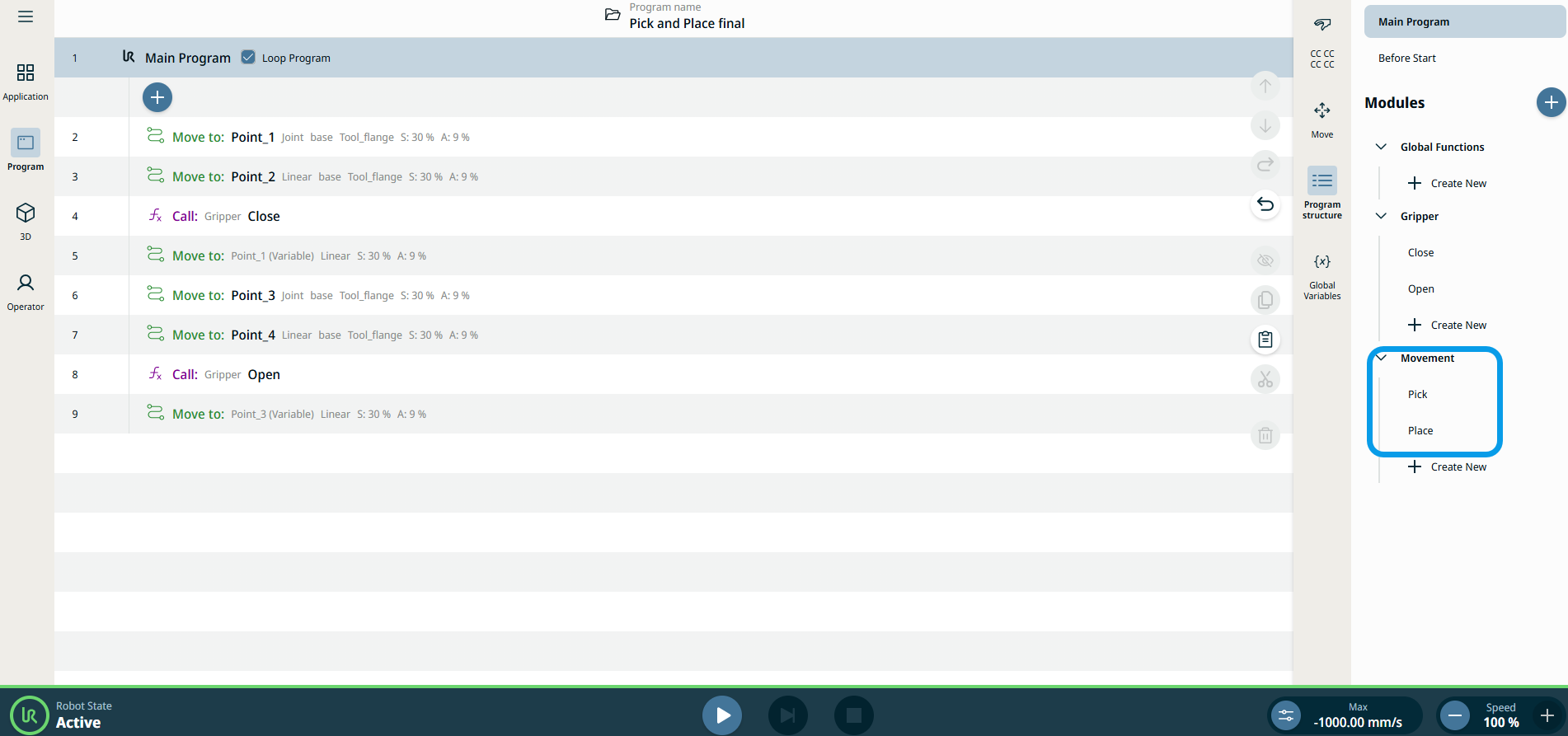
  7. Tap Main Program in the topmost part of the multitask screen. All used commands become visible again in the main screen.

    This is how PolyScope X interface appears in your screen.