Script

Description

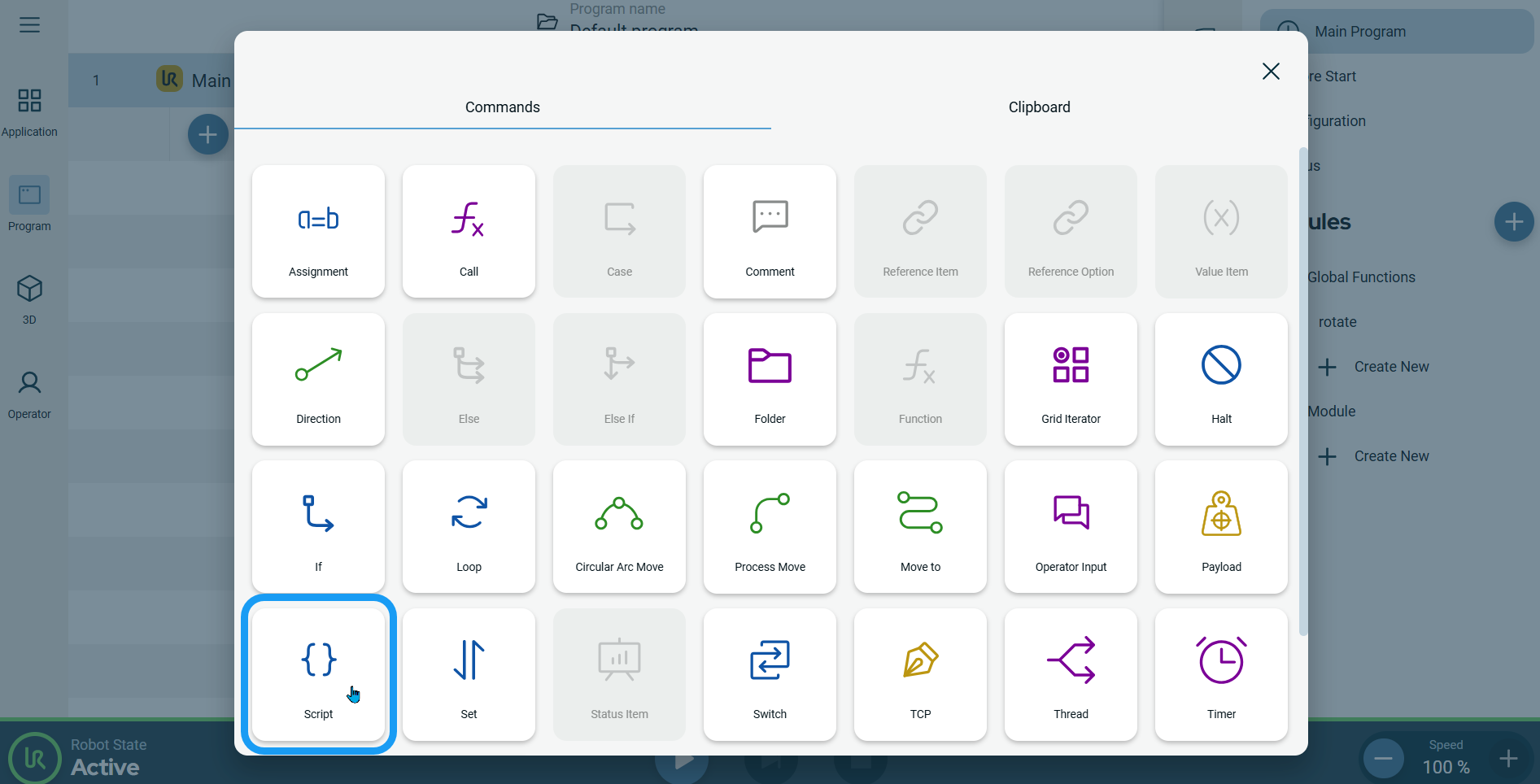
The Script command enables you to write and insert a URscript code or files directly in your program.


To access Script command

  1. Go to the main program screen. See Command Nodes.

  2. Tap the Script icon in the Commands toolbox.

    A node is inserted into the program tree. The node has an editable Name field and a Set Script button.

  3. Tap the Name field.

  4. Enter and edit your script name, and tap Confirm.

  5. Tap the Set Script button.

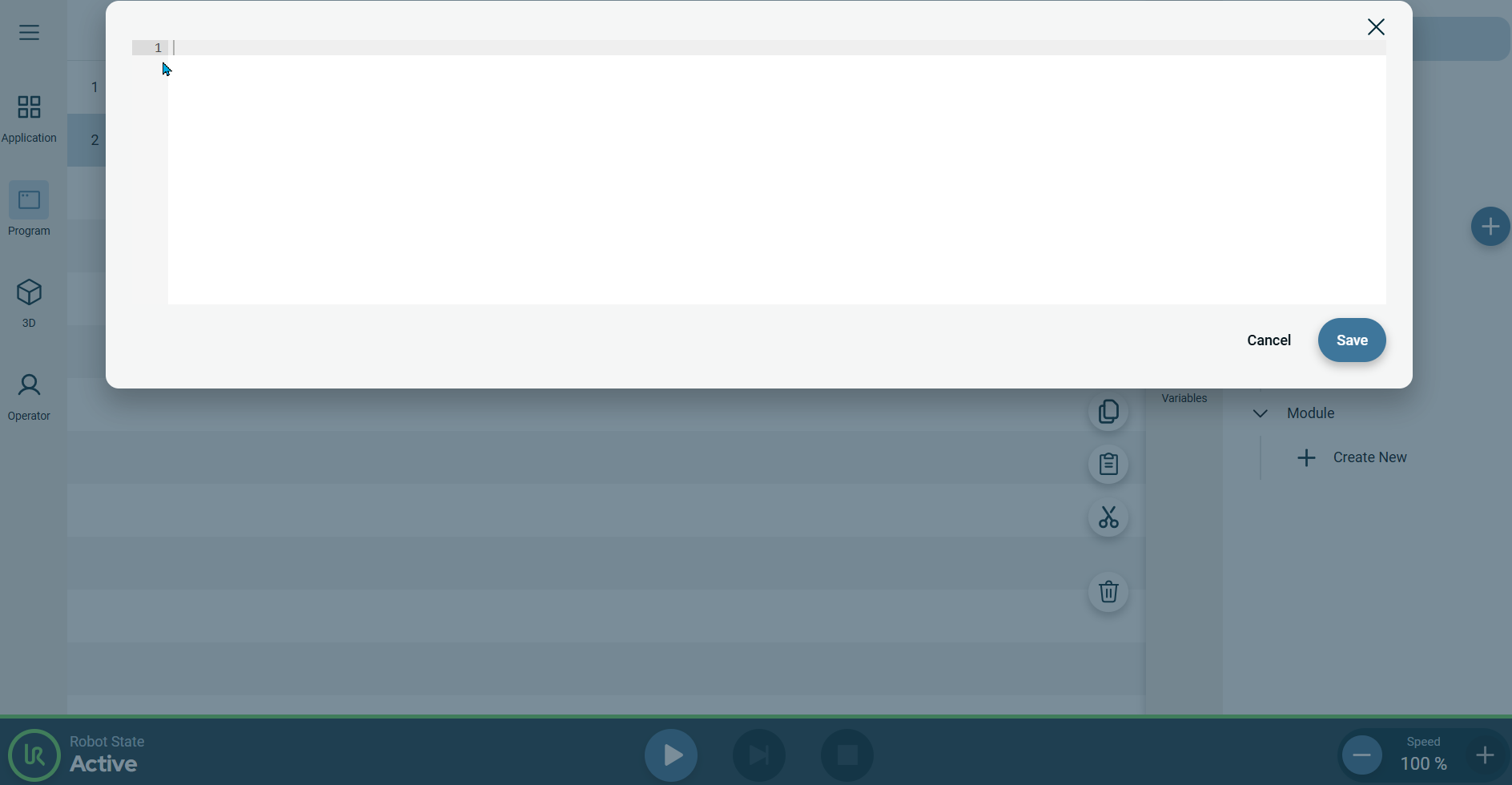
    A new screen appears.

  6. Enter the script and tap Save.