Function

Description

The Function command allows you to perform a specialized operation, like performing calculation, moving the robot, and other similar movements. The function will not be executed until the call command.

It is only insertable inside a module or from the Global Functions.


To access Function command

  1. Go to the main program screen. See Command Nodes.

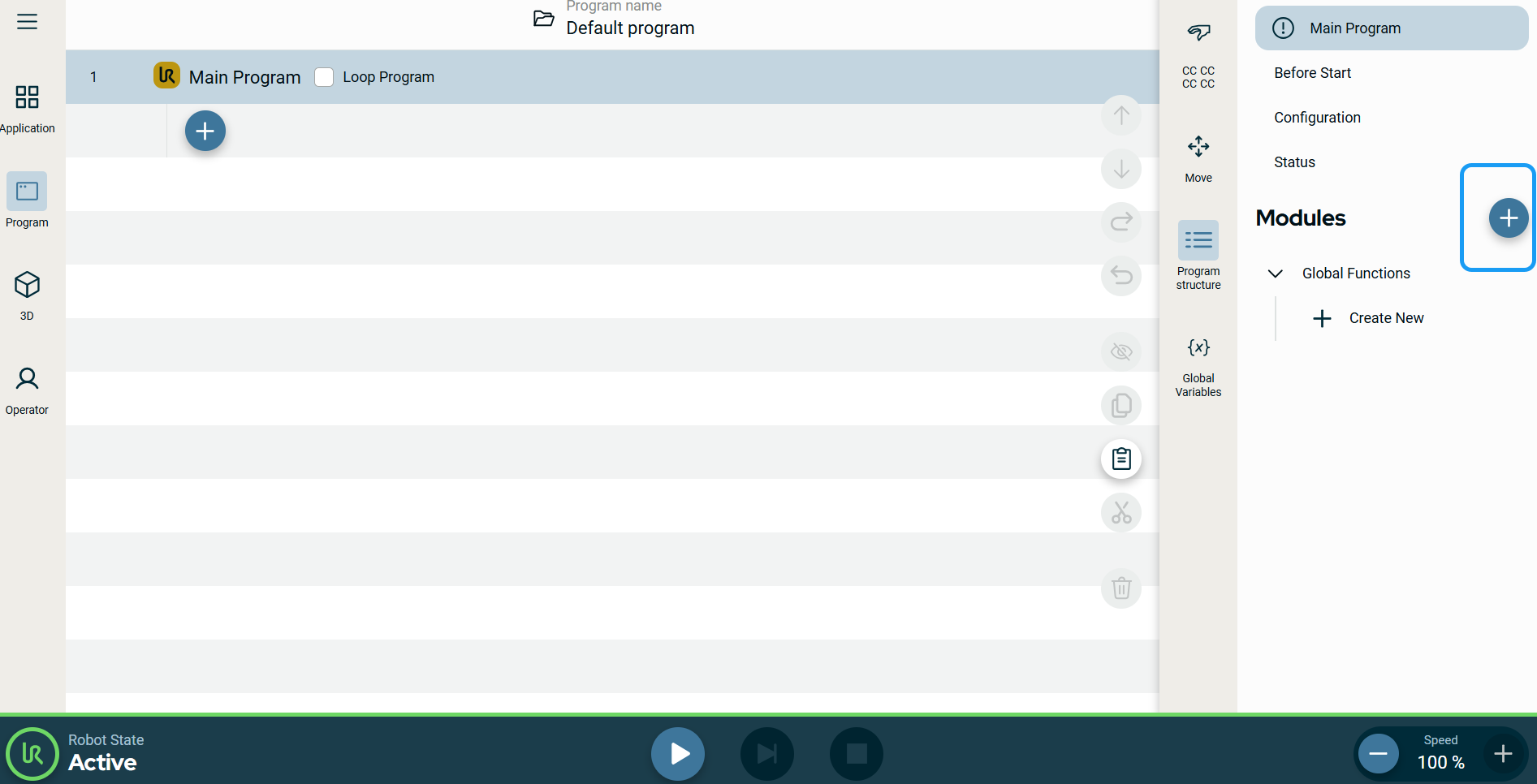
  2. Tap the add icon beside the Modules tree in the multitask screen.

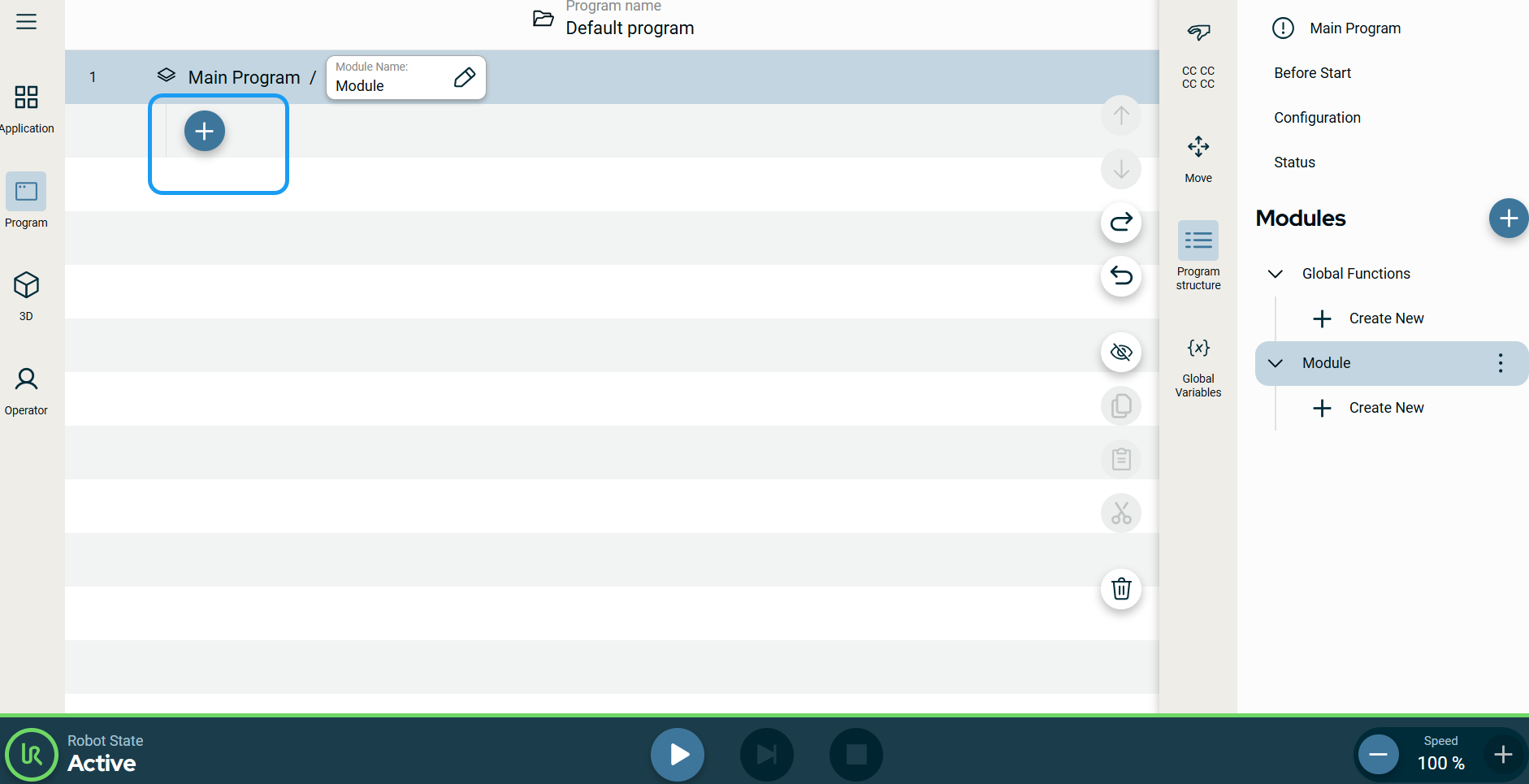
    A new module is inserted into the module tree.

  3. Tap the add icon in the main screen located under the Main Program.


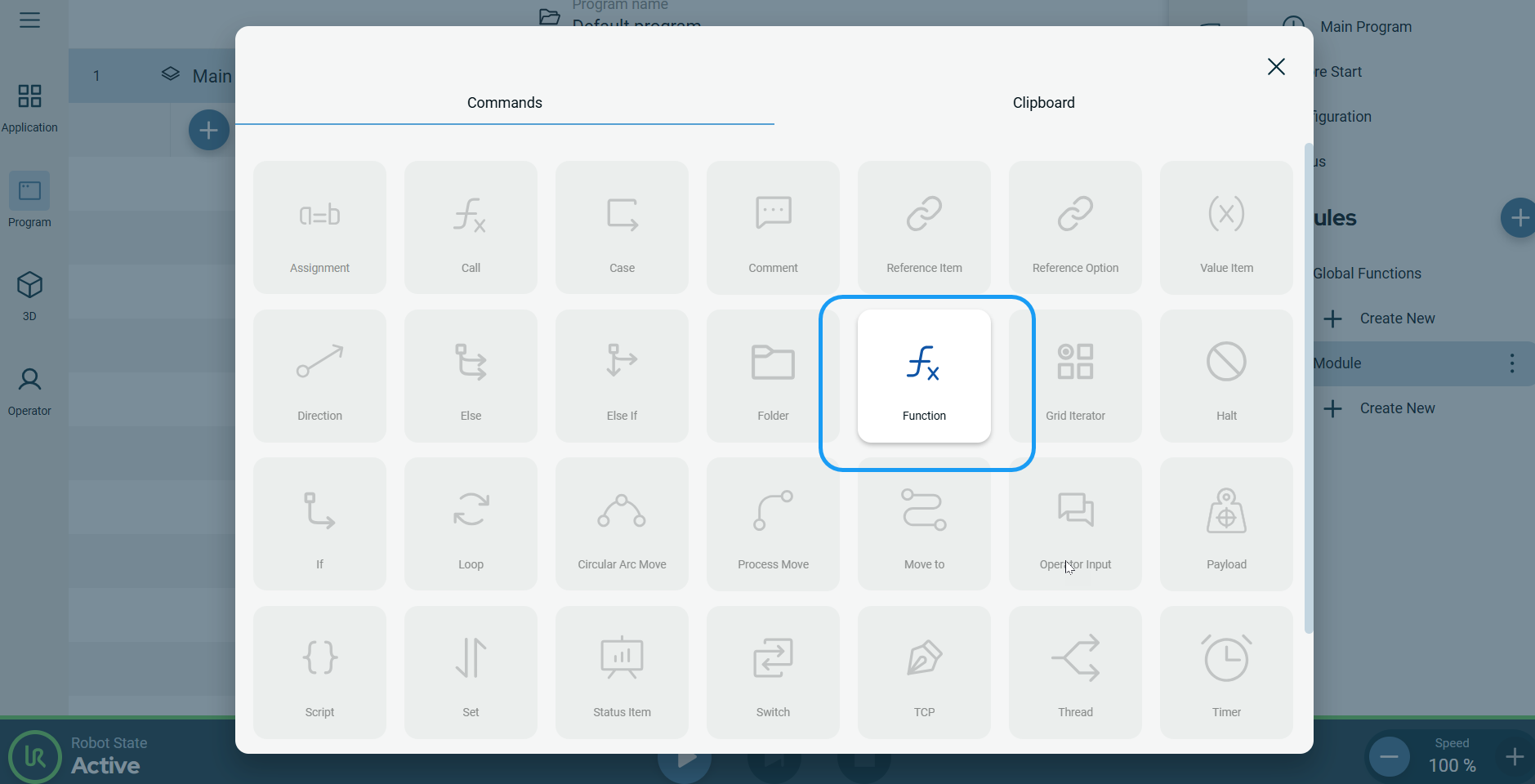
  1. Tap the Function icon in the Commands toolbox.

    A node is inserted into the program tree, which is an editable field called Function Name.

  2. Tap the Function Name field.

  3. Create a function name.

  4. Tap Confirm.