| Import Application settings
|
-
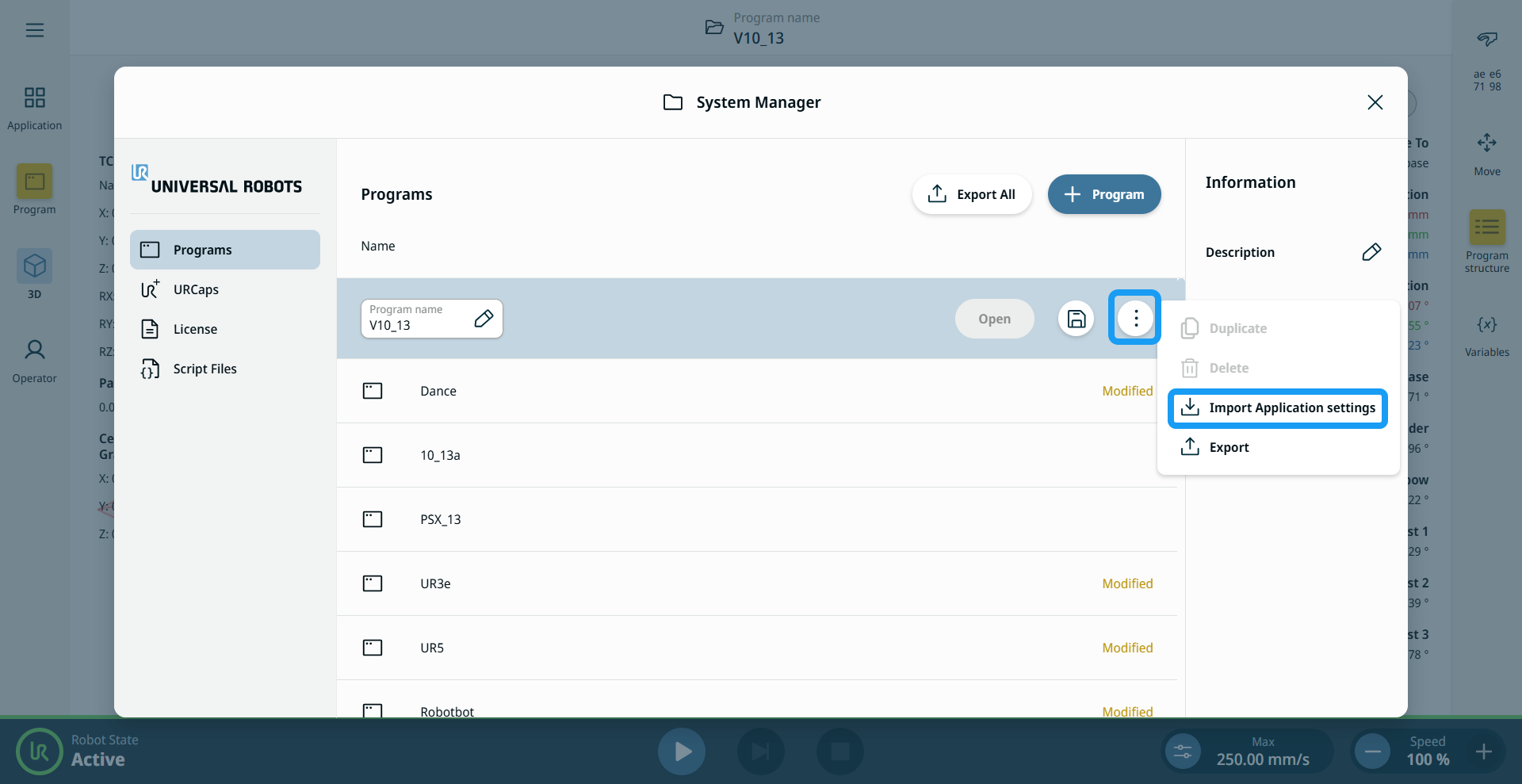
In System Manager, on the Programs tab, open the context menu for the Application that will receive the settings.
-
Tap Import Application Settings.
-
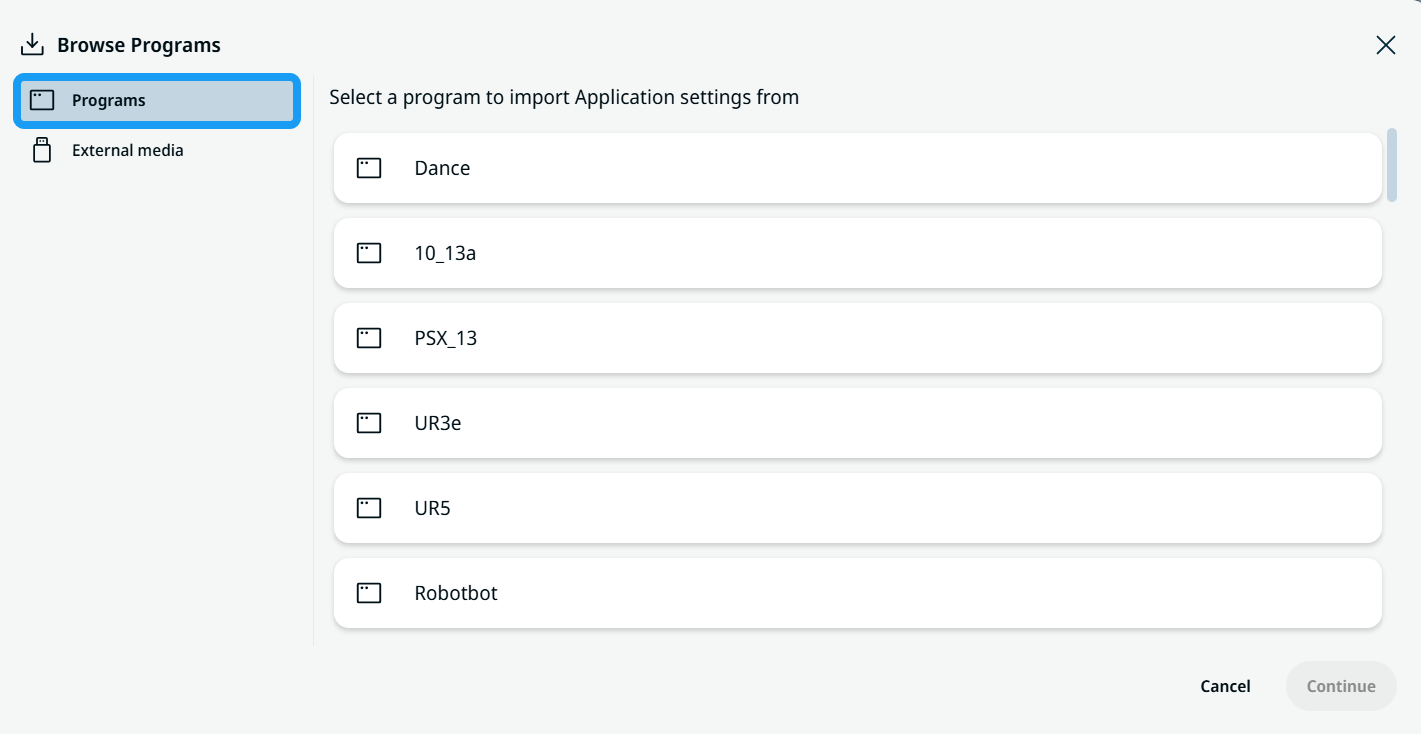
The Browse Applications screen appears with a list of Applications on the robot. Select the Applications tab to import settings from a local Application.
|
|
|
-
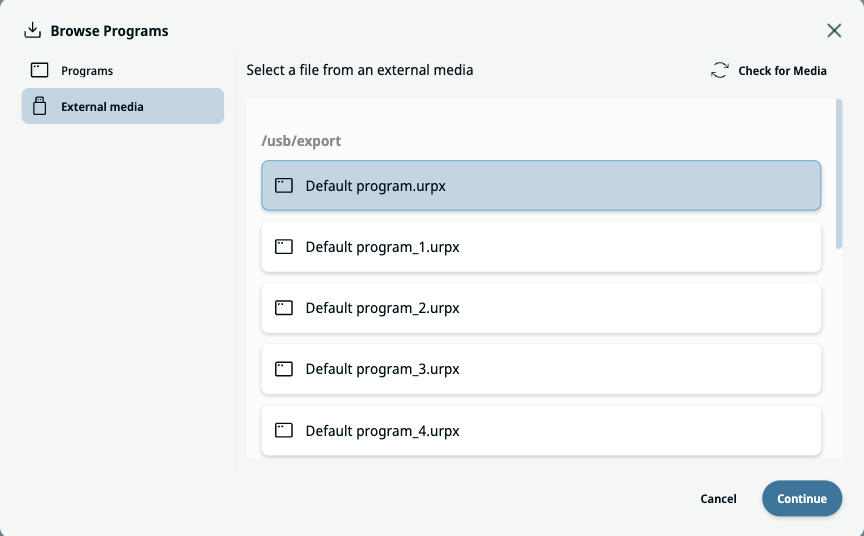
Select the External Media tab to import application settings from external media.
-
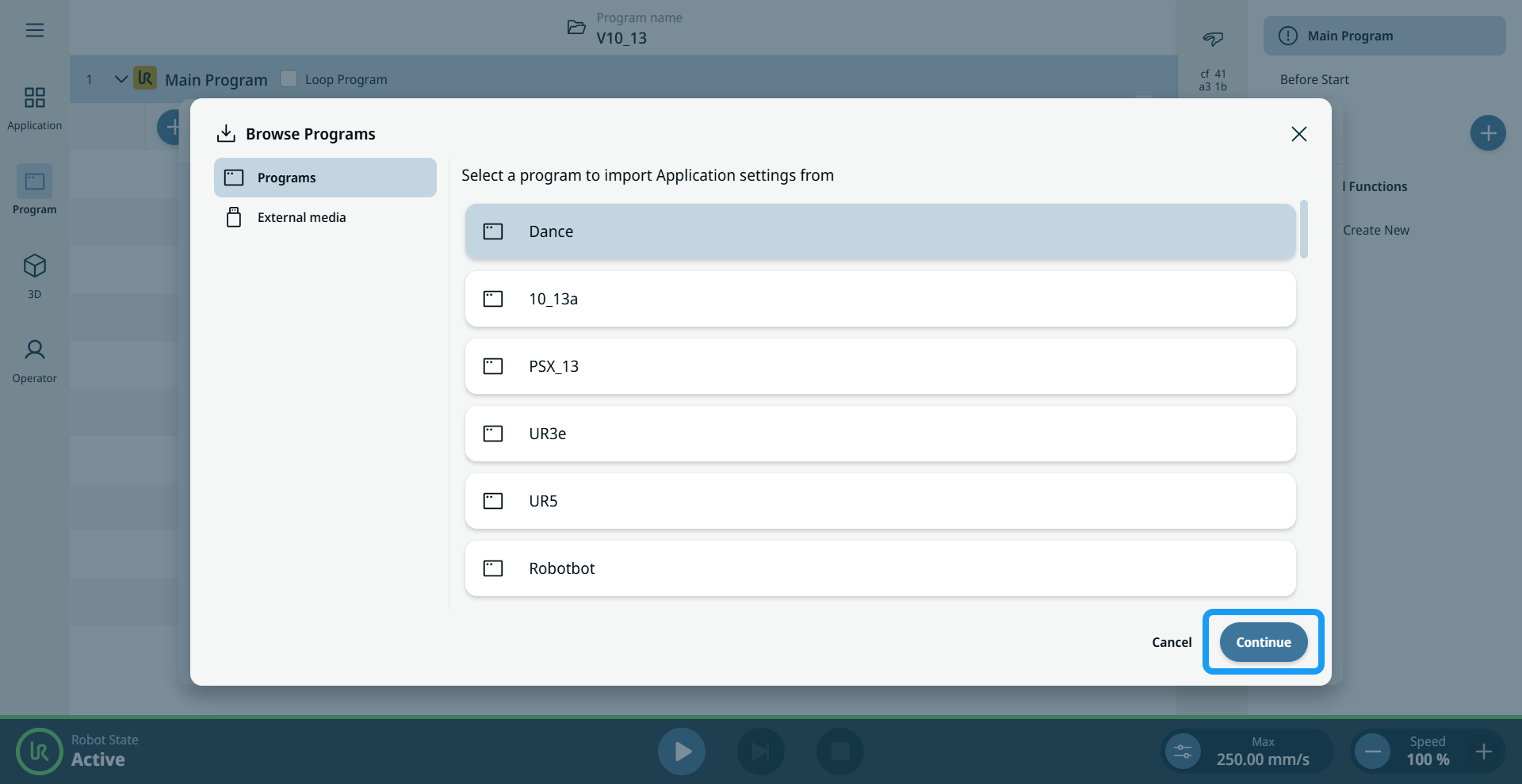
Tap the Application to import settings from, then tap Continue.
-
You can select either Safety Settings or Application Nodes or both.
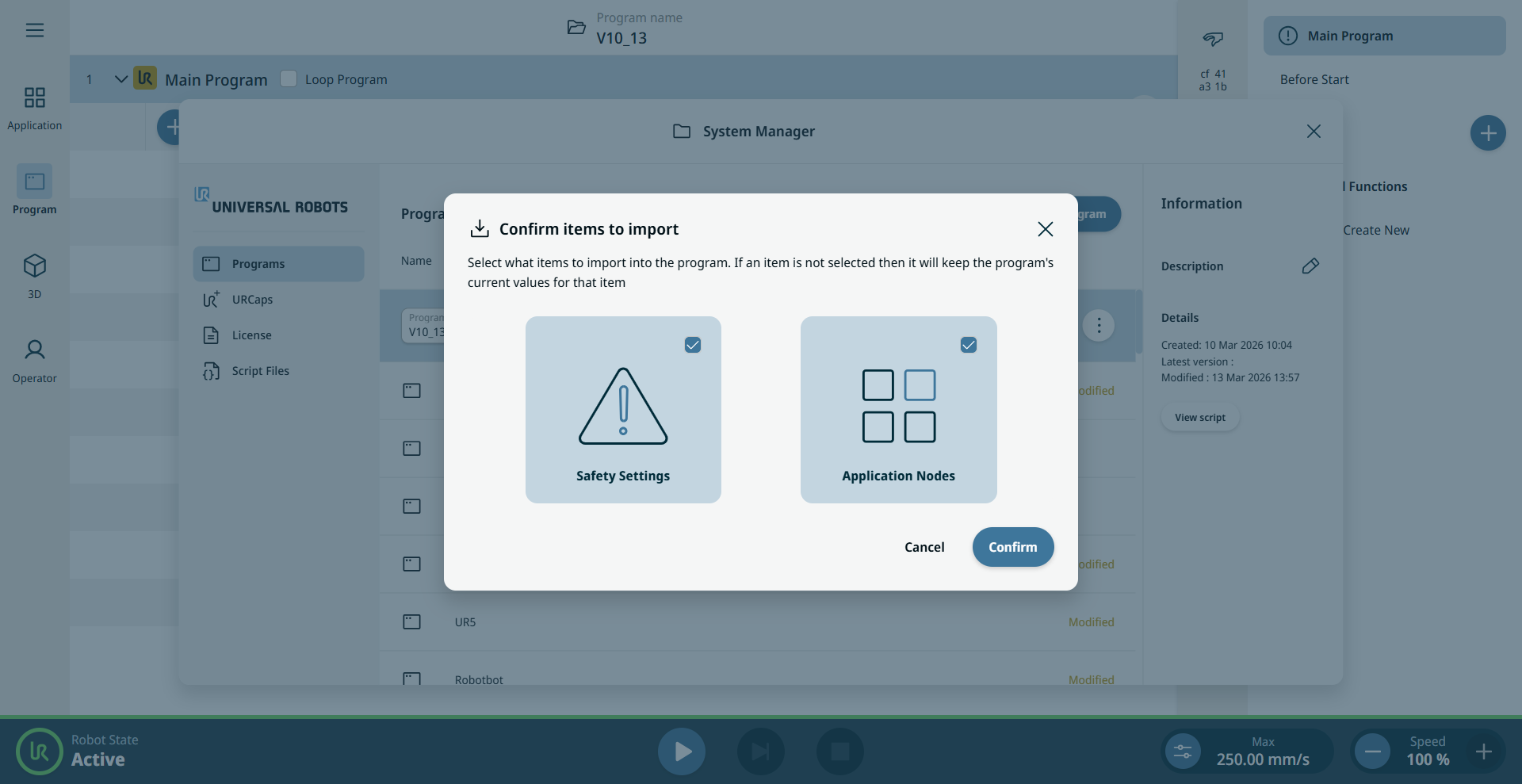
Safety Settings contains the data under Safety on the Application tab. Application Nodes contains all application content on the Application tab.
|
|
|
-
If you select Safety Settings, you are prompted for the safety password.
-
Tap Revert to cancel the entire import process.
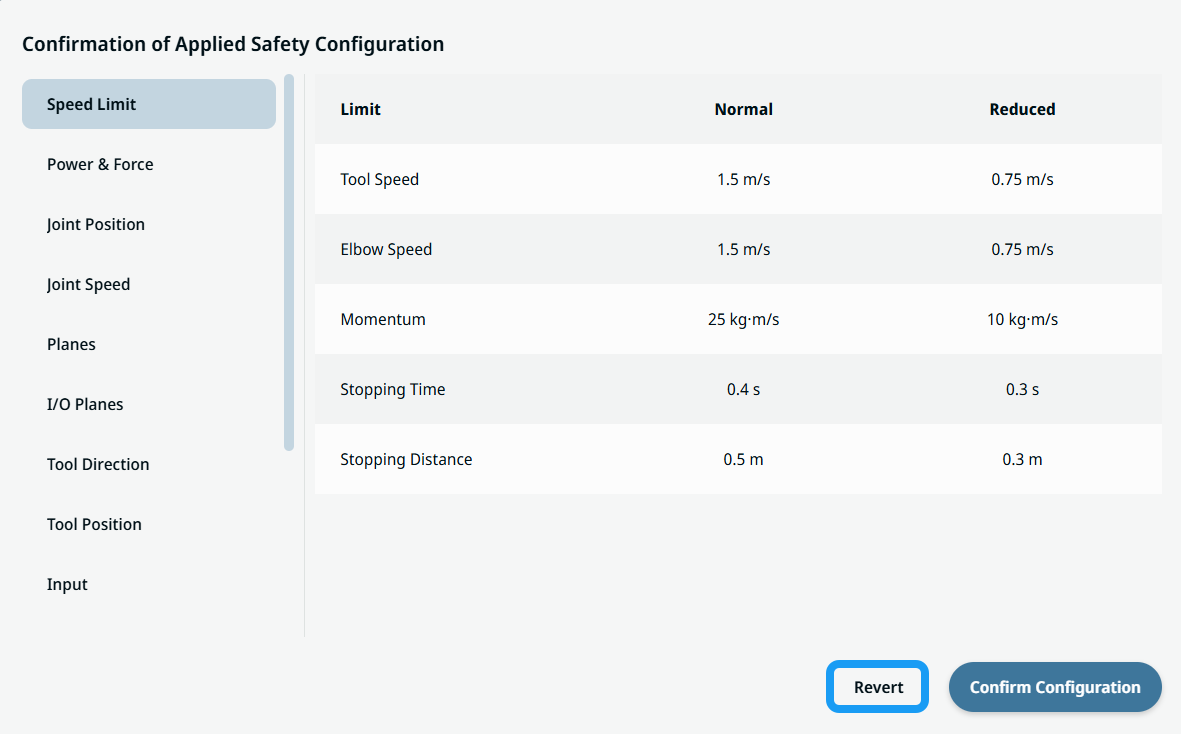
-
When you confirm the import, a pop-up in the footer confirms it.
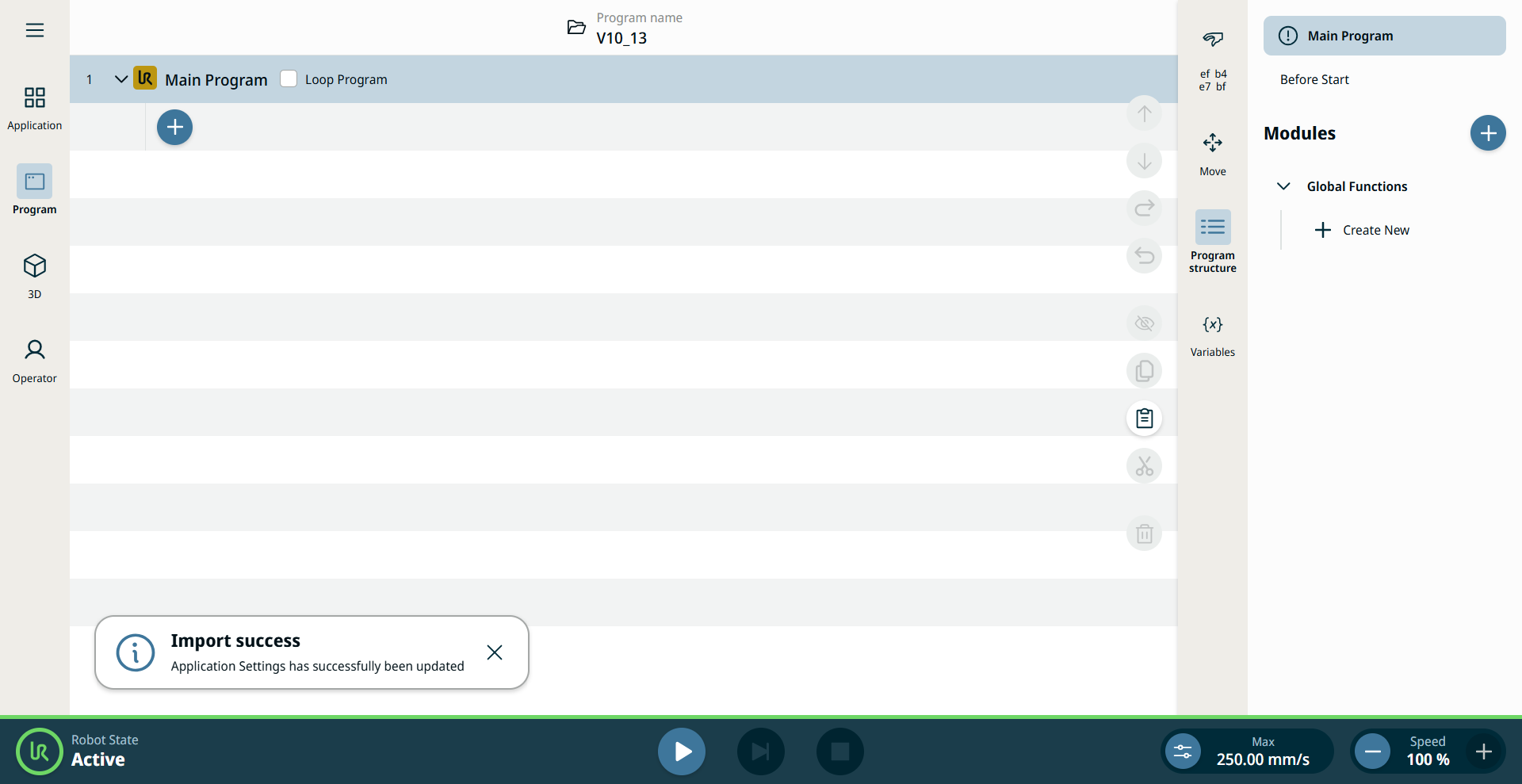
|