Program Organization

Description

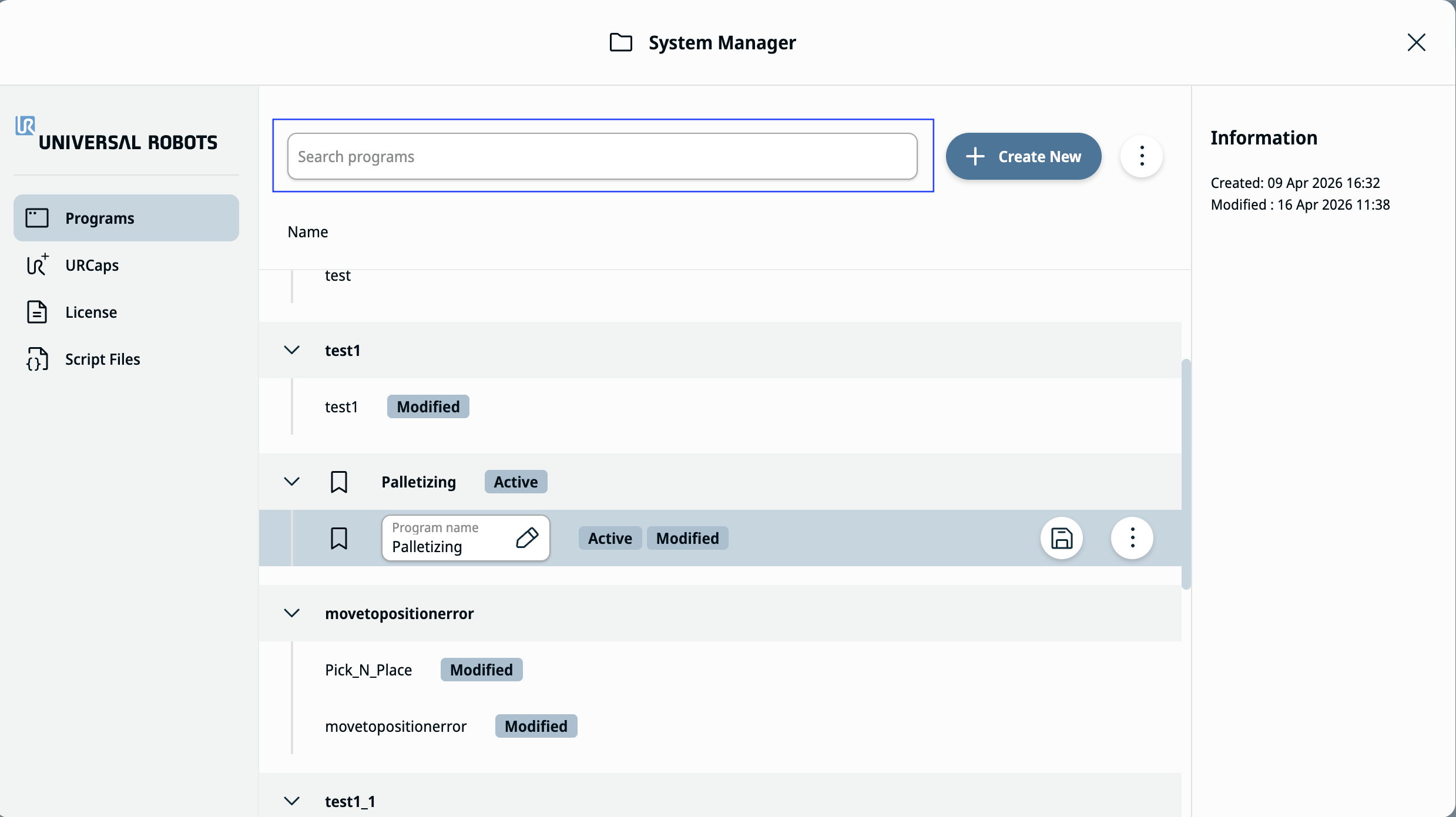
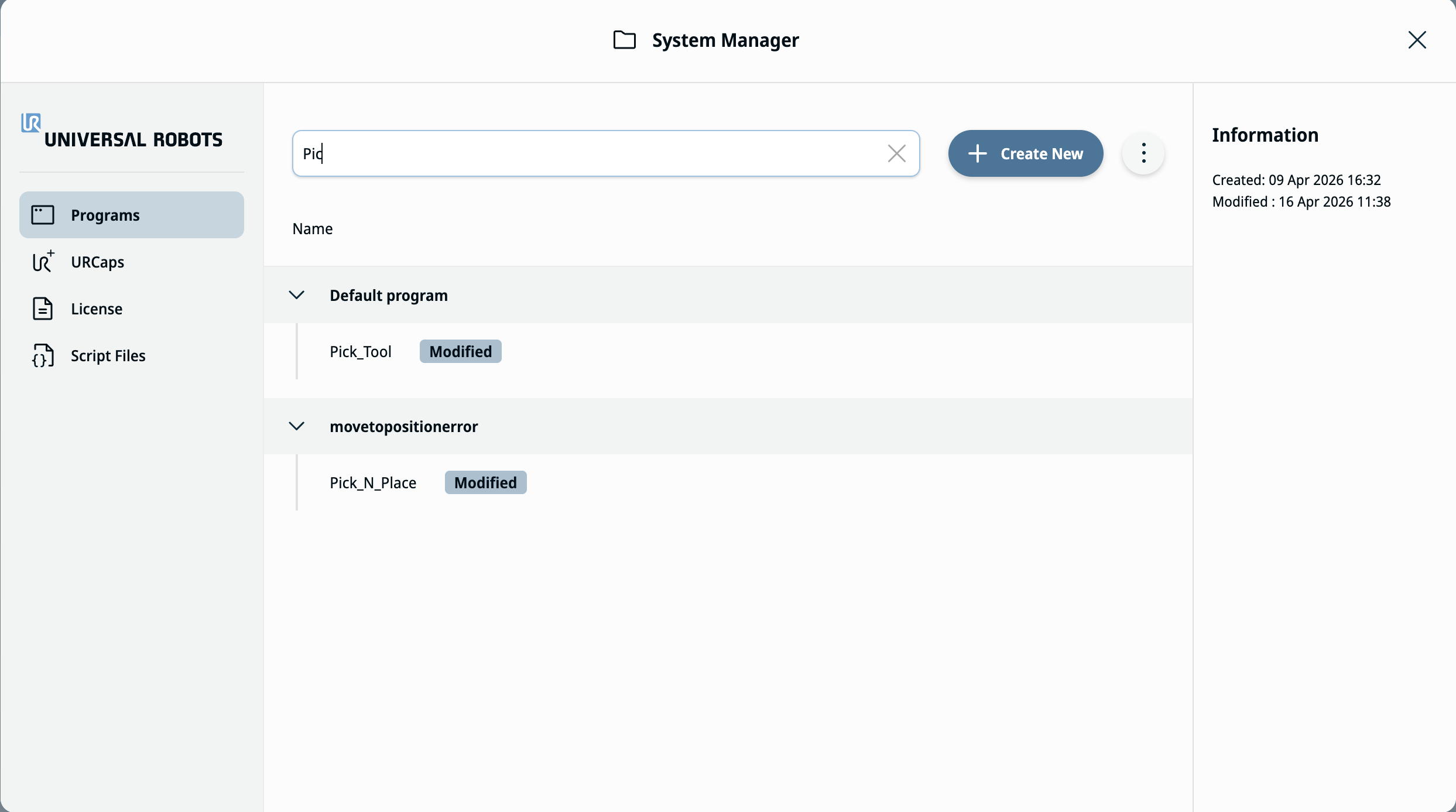
This feature enables you to search for programs in System Manager by name. The search matches any part of a program file name and filters the program list to show matching programs.


Predictive Search

  1. In System Manager, on the Programs tab, locate the search field.

  2. Type characters in the search field to filter the program list.

  3. View the filtered results list. The system displays only programs with file names that contain the characters you entered.

  4. Modify or clear the search text to update or reset the results.