Center
| Description |
The Center Smart Skill has two uses:
It probes along two or three finger directions, then repeats those probes after a rotation so it can find the center.
|
|
Function |
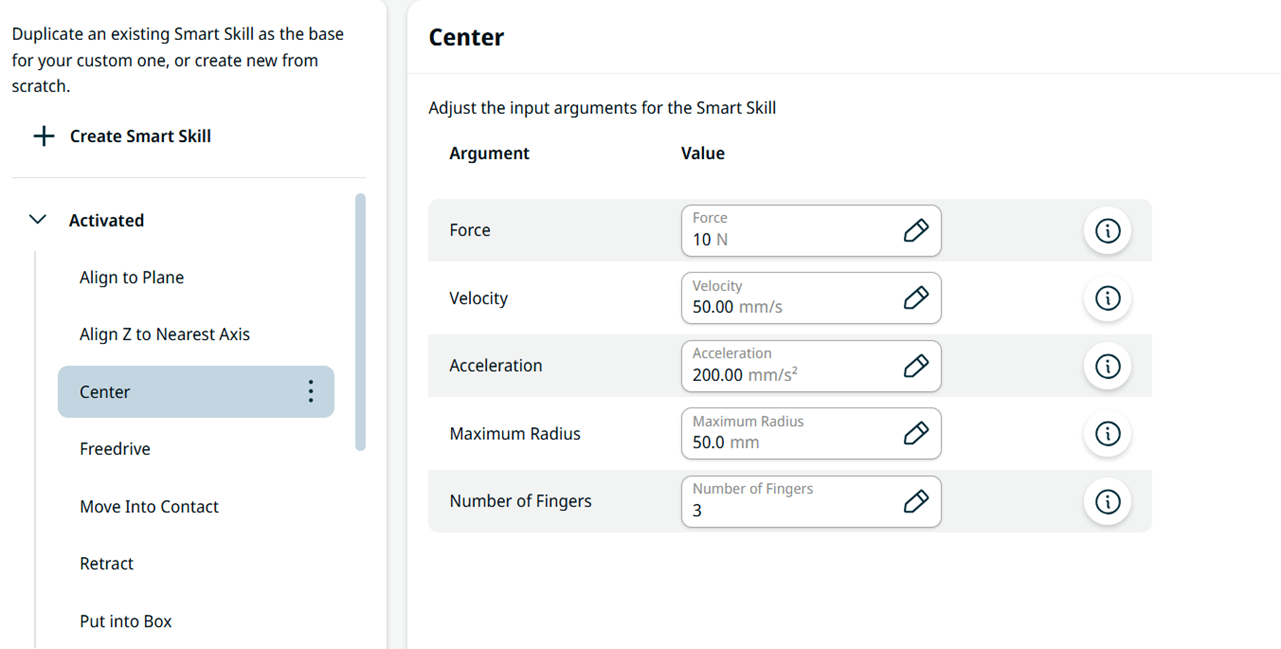
You can configure Force, Velocity, Acceleration, Maximum Radius, and Number of Fingers (2 or 3). Any other finger count stops the Smart Skill and shows "Number of fingers not supported".
|