Put into Box

Description

The Put into Box Smart Skill moves the robot to its default transportation position. It is deactivated by default.

Put into Box Smart Skill


Function

  1. Go to Application and tap Smart Skills.

  2. Find Put into Box under the deactivated Smart Skills, tap the kebab icon, and select Activate.

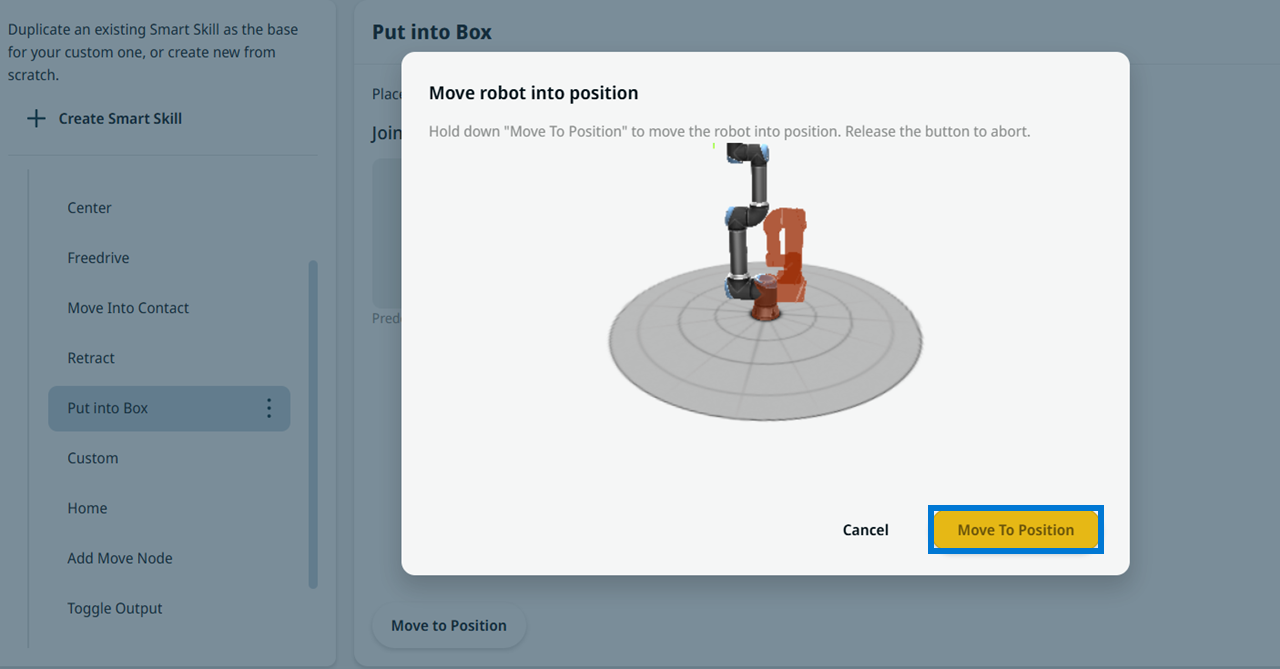
  3. Hold down Move To Position to move the robot to that position. Preset Joint Position is deactivated because the robot type and model determine it. This Smart Skill adapts to the robot type, and Active Payload is set to 0 kg after it runs.

    Move To Position Dialog