Analog Input
| Description |
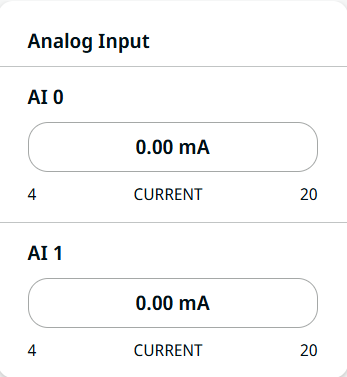
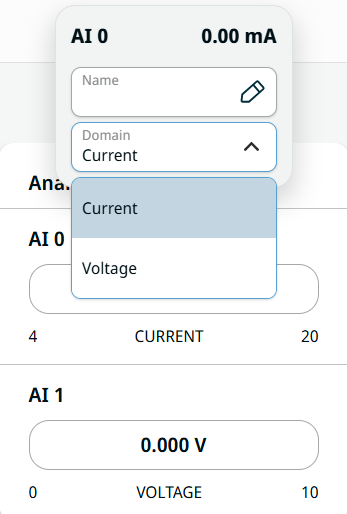
Analog input has two fields for AI 0 and AI 1. It can be set to 4–20 mA. These settings are persistent over restarts of the robot controller and saved in the installation.
|
| To access Analog Input |
|