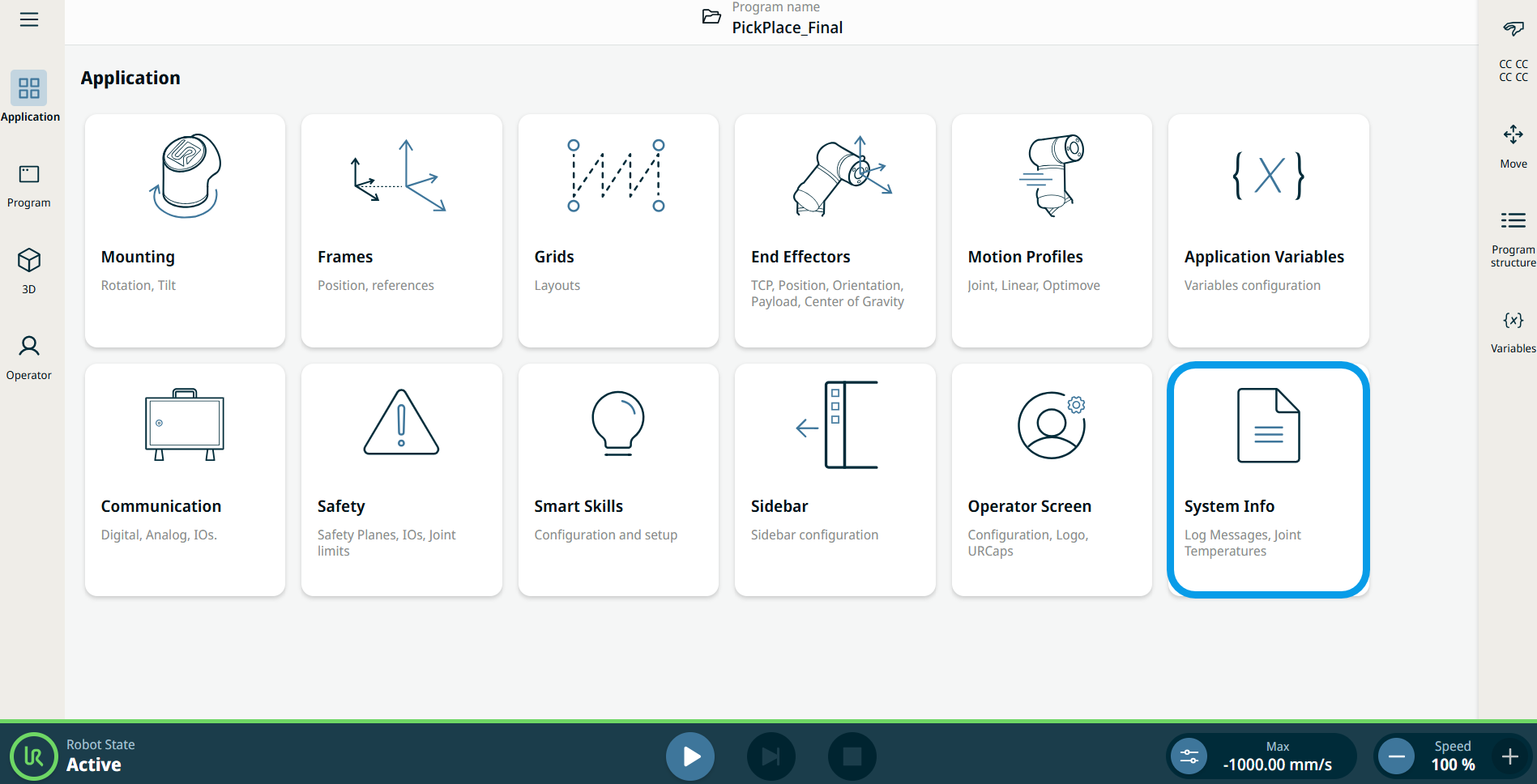
System Info
| Description |
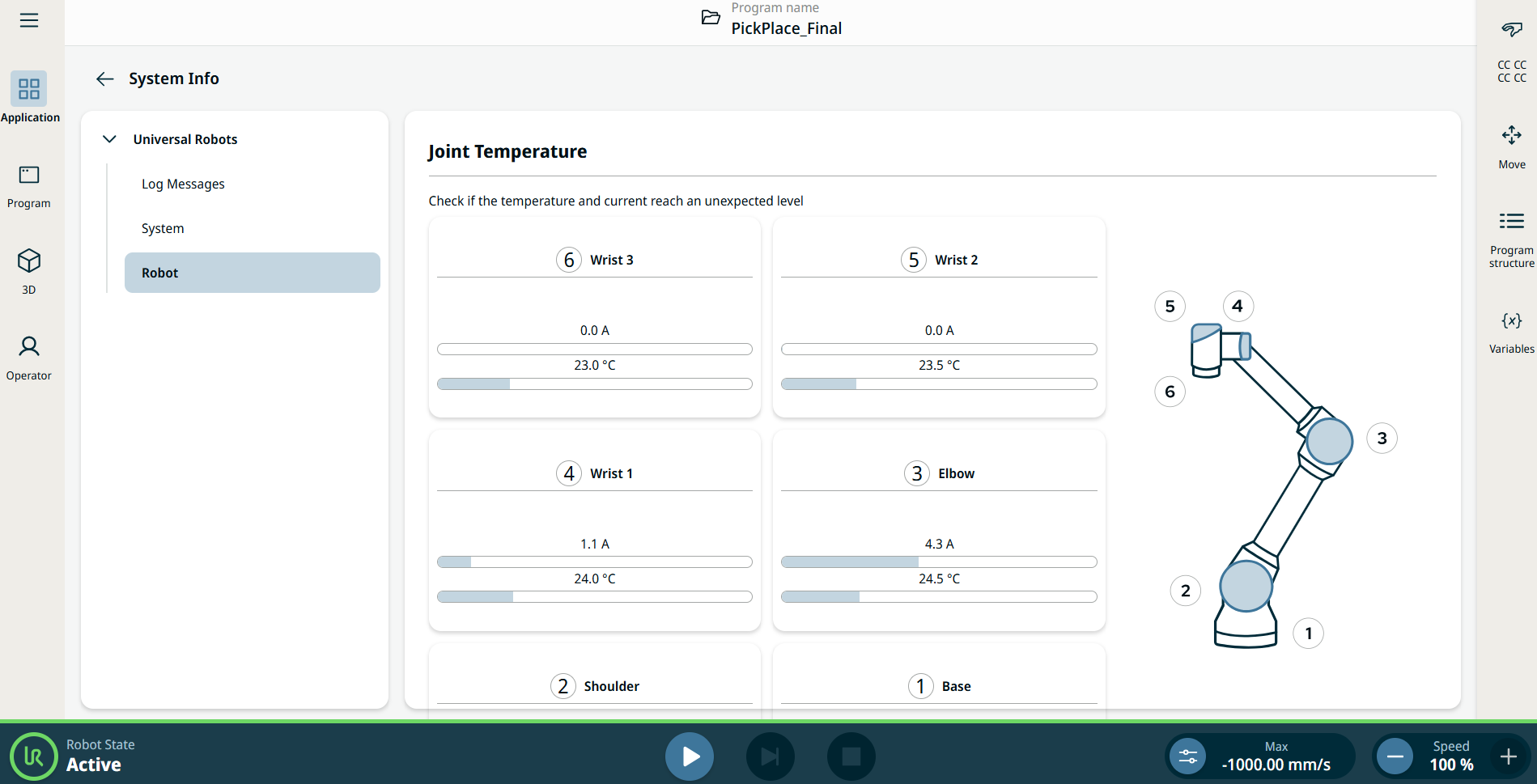
The System Info screen lists all log messages from the system, enables exporting support files, and checks if the robot join temperature and current reach an unexpected level.
|
|
Using the System Info functionality |
|
|
Log Messages |
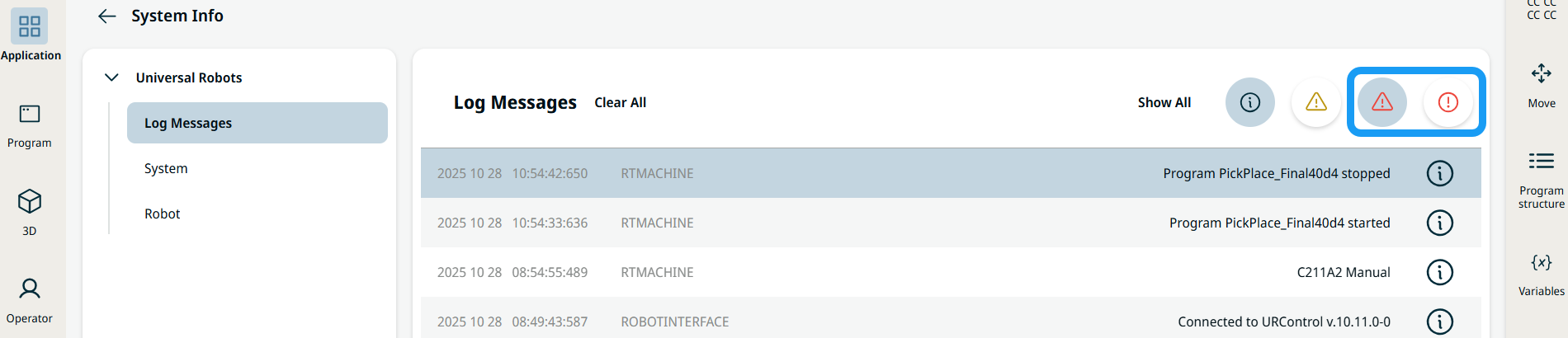
The Log Messages page lists all log messages from the system. The page has four buttons at the top of the messages list. The two red buttons allow for filtering on messages for faults and violations independently. The rightmost filter button shows/hides violations, whereas the filter button next to it shows/hides faults.
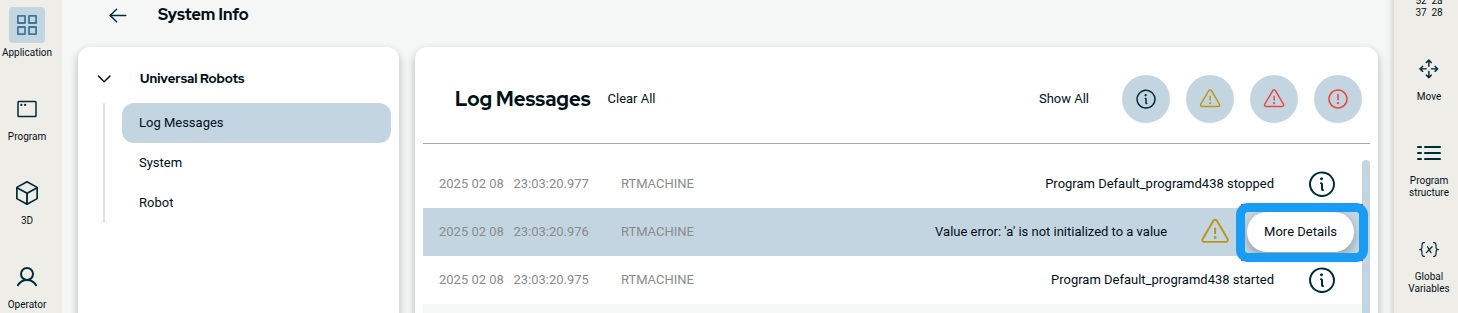
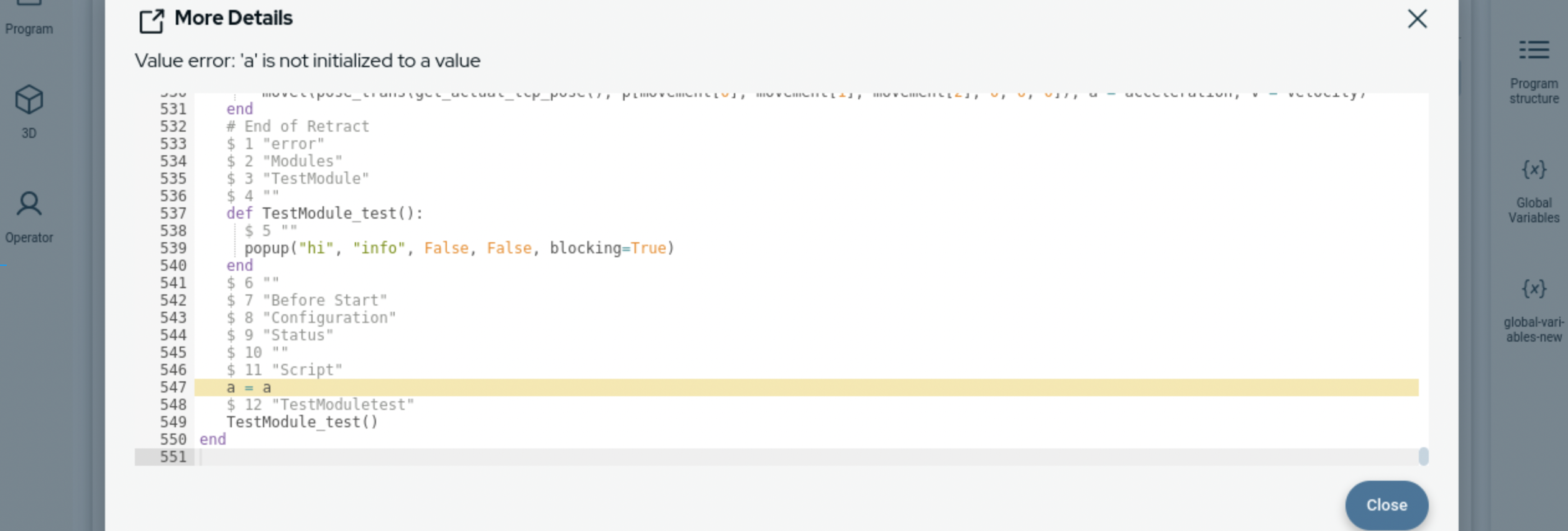
For some log messages, it is possible to view additional information by pressing the More Details button that appears when the message is selected in the list.
|
|
A dialog box displays with more details.
|
|
System |
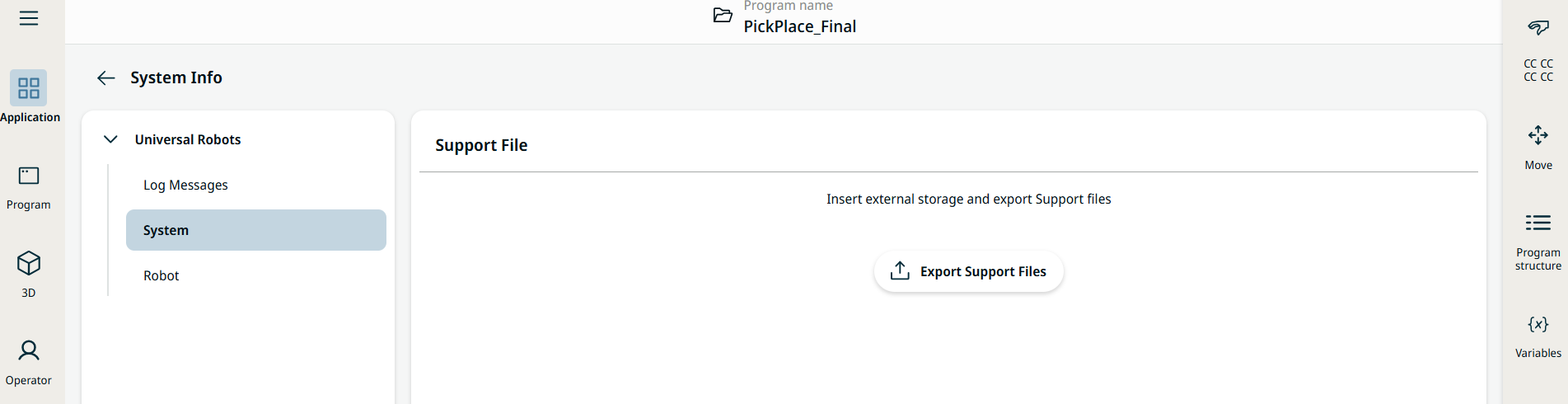
The System page enables you to insert external storage and export support files.
|
|
Robot |
The robot Joint Temperature checks if the robot joint temperature and current reach an unexpected level.
|