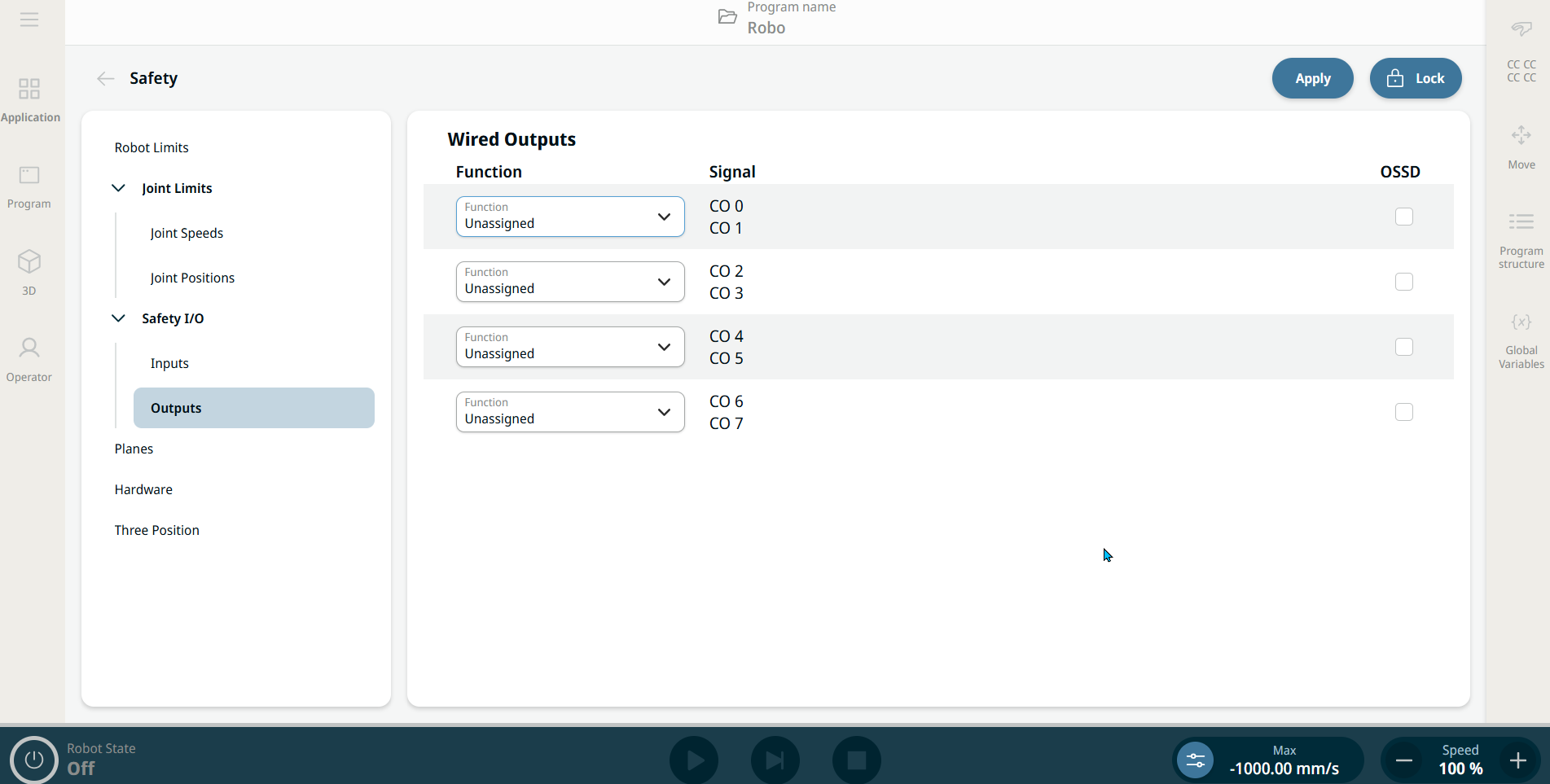
I/O Setup

Description

The I/O are divided between inputs and outputs and are paired up so that each function provides a Category 3 and PLd I/O.

When starting programs from an I/O or fieldbus input, the robot can begin movement from the position it has, there will not be any manual movement to the first waypoint via PolyScope required.

Input Functions
Functions Description
Automatic Mode Safeguard Reset Returns from the Automatic Mode Safeguard Stop state when a rising edge on the Automatic Mode Safeguard Reset input occurs.

Automatic Mode Safeguard Stop


Performs a Stop Category 2 (IEC 60204-1) in Automatic mode ONLY. Automatic Mode Safeguard Stop can only be configured when a three position enabling device input is configured.

Safeguard Stop

Stops all robot motion.

The robots Safeguard Stop will be activated if one or more of the following conditions are met:

  • If Safeguard Stop Input is active and Safeguard Stop Reset Input is not configured

  • If Safeguard Stop Reset Input is configured and Safeguard Stop Input is active or has once been active, but not yet reset.

  • Automatic safeguard stop input is enabled, active and the robot is in Automatic, and the Automatic Safeguard Stop reset input is not configured

  • Automatic Safeguard stop input and Automatic Safeguard Stop reset input is configured and Automatic Safeguard stop input is active or has once been active but not yet reset

Safeguard Reset

When a Safeguard Stop occurs, this output ensures that the Safeguard Stop state continues until a reset is triggered.

If the default Safeguard Reset input is disabled, the Robot Arm is no longer Safeguard Stop stopped as soon as the input is high. A program paused only by the Safeguard stop resumes.

Similar to the Safeguard Reset, if the default Automatic Mode Safeguard Reset is disabled, the Robot Arm is no longer Safeguard Stop stopped once the Automatic Mode Safeguard Stop input is high. A program paused only by the Automatic Mode Safeguard Stop resumes.

Emergency Stop Provides the same function with the one on the Teach Pendant
Operational Mode Enabled on the UI, and protected by a password. They can additionally be configured by defining an Operational Mode Configurable I/O


Input Functions
Functions Description
Reduced Mode

A low signal sent to the inputs causes the safety system to transition to Reduced mode. The robot arm decelerates to satisfy the Reduced mode limit set. The safety system guarantees that the robot is within Reduced mode limits less than 0.5s after the input is triggered.

3-Position Switch  
Freedrive Enabled Input

When the input is high, the robot goes into freedrive (similar to the freedrive button).

The input is ignored if other conditions disallow freedrive.

If the robot is stopped while using the Start input function, the robot slowly moves to the first waypoint of the program before executing that program. If the robot is paused while using the Start input action, the robot slowly moves to the position from where it was paused before resuming that program.
Output Functions
Functions Output state

Reduced Mode

Sends a low signal when the robot arm is placed in Reduced mode or if the safety input is configured with a Reduced Mode input and the signal is currently low. Otherwise the signal is high.

Robot Moving Low signal if the robot is moving, otherwise high.
Robot Not Stopping high signal when the robot is stopped or in the process of stopping due to an emergency stop or safeguard stop. Otherwise it will be logic low.
System Emergency Stopped Low signal is given when the safety system has been triggered into an Emergency Stopped state by the Robot Emergency Stop input or the Emergency Stop Button. To avoid deadlocks, if the Emergency Stopped state is triggered by the System Emergency Stop input, low signal will not be given.