Planes

Description

This defines planes in space that limit robot position. Safety planes limit either the tool/end effector alone or both the tool/end effector and the elbow.


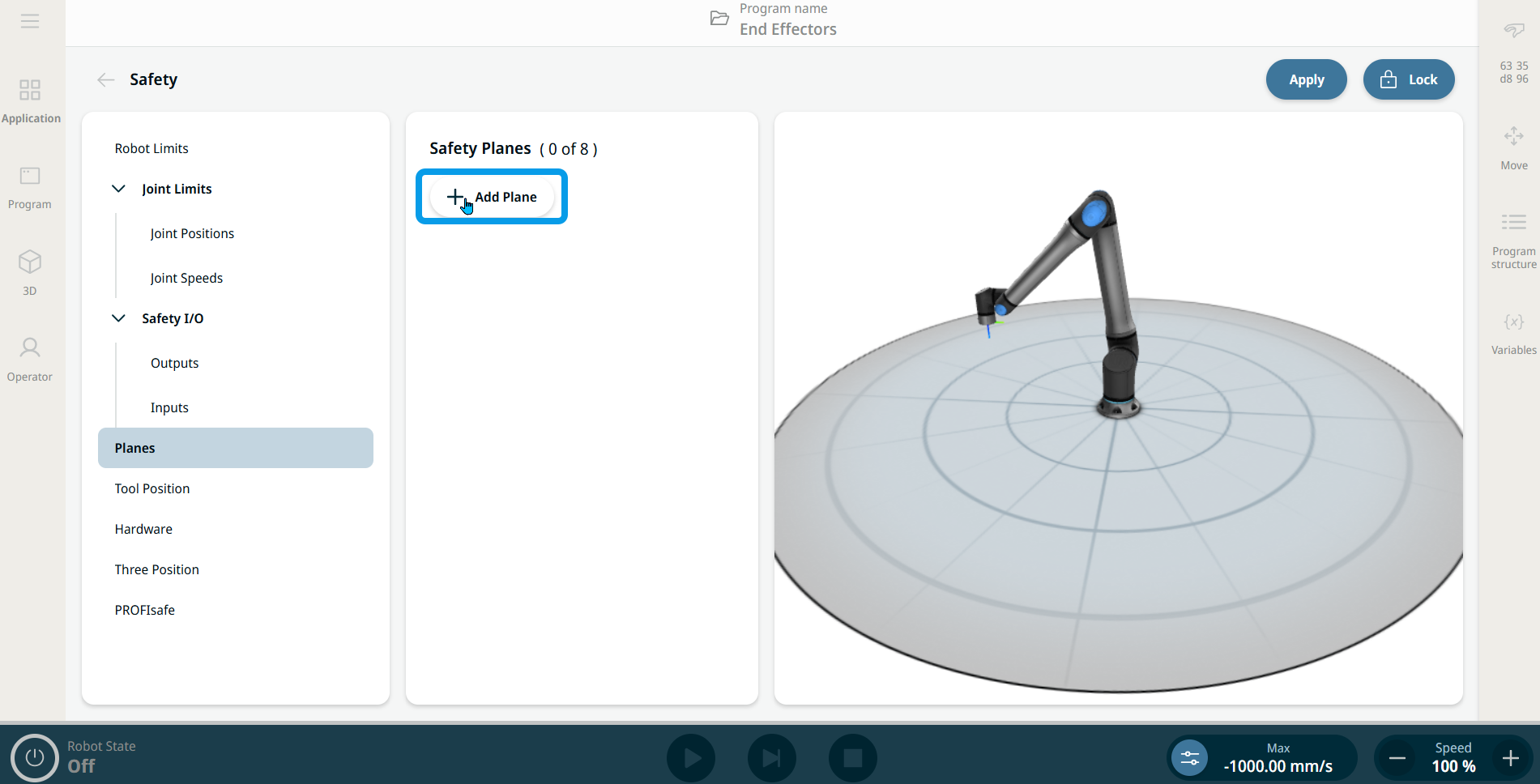
To access Planes
  1. When you tap Planes in the left panel, the central and right panels appear.

  2. Tap + Add Plane in the central panel, and the editable fields to configure the safety plane appear. You can also delete created planes.


  3. Read Safety Planes and follow the section “Configuring a Safety Plane.”