Operator Screen Application

Description

The Operator Screen application enables you to make changes in the contents of the Operator, located in the left toolbar. See Operator Screen.


To access Operator Screen application

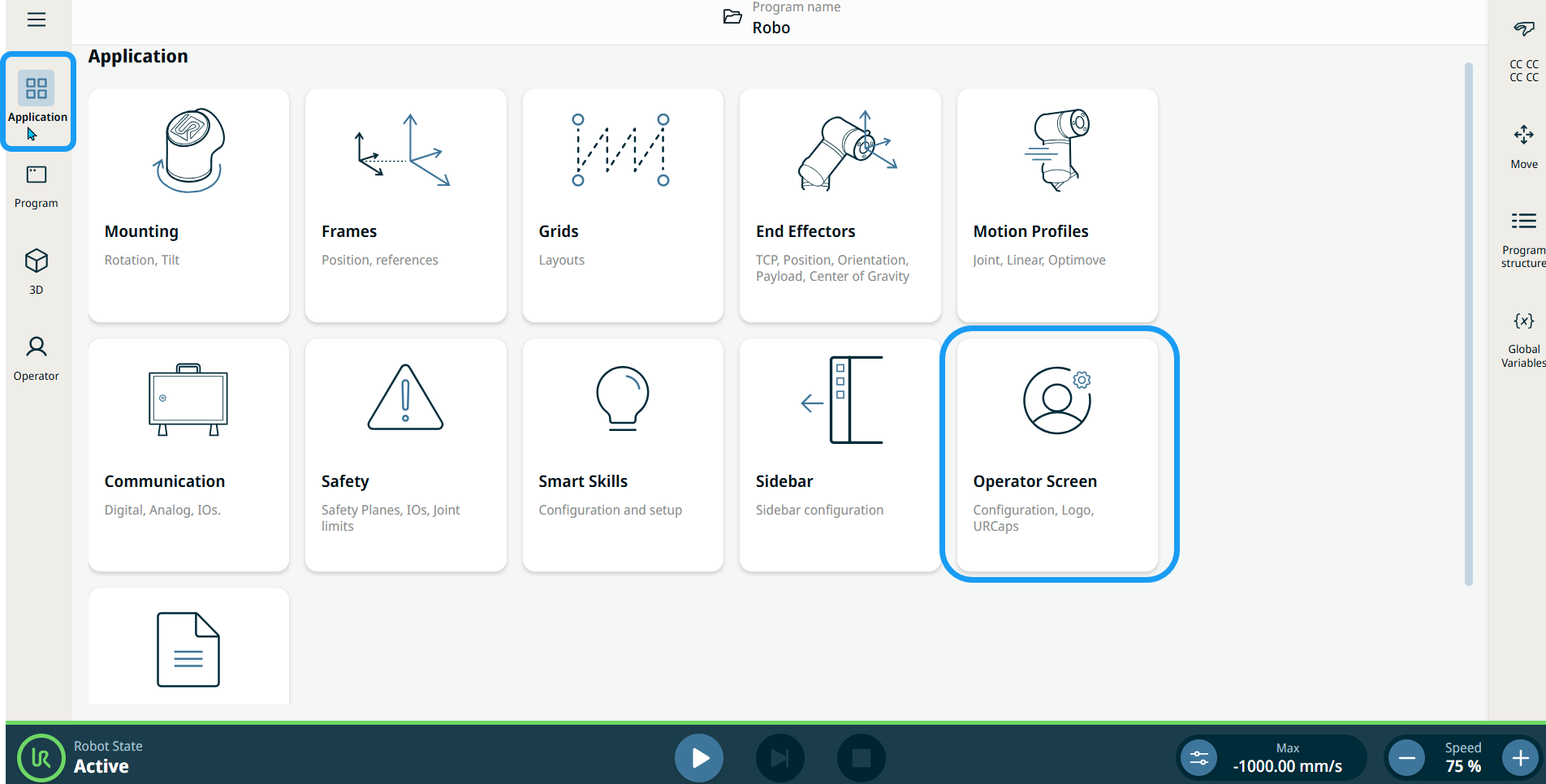
  1. Tap the Application Tab in the left toolbar. The eleven application submenus appear in the main screen.

  2. Tap the Operator Screen icon.


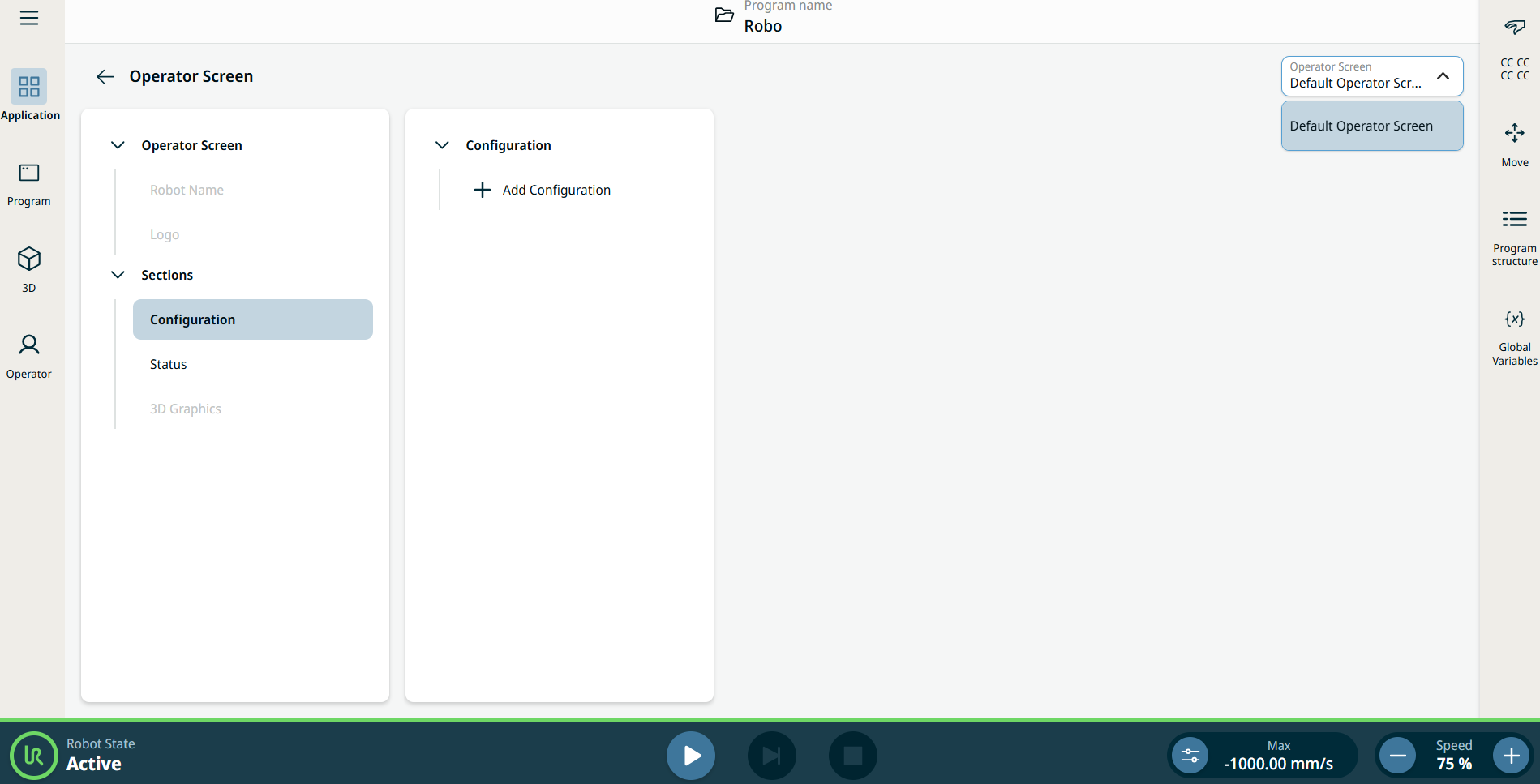
    You see the Operator Screen in the main screen, which is divided into two panels and the Operator Screen field.

    The left panel contains the Operator Screen and Sections tree. The center panel contains the Configuration tree. The Operator Screen field contains only Default Operator Screen option.