Recovery of Data
| Description |
This section helps you recover robot image data when a Windows computer cannot read the USB flash drive.
|
|
Linux file system |
This is an optional process. Use this procedure if the computer reports that the USB drive is not readable.
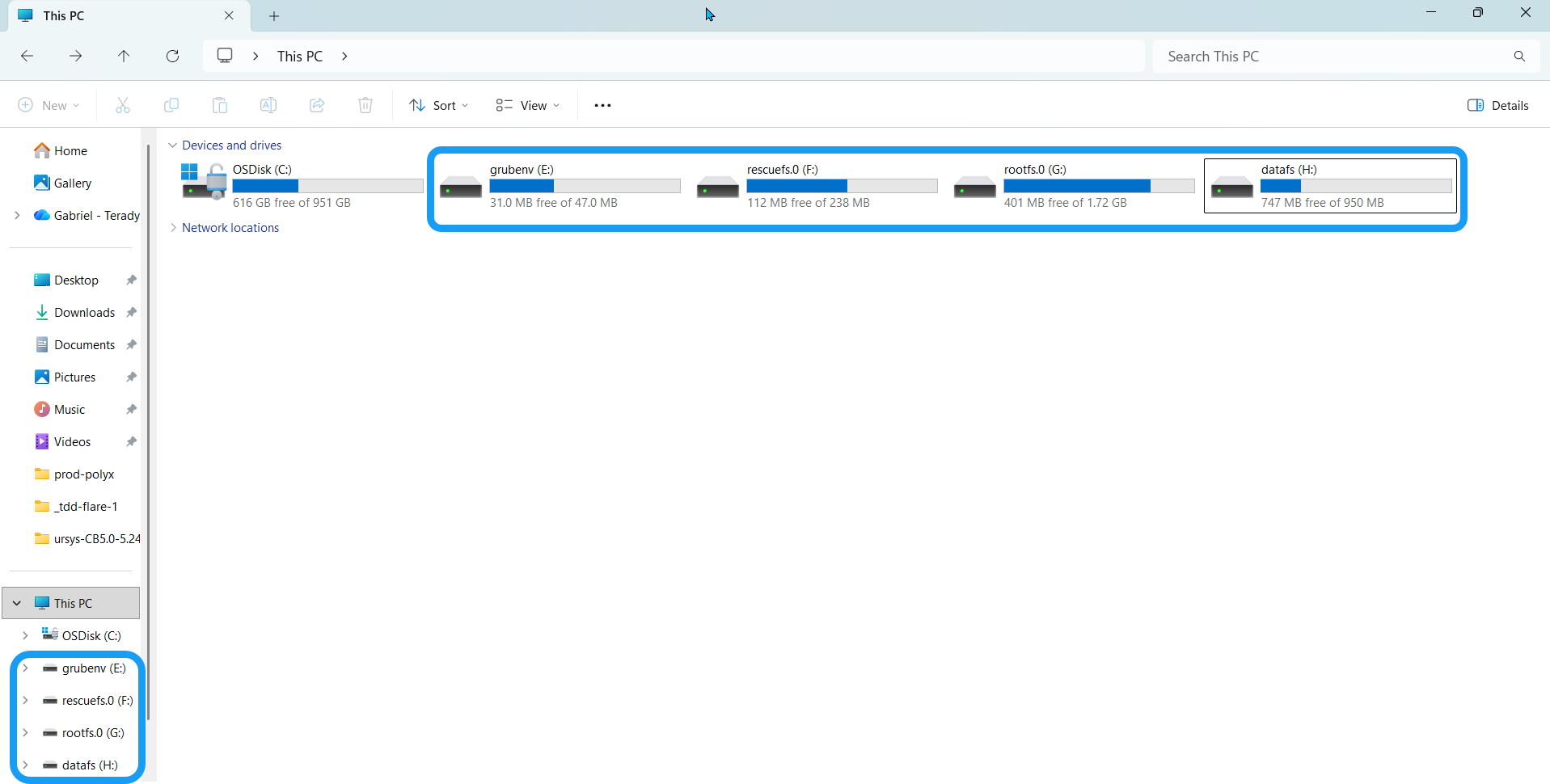
If you insert an SD card or USB flash drive into a Windows PC, Windows reports that the drive is not readable and offers to format it. Do not format the drive. Formatting it destroys all robot data on the flash drive. Windows cannot read the robot SD card because it is partitioned as ext3 and ext4. Install additional software to access these partitions. Choose any software that can manage a Linux file system if you use the Linux command line to reboot.
Install software that lets you access a Linux file system on Windows. Linux File Systems for Windows by Paragon is third-party software and is not associated with Universal Robots A/S. Universal Robots takes no responsibility for this software.
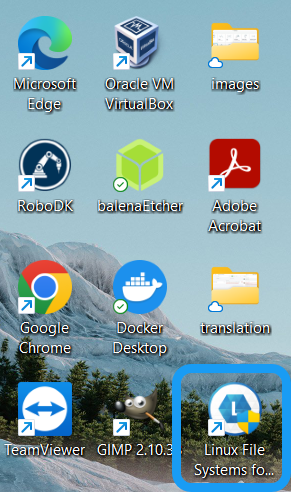
When you successfully install Linux File Systems for Windows by Paragon, its icon appears on your desktop with your other programs. |
|
|
|