PolyScope X UR Disk Utility
| Description |
UR Disk Utility is a pre-boot tool for managing robot images and the data on the robot. UR Disk Utility can only use a USB drive to manage robot images. Other types of storage media are not supported.
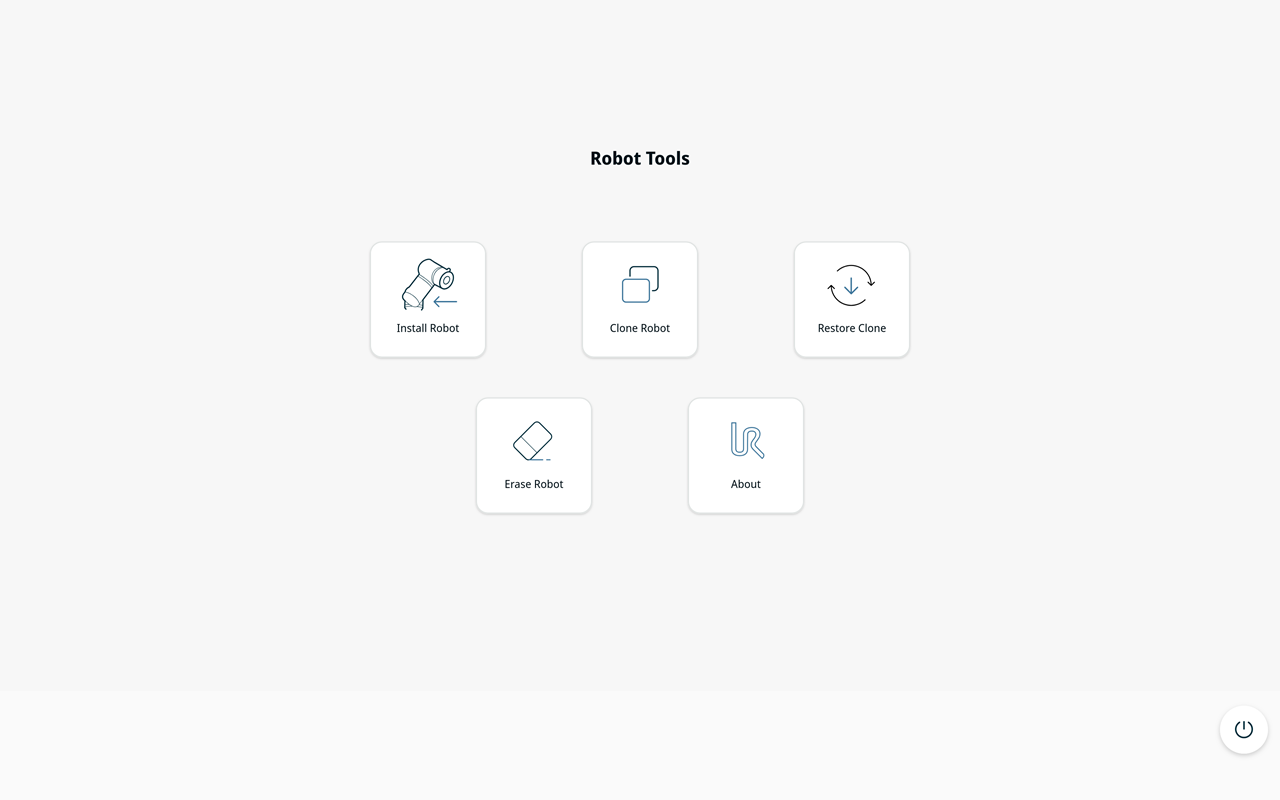
You can use UR Disk Utility to install a robot image, create or restore a backup of the robot disk, or erase the robot disk. Install, restore, and erase operations overwrite data on the robot disk. Back up any data that you want to keep before you continue.
|
| Install without a Teach Pendant |
UR Disk Utility can install PolyScope X without a Teach Pendant (TP7). If no Teach Pendant is attached to the Control Box and the storage on the Control Box is blank, you can use UR Disk Utility to install PolyScope X.
Make sure that the storage is blank.
PolyScope X is now installed.
|
| Start the robot with UR Disk Utility |
To start UR Disk Utility:
|
||
| Main screen |
Do not remove the UR Disk Utility USB or turn off the robot while an operation is in progress.
|