Erase Robot Image
| Description |
Use Erase Robot to erase all data from the robot disk. Erase the disk when decommissioning the Control Box or before returning a compatible Control Box to removable-storage operation. All data is erased. The robot cannot start from the robot disk after the erase operation.
|
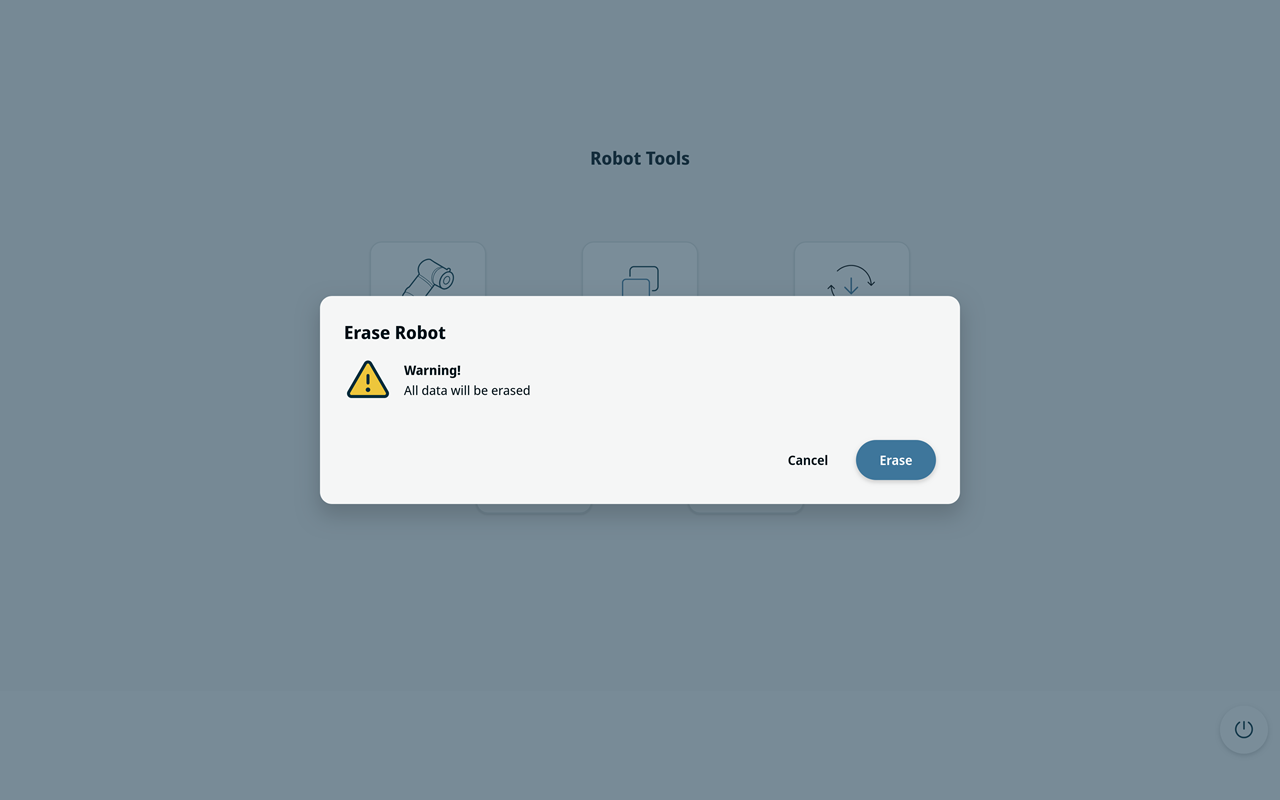
| Erase Robot |
Before erasing starts, select Cancel to return to the main screen without changing the robot disk. If you start the robot again with the UR Disk Utility USB inserted while the robot disk is blank, automatic installation may start.
|