Restore Robot Image

Description

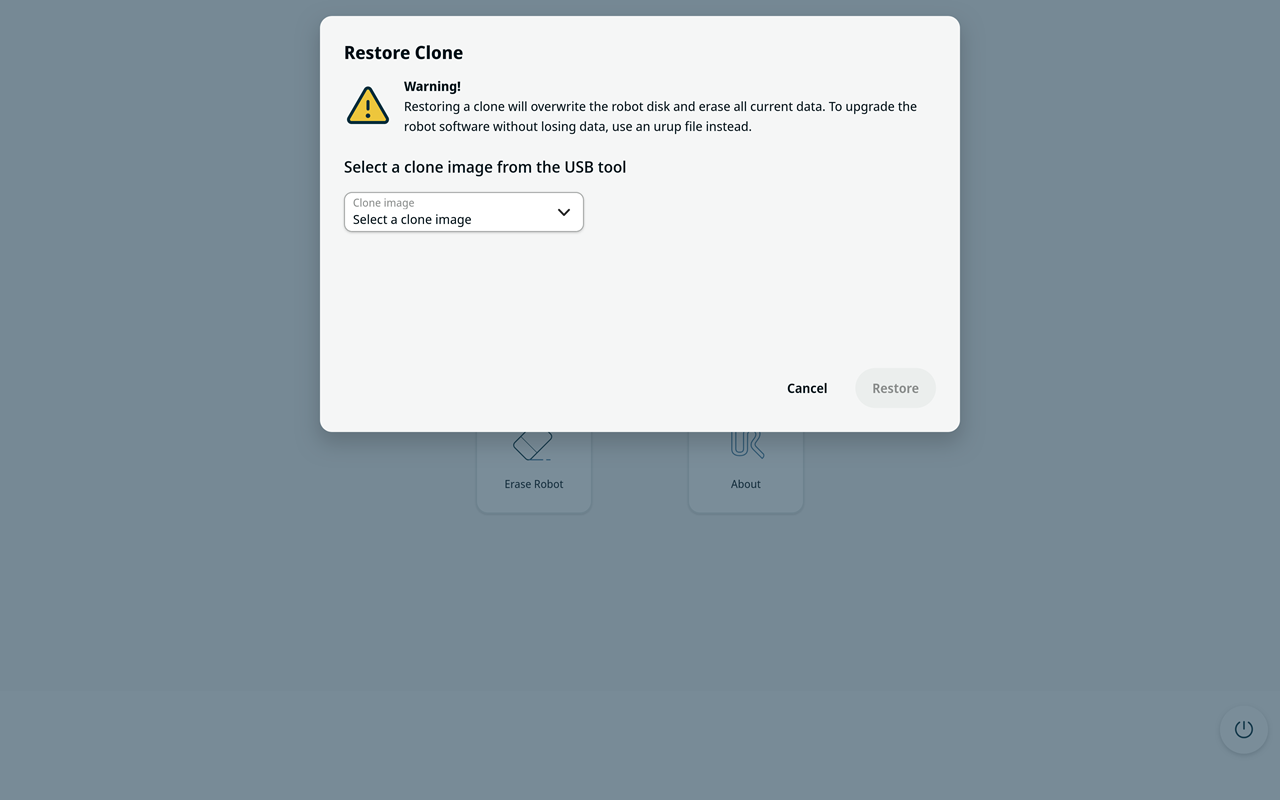
Use Restore Robot to restore a clone image from the USB drive to the robot disk.

Restoring a clone overwrites the robot disk. All current data on the robot is lost.

Restore Clone Screen


Restore Robot
  1. On the main screen, select Restore Robot.

  2. Under Select a clone image from the USB drive, open the drop-down menu.

  3. Select the clone image that you want to restore.

  4. Select Restore.

  5. If prompted, confirm that you want to overwrite the robot disk.

  6. Wait until the restore operation is complete. You cannot cancel the operation after it starts.

  7. When the operation is complete, remove the USB drive and restart the robot.

Before restoring starts, select Cancel to return to the main screen without changing the robot disk.