Move Menu

Description

The Move menu provides the functions to move the robot arm directly, either by translating and/or rotating the robot tool or by moving robot joints individually.


Using the Move menu
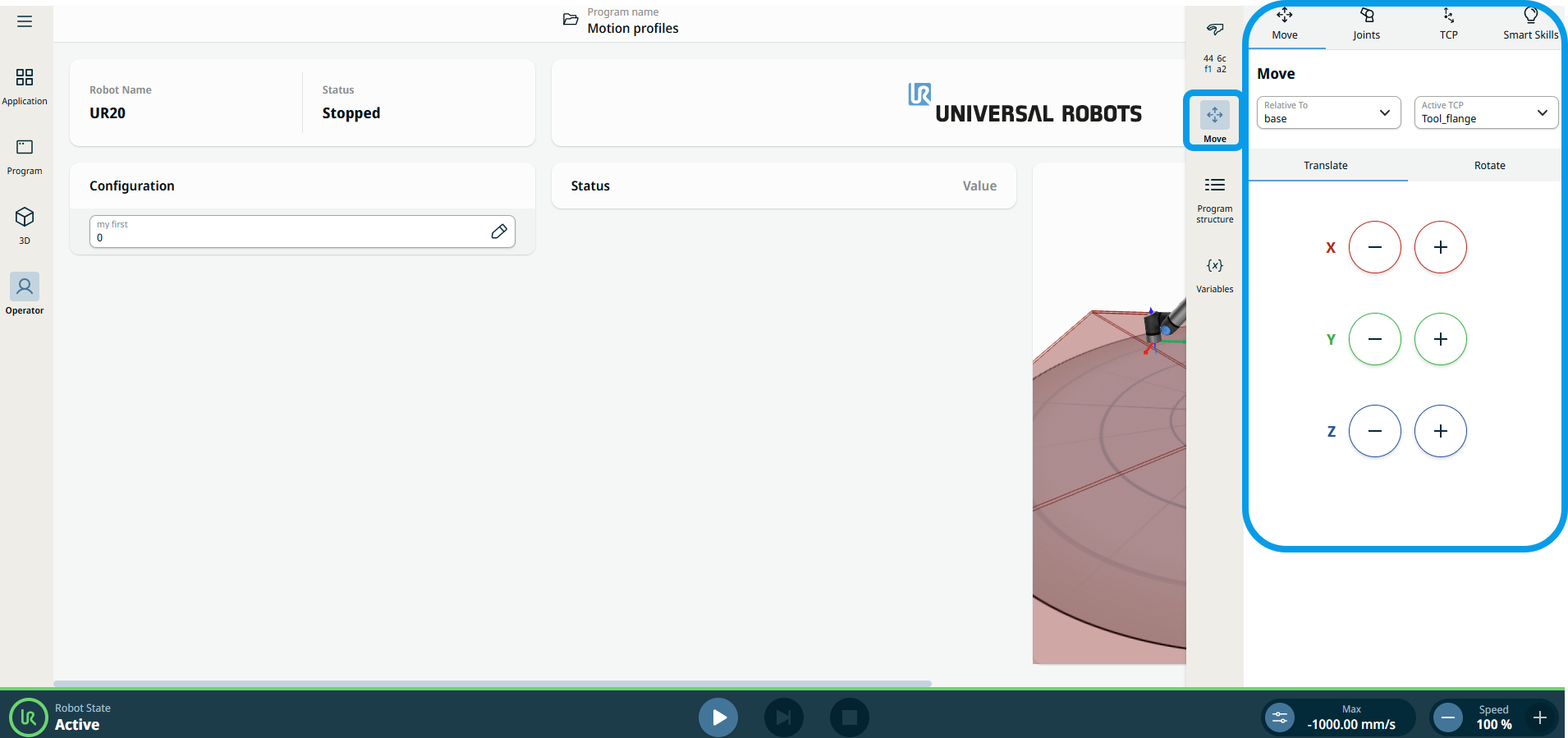
  1. Tap the Move icon on the sidebar.

    The multitask screen expands to the center. You can see the fields and tabs related to the move menu.

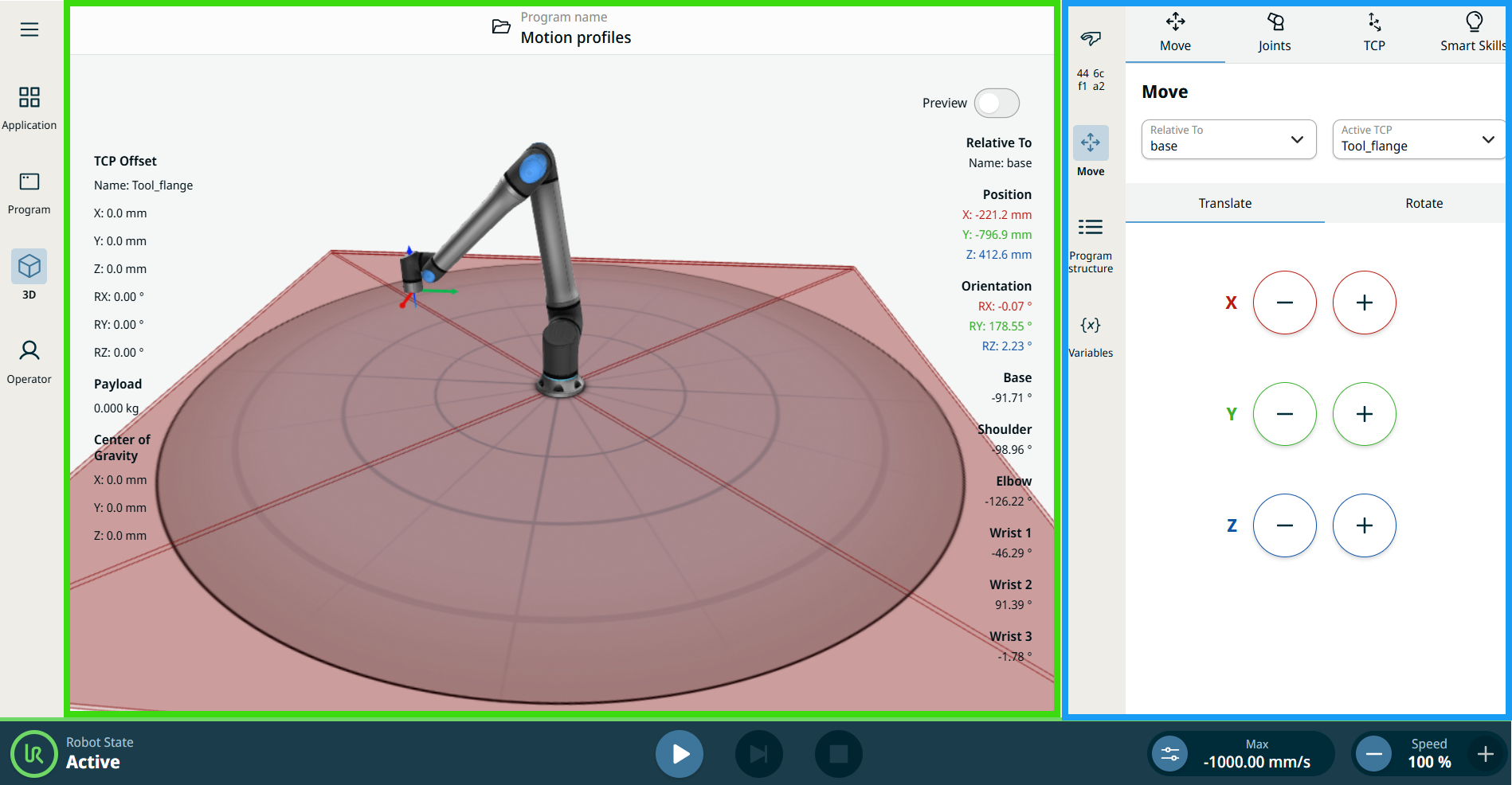
  2. Tap the 3D icon on the main navigation.

    The main screen shows the robot arm in X, Y, Z coordinates with the measurement details of each robot arm parts, position, and orientation.

    In the main screen, you can see the corresponding movement(s) of the robot with what you input in the multitask screen.