Tool I/O
| Description |
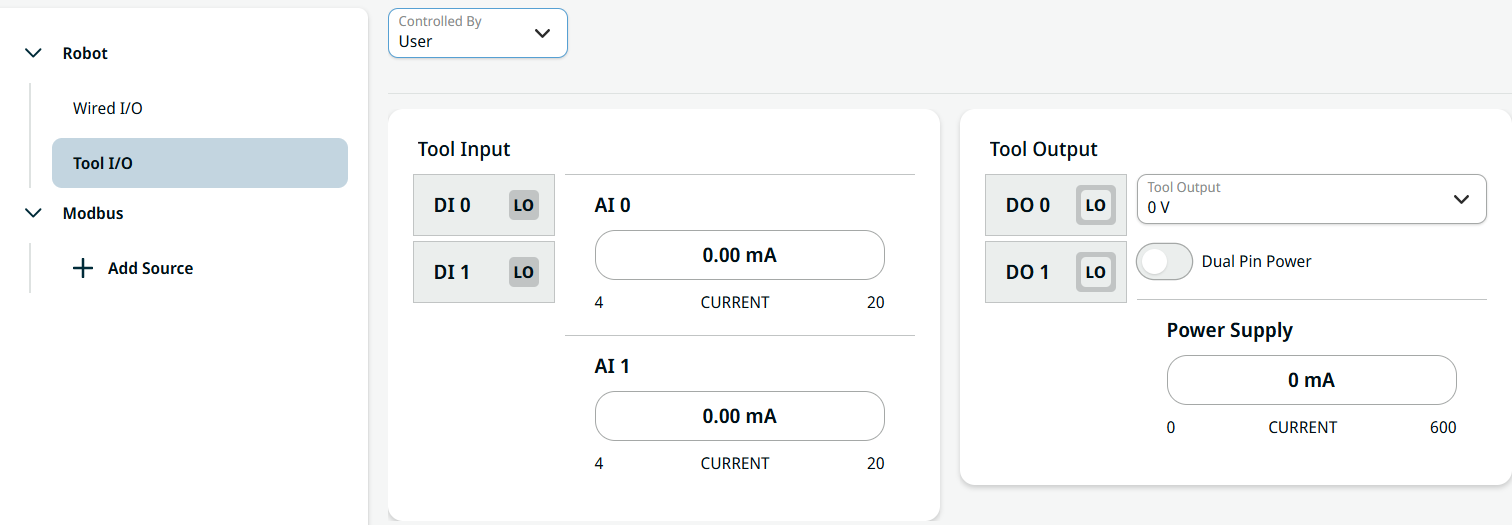
Tool I/O monitors and sets the live I/O signals from/to the control box.
|
| To access Tool I/O |
Tap Tool I/O on the left panel. You can see the editable fields of Tool Input and Tool Output on the right.
|
|
URCaps in Control drop-down menu |
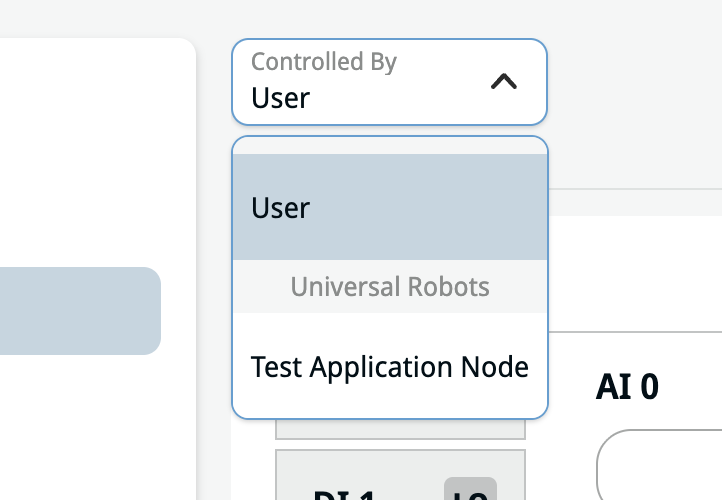
The Controlled By drop-down menu allows you to select a URCap that can control the tool settings. If a URCap is installed that has this capability, it will be displayed in the list. For instructions on installing a URCap, see URCaps.
When selected, the URCap will be responsible for the following settings:
Upon selection of a URCap, any controls related to the above settings will be disabled. The new settings will be applied when an entry is selected in the drop-down menu, when the program is loaded, and when the program is played.
|