M8 Power

Description

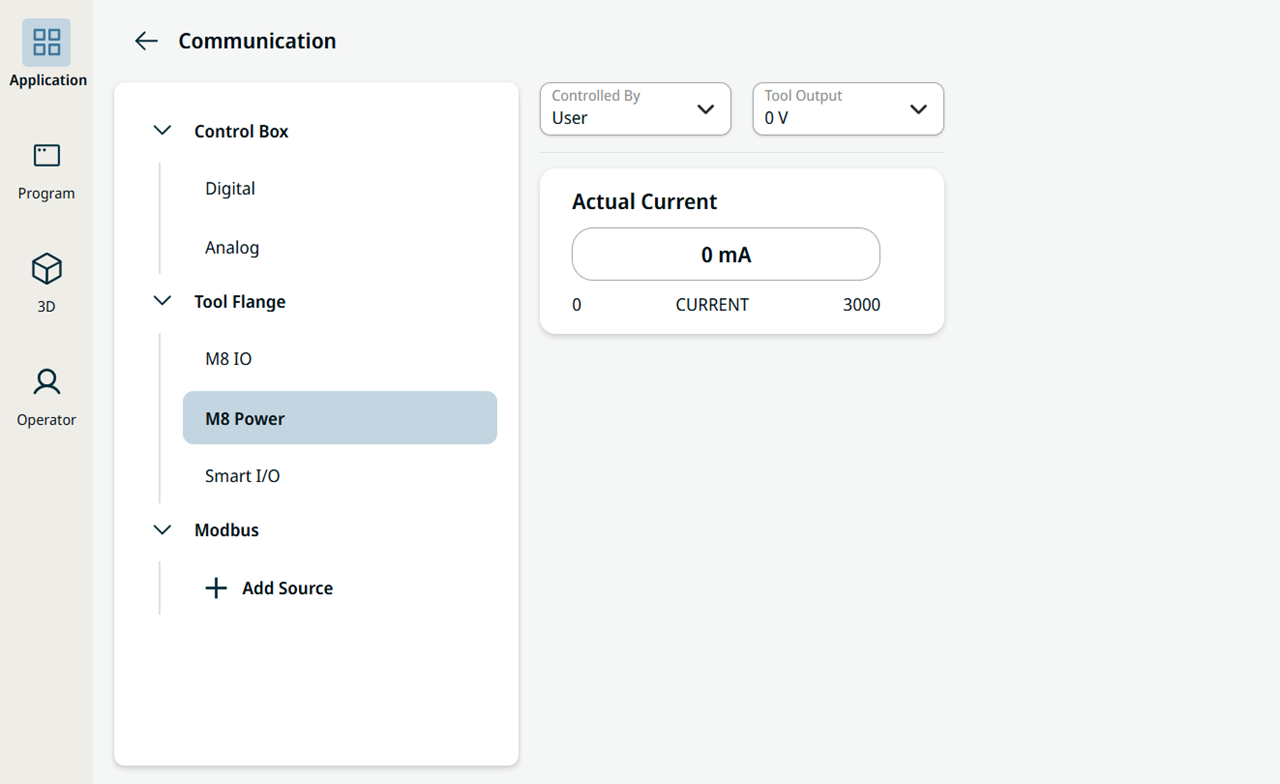
The M8 Power page controls the output voltage of the M8 Power connector on the Performance Tool Flange for higher-power tooling. You can find it under the Tool Flange tree on the Communication screen.


Using the M8 Power

  1. On the main navigation, tap Application.

  2. Tap Communication.

  3. In the Tool Flange tree, tap M8 Power.

    The M8 Power page on the Communication screen
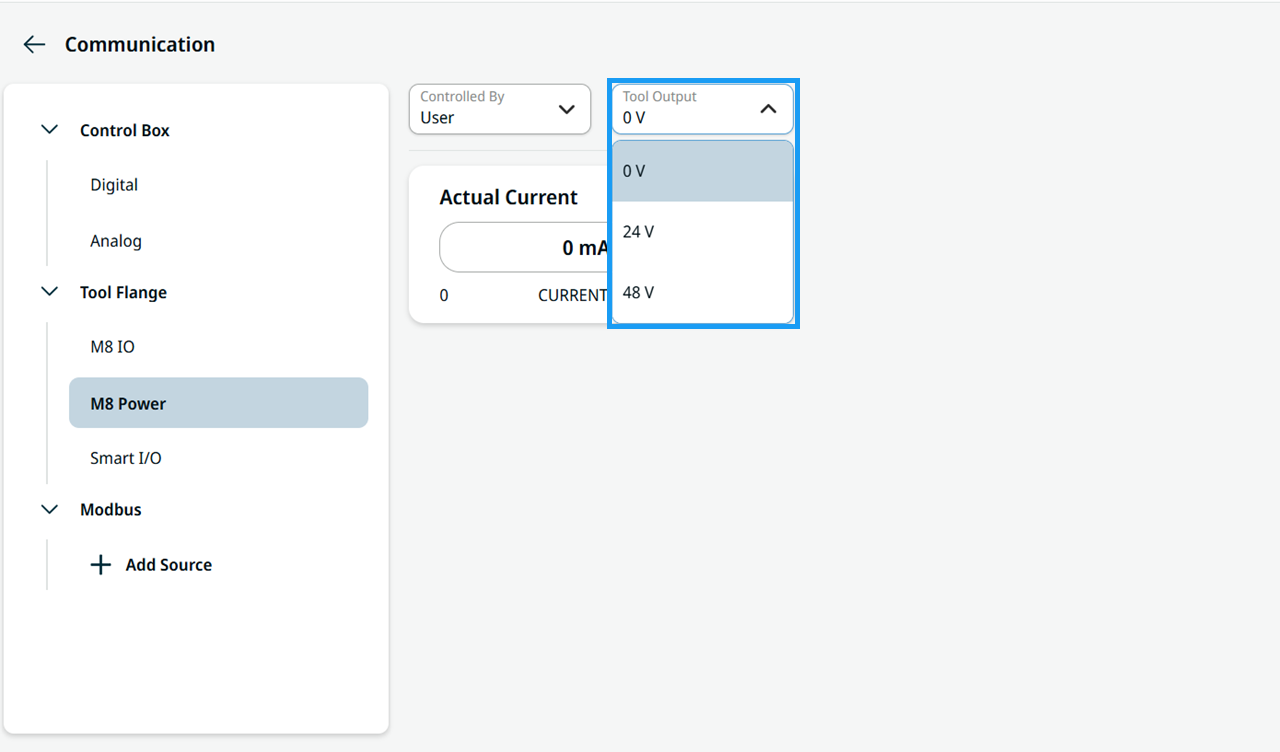
  4. In the Tool Output field, select 0 V, 24 V, or 48 V.

    Tool Output selection in M8 Power


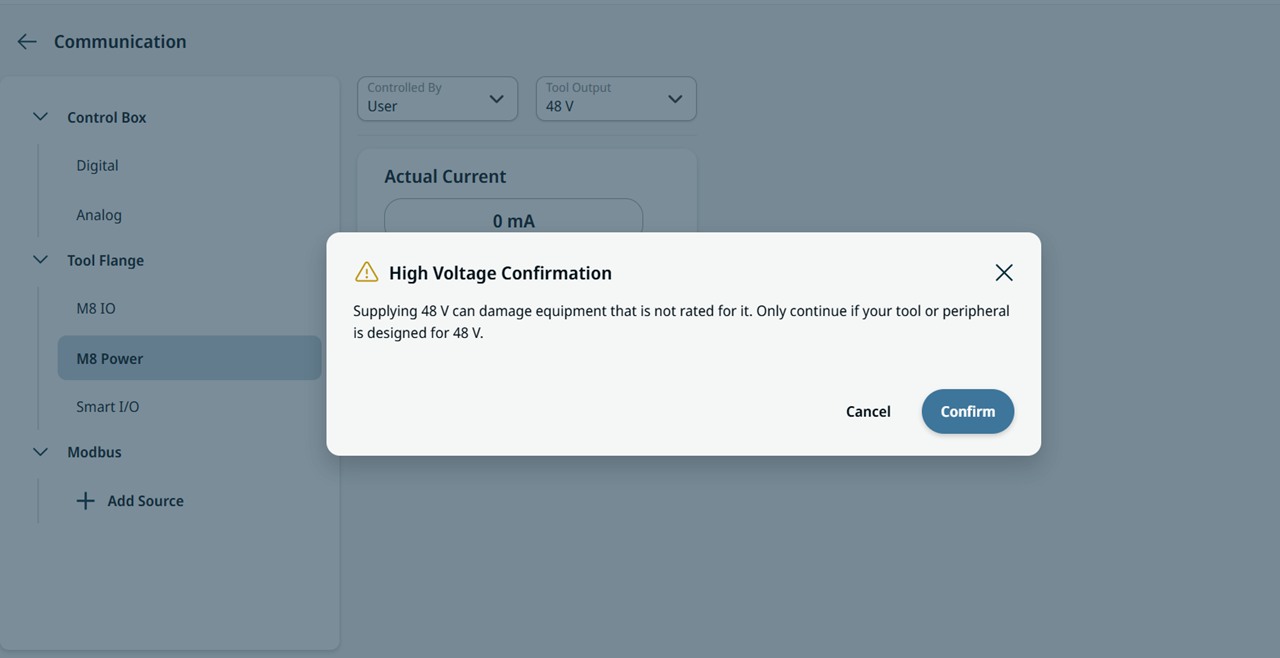
  1. When you select 48 V, a warning dialog prompts you to confirm the high voltage.

    Warning dialog when choosing 48 V for M8 Power