Preparing the Robot Safety Settings

Description

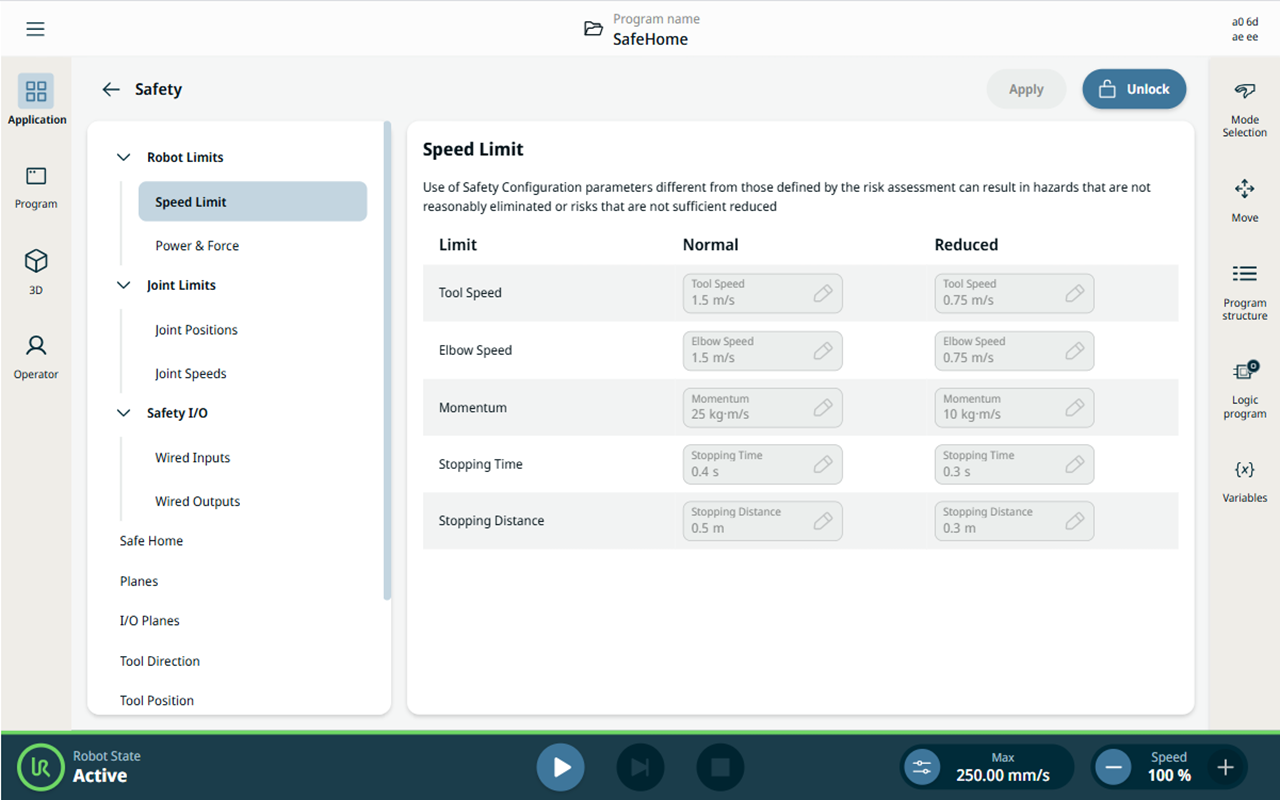
Configure the robot safety settings in PolyScope X as shown in the image below, or verify the robot uses the default safety settings.


To configure the robot safety settings
  1. Tap the Application tab, then Safety.

  2. Go to Speed Limit under Robot Limits.

  3. Tap Unlock and enter the password: ursafe.

  4. Enter the safety configuration parameters. Tap Apply.

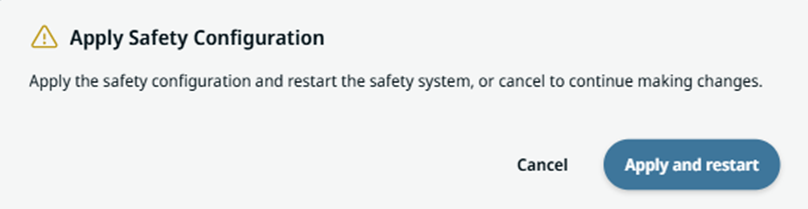
  5. When the Safety Configuration dialog box appears, select Apply and restart.