TCP Position

Description

The TCP position wizard assists user in finding the position (translation) of a TCP. This is useful in situations where the position is unknown and cannot be easily measured.


TCP Position wizard

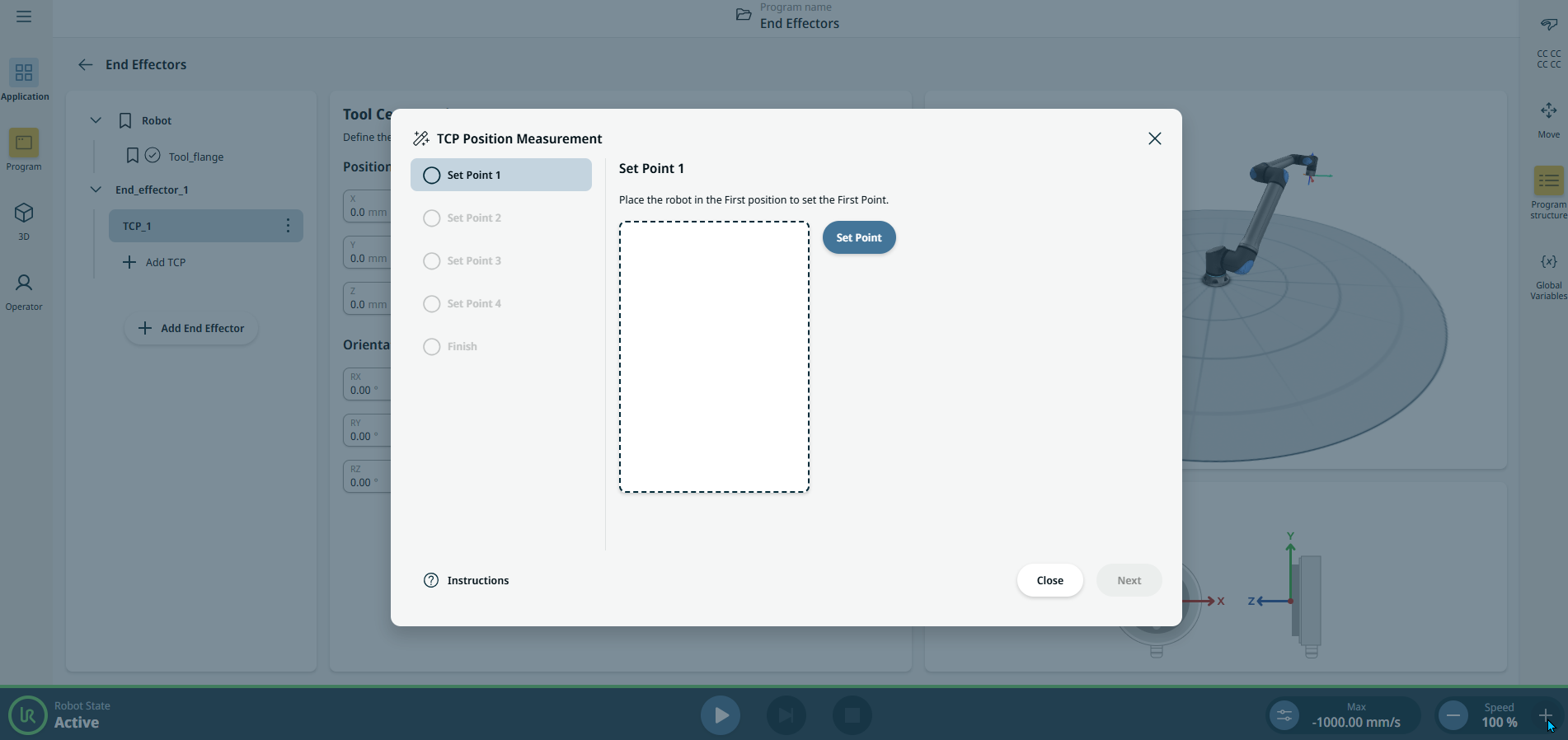
  1. On the central panel, tap the TCP Position wizard icon,

    and the pop-up TCP Position Measurement screen appears.

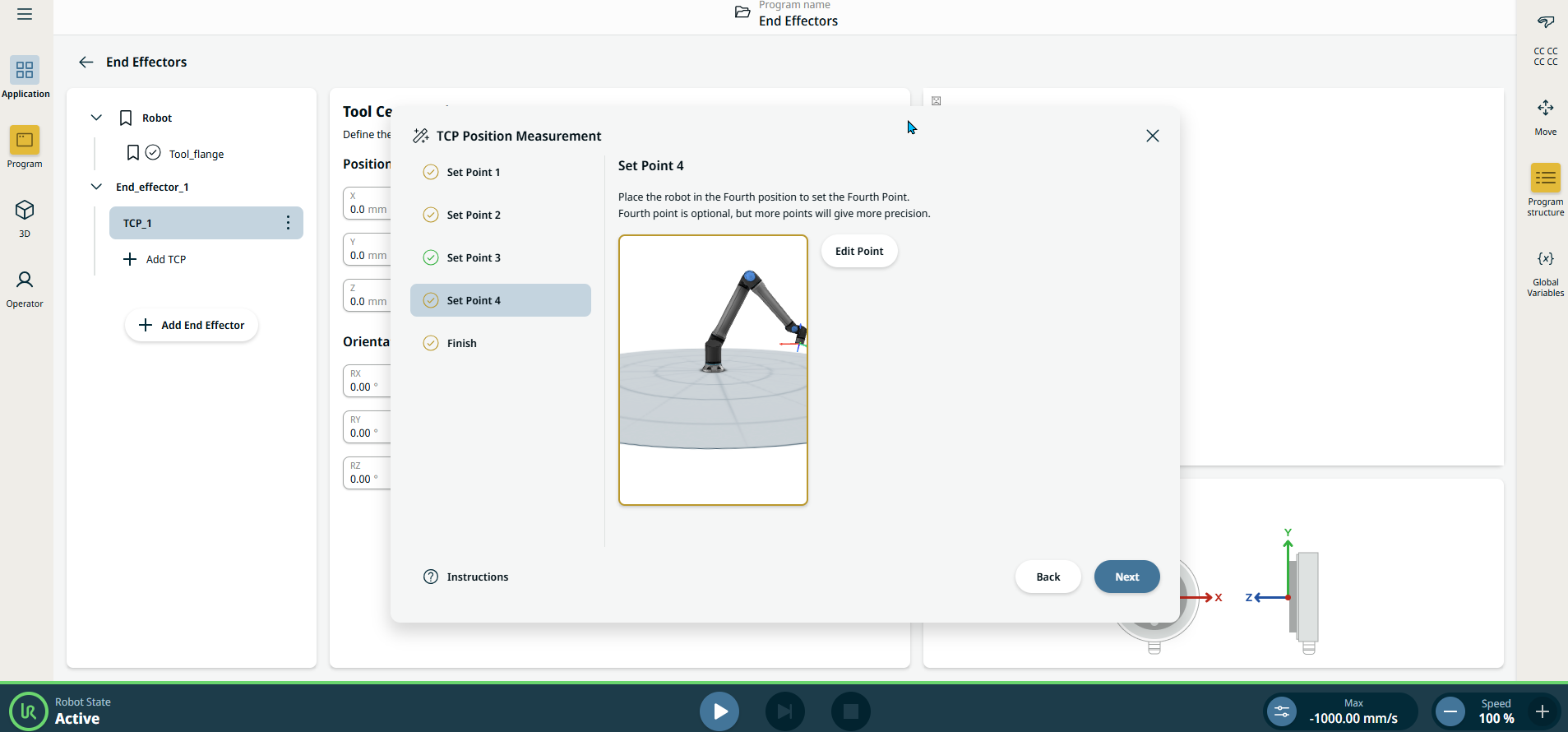
  2. Tap the Set Point button to set three or four positions by moving the TCP to the same position from different angles. This can be done by freedrive or jogging the robot in the 3D interface. You need at least three points from different angles for successful measurement.

    The wizard calculates the TCP position automatically. Though three positions are sufficient to determine the TCP position, a fourth position can be used to further verify that calculations are correct.


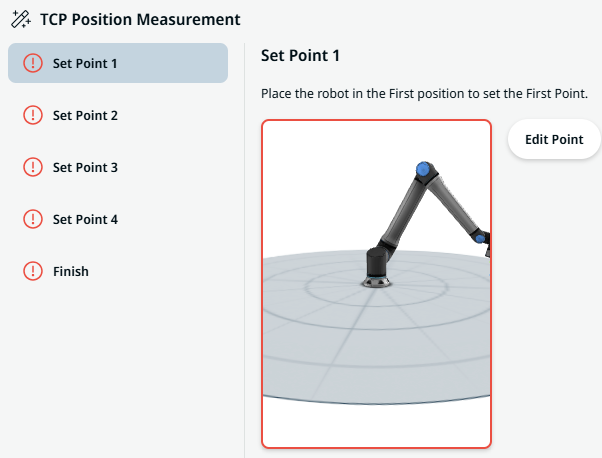
A red warning in Set Points informs user if the taught positions are not sufficiently diverse, in which case it is not possible to compute the TCP position. This means that the positions must be retaught.


  1. When the measurement is completed, tap Finish. You can see the robot arm’s position as shown in the X, Y, Z coordinates.