Payload Inertia

Description

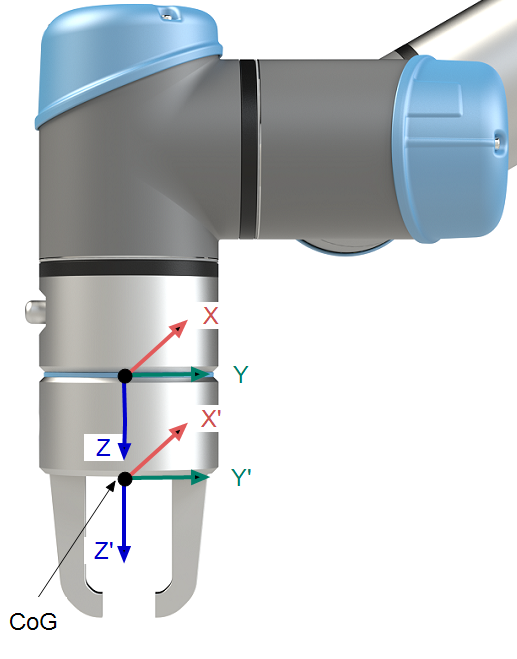
Configuring the inertia of heavy payloads enhance the robot’s motion performance and reduces risk of vibrations and protective stops.


Setting Inertia Values
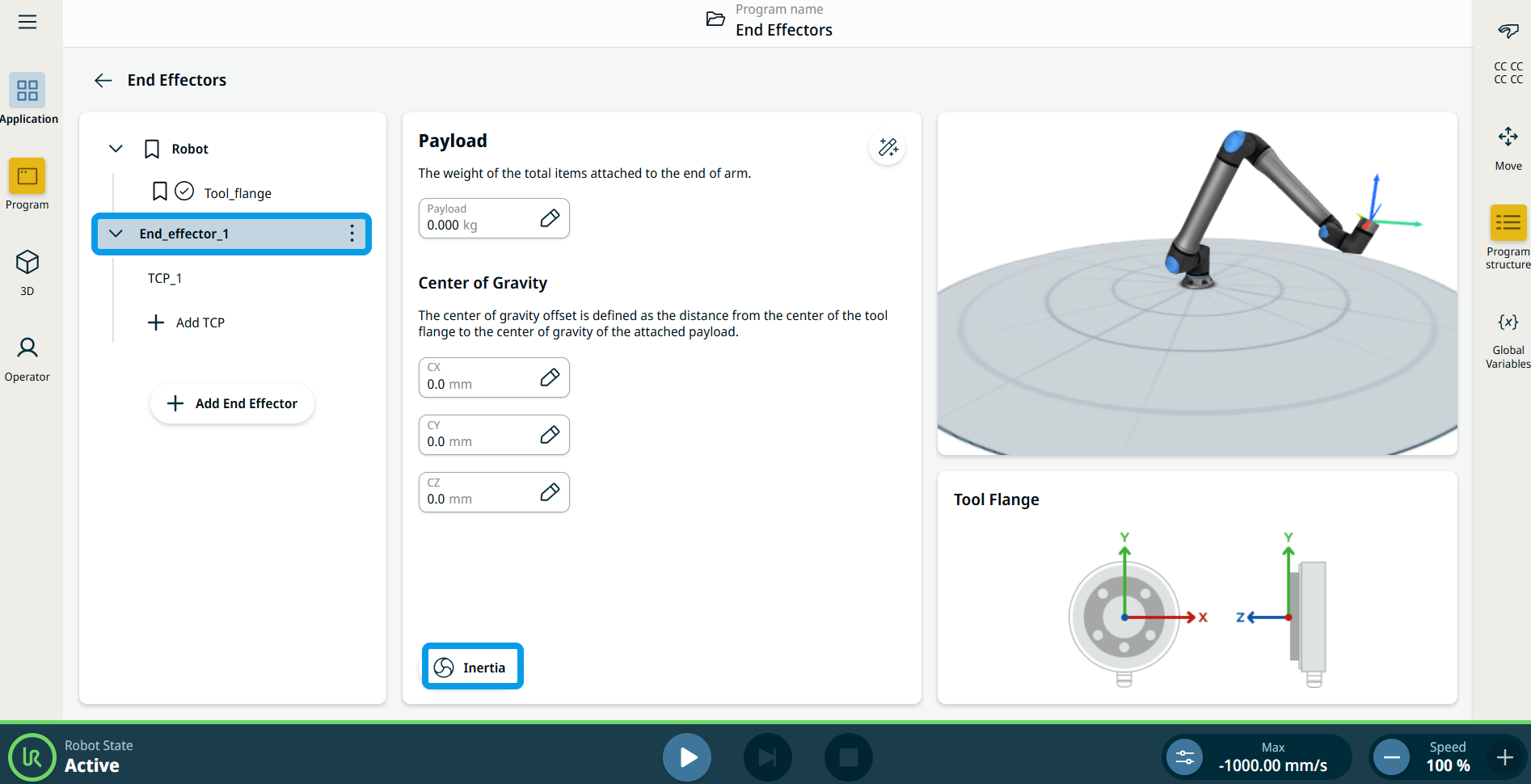
  1. Tap End_effector_1 in the left panel.

  2. In the central panel, tap the Inertia icon below the Center of Gravity fields.

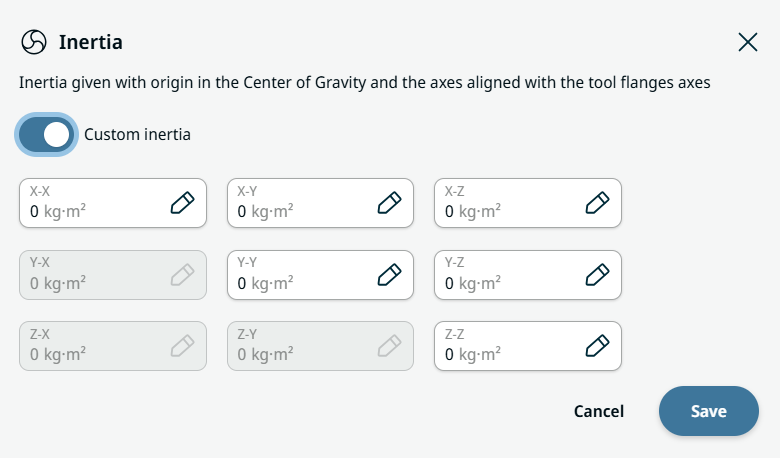
  3. You can select Custom Inertia to set inertia values. Slide the button to activate.

  4. Tap the fields: X-X, X-Y, X-Z, Y-Y, Y-Z, and Z-Z to set the inertia for the selected payload. Save.