TCP Orientation
| Description |
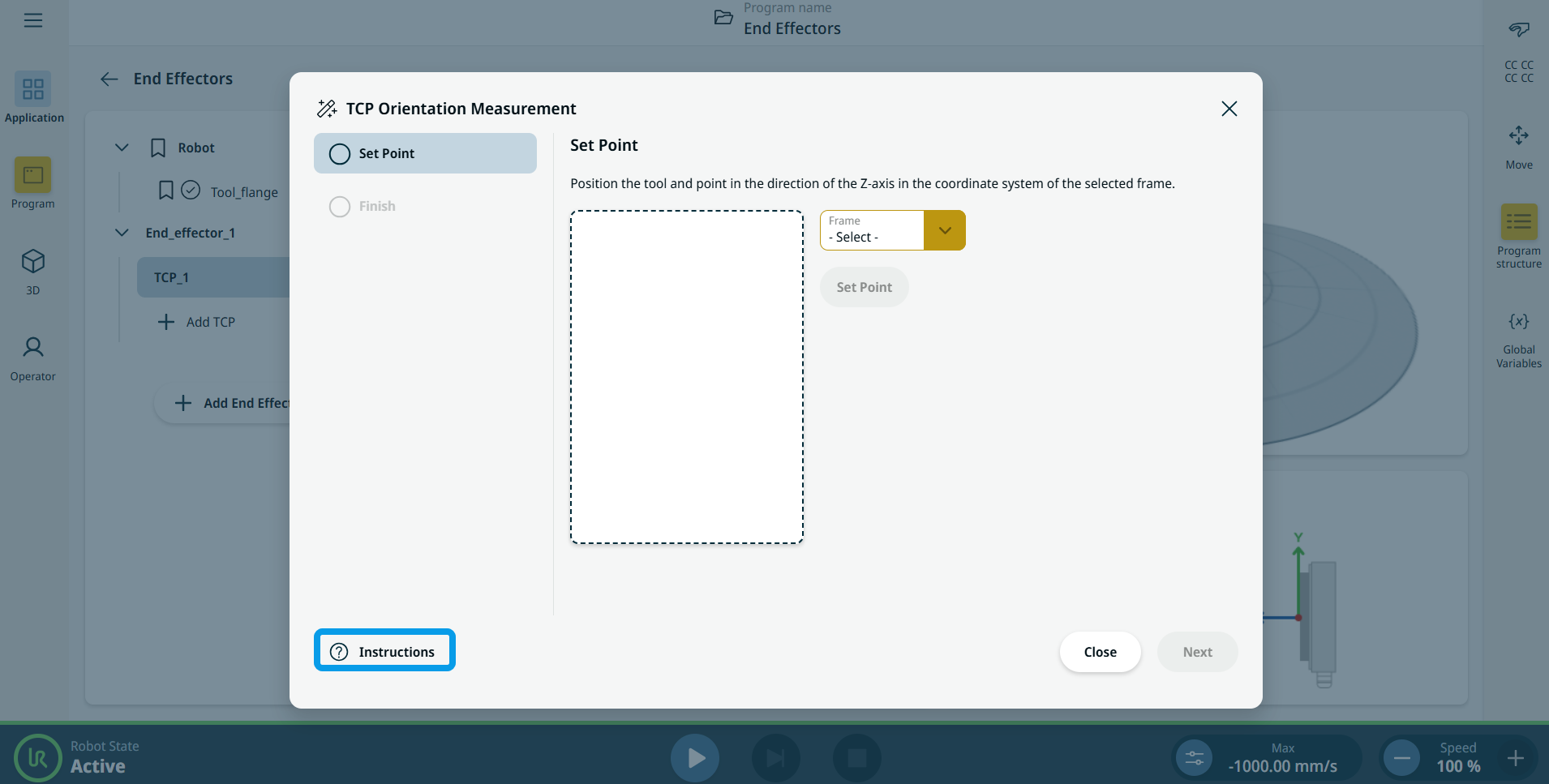
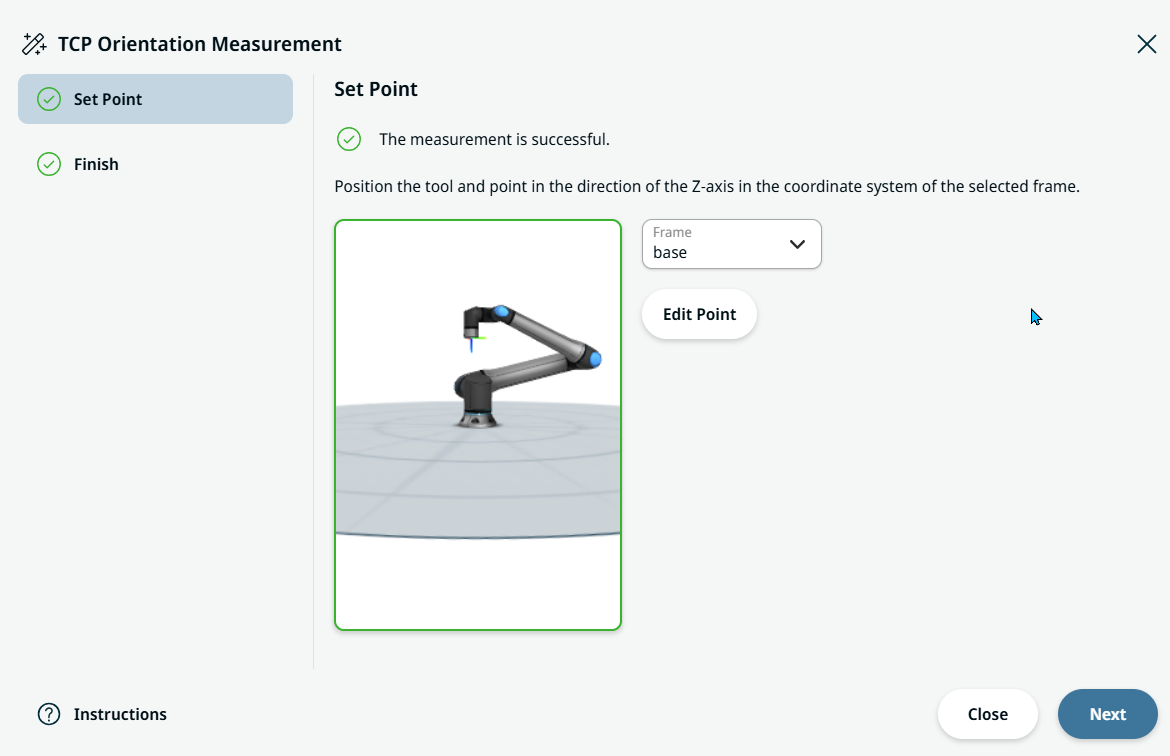
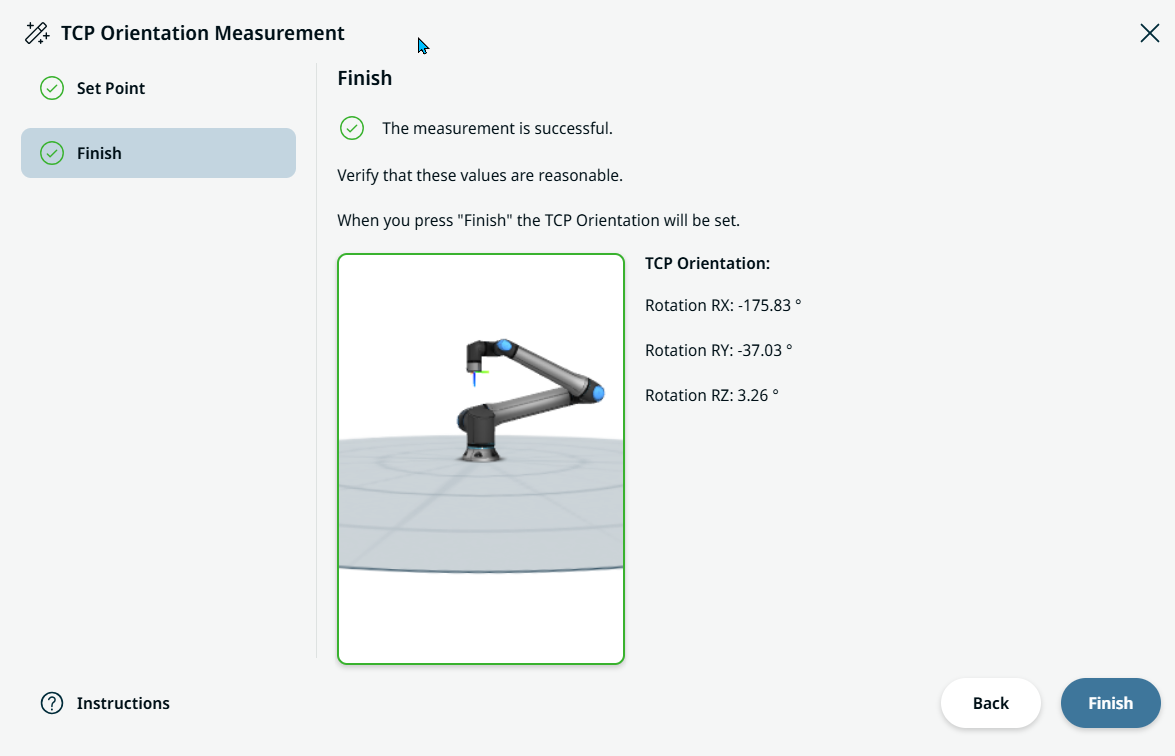
The new TCP orientation wizard provides a convenient way of determining the orientation (rotation) of a TCP. By having the user move the robot to a position where the tool's Z-axis aligns with a selected frame, the wizard can compute the TCP orientation automatically.
|
|
TCP Orientation wizard |
|
|
|
|
 and the pop-up TCP Orientation Measurement screen appears.