Showing Variables
| Showing variable values |
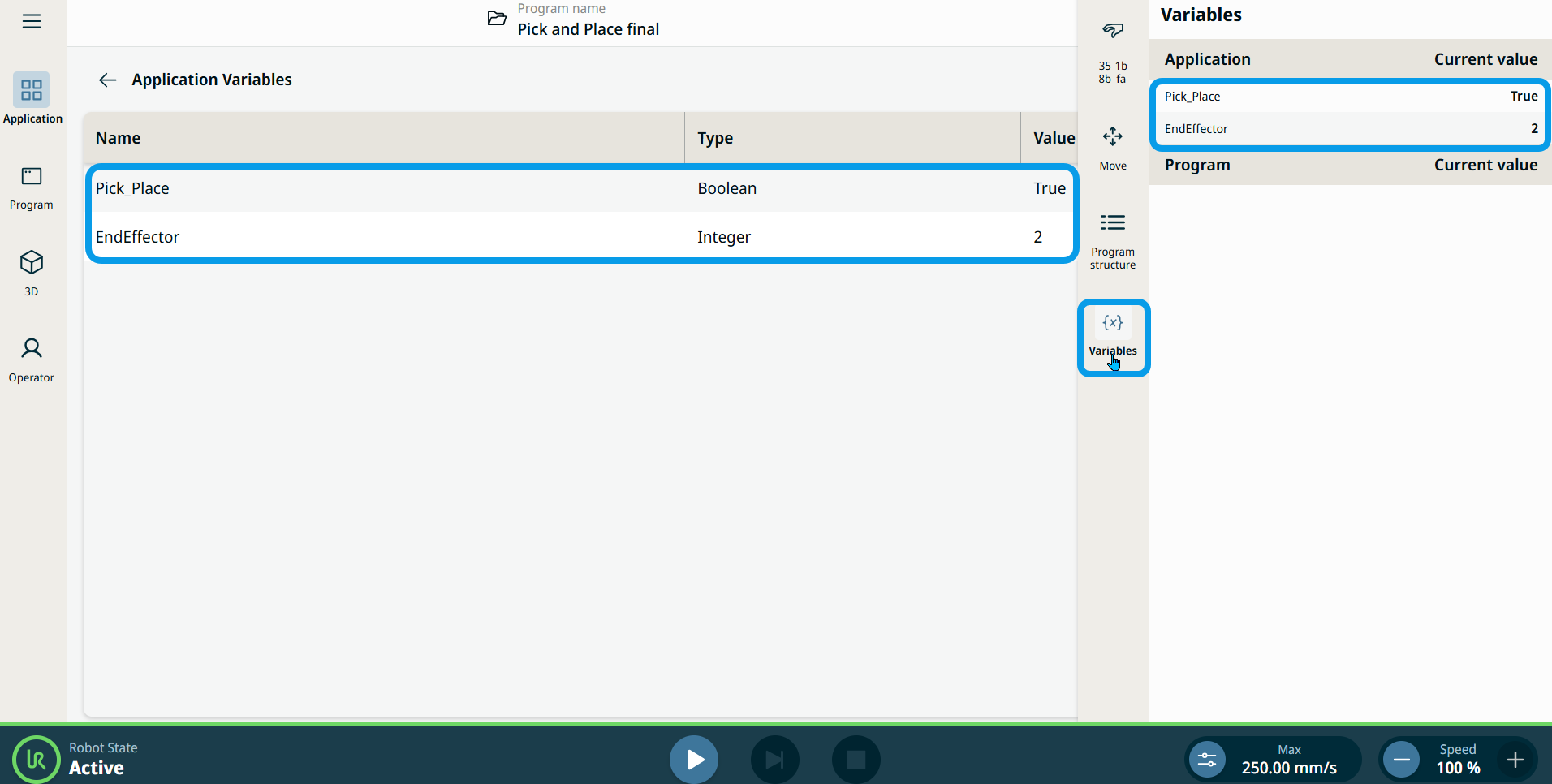
Current variable value is shown both on the sidebar in variables section and on the Application Variables screen in Application section.
|
| Showing variable values |
Current variable value is shown both on the sidebar in variables section and on the Application Variables screen in Application section.
|