Robot Image

Download and install robot image

To download a robot image:

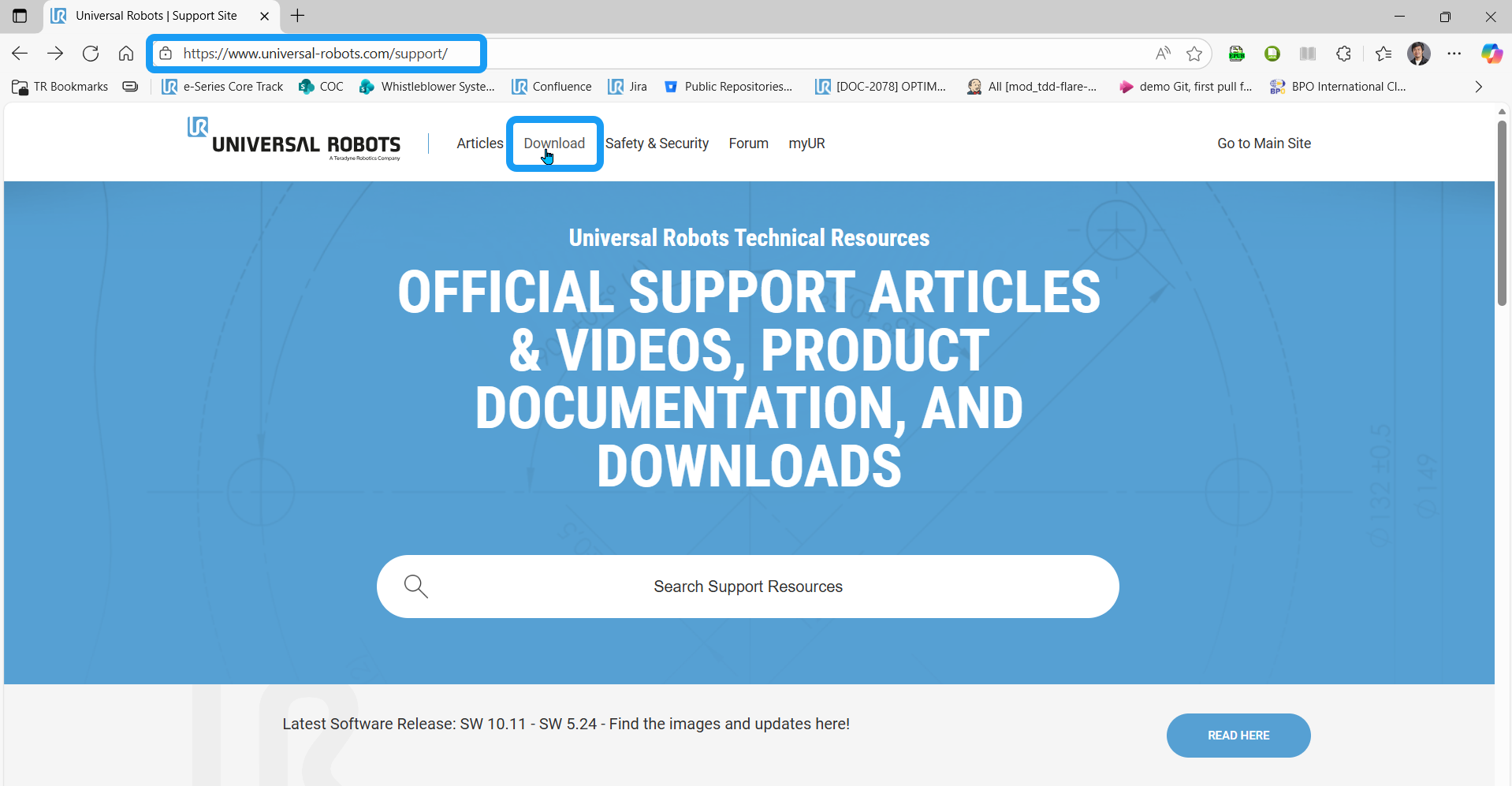
  1. Go to https://www.universal-robots.com/support/.

  2. In the header, click the download section.

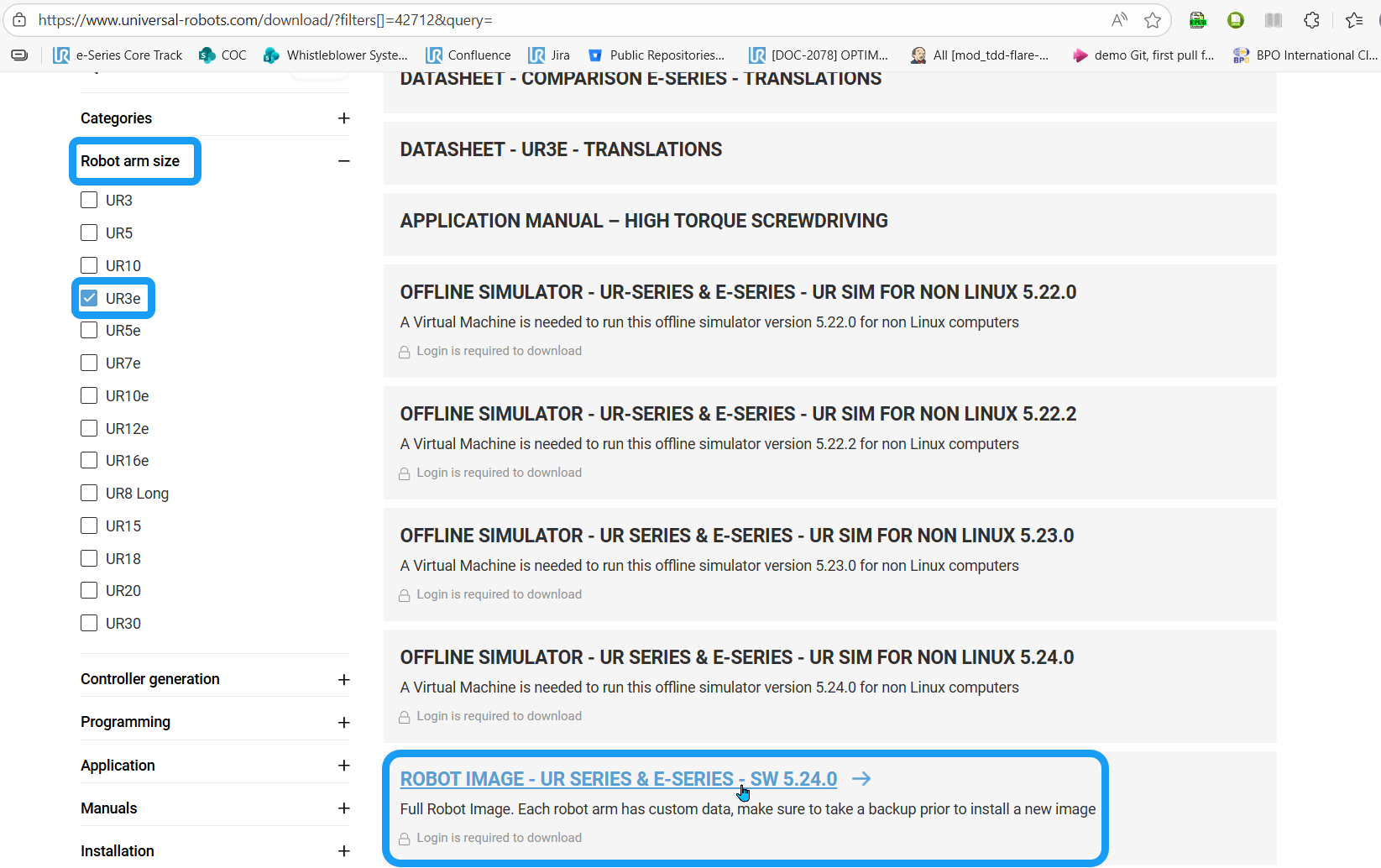
  3. Click Robot arm size and select the checkbox for your robot type. Click Load More Results and scroll down to locate the Robot Image section.

  4. Enter your login credentials to download.

    Before you download, back up existing data. Each robot arm has custom data.
 
CF card

If you have a CF card, choose 2.0 for CB2 and CB3.0 for CB3.

USB

If you have a USB drive, choose 2.1 for CB2.1 and CB3.1 for CB3.

SD card

e-Series and UR Series