Software
| Description |
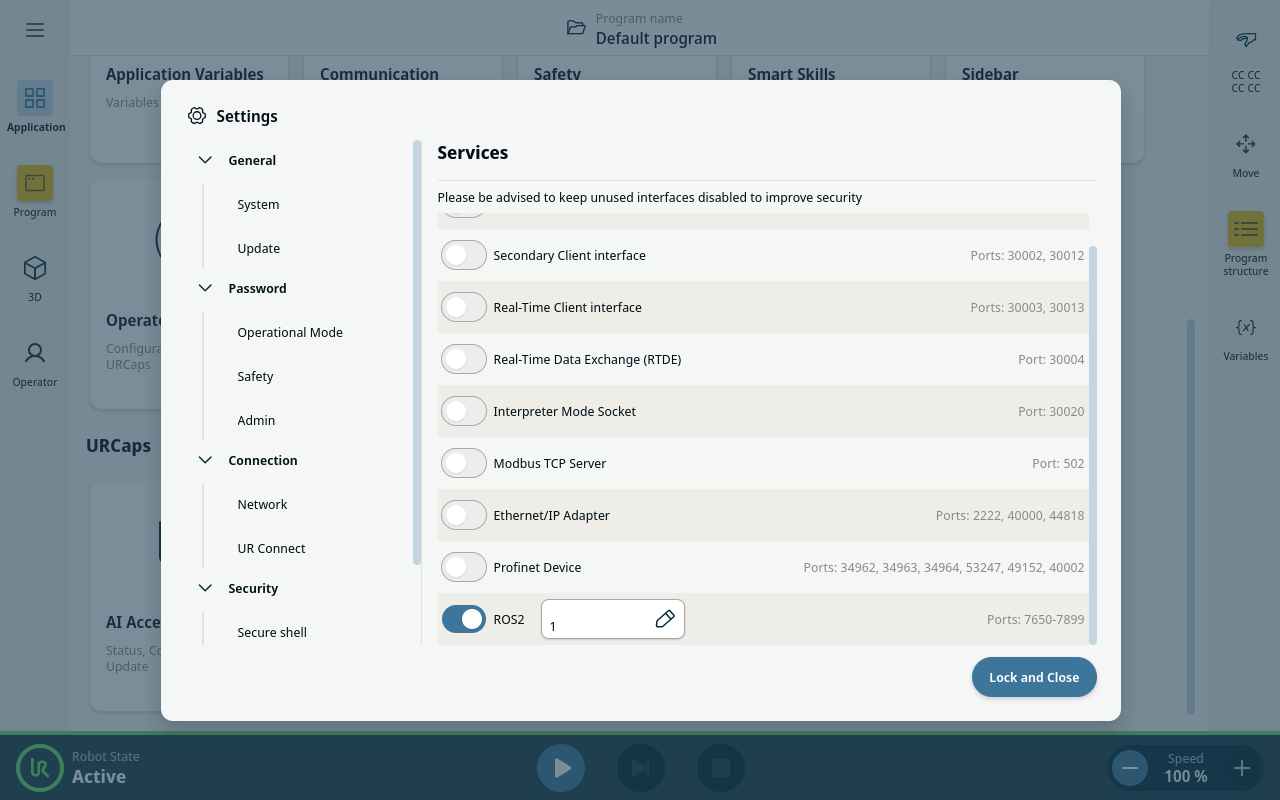
AI Accelerator uses ROS messaging for two-way communication between the Docker software run by the Compute module and the URCap running in robot's controller.
Before running the software installation and configuration scripts, make sure all hardware is correctly connected.
The brakes in the robot arm can remain engaged until you proceed to calibration or other activities requiring robot movement.
|
| Correct time settings |
Time synchronization and time stamp is extensively used by components of AI Accelerator. Therefore it is important to set correct time in robot's controller and compute module.
|
| Correct network settings |
The AI Accelerator must be on the same network as the robot's Control Box.
|