Using the AI Accelerator software
| Description |
The AI Accelerator comes with a software to setup and monitor the system. The software is installed as a URCap (aia-core) and can be found in PolyScope X Application settings.
|
| Adding a camera |
Installation and configuration of the software components of AI Accelerator on the robot should be performed in the following order:
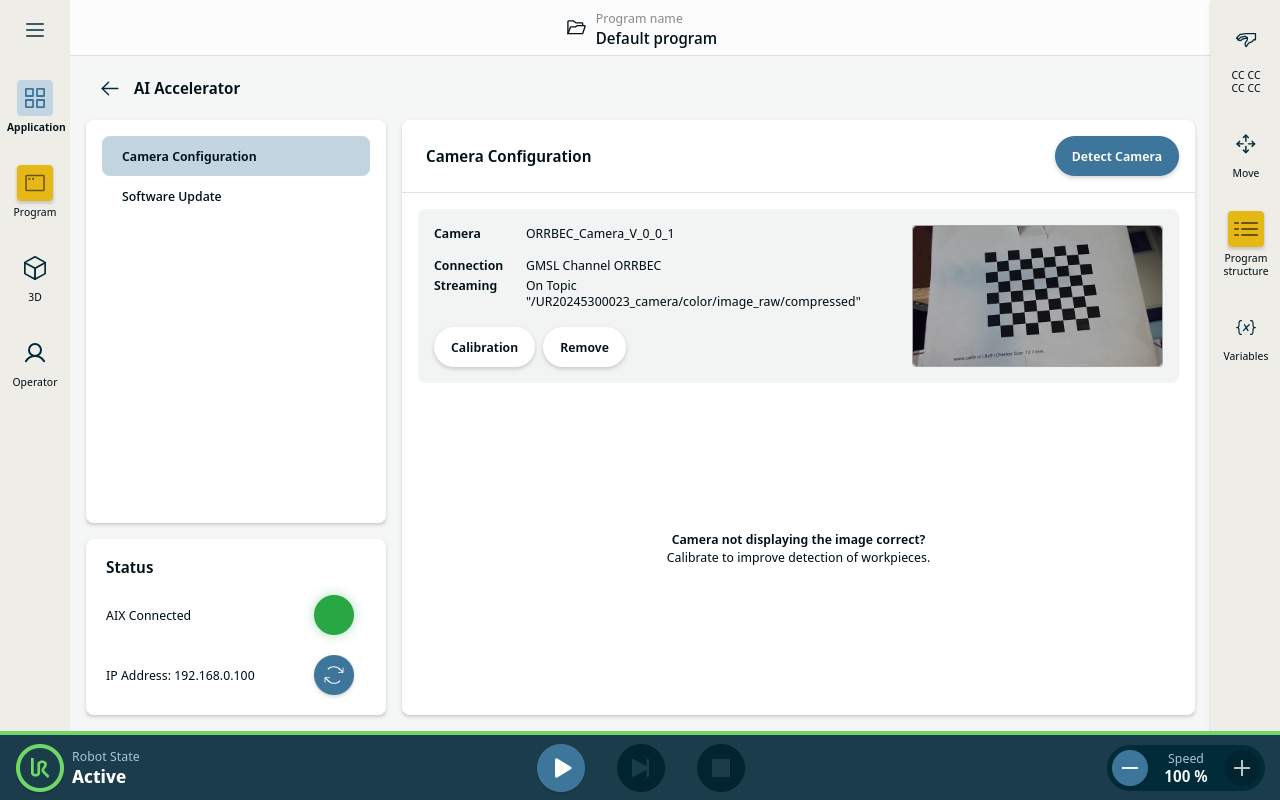
You can remove the camera or calibrate it by tapping the buttons under the camera name.
In the bottom left corner you can see the status and IP address of the compute module.
|
| Updating software |
|
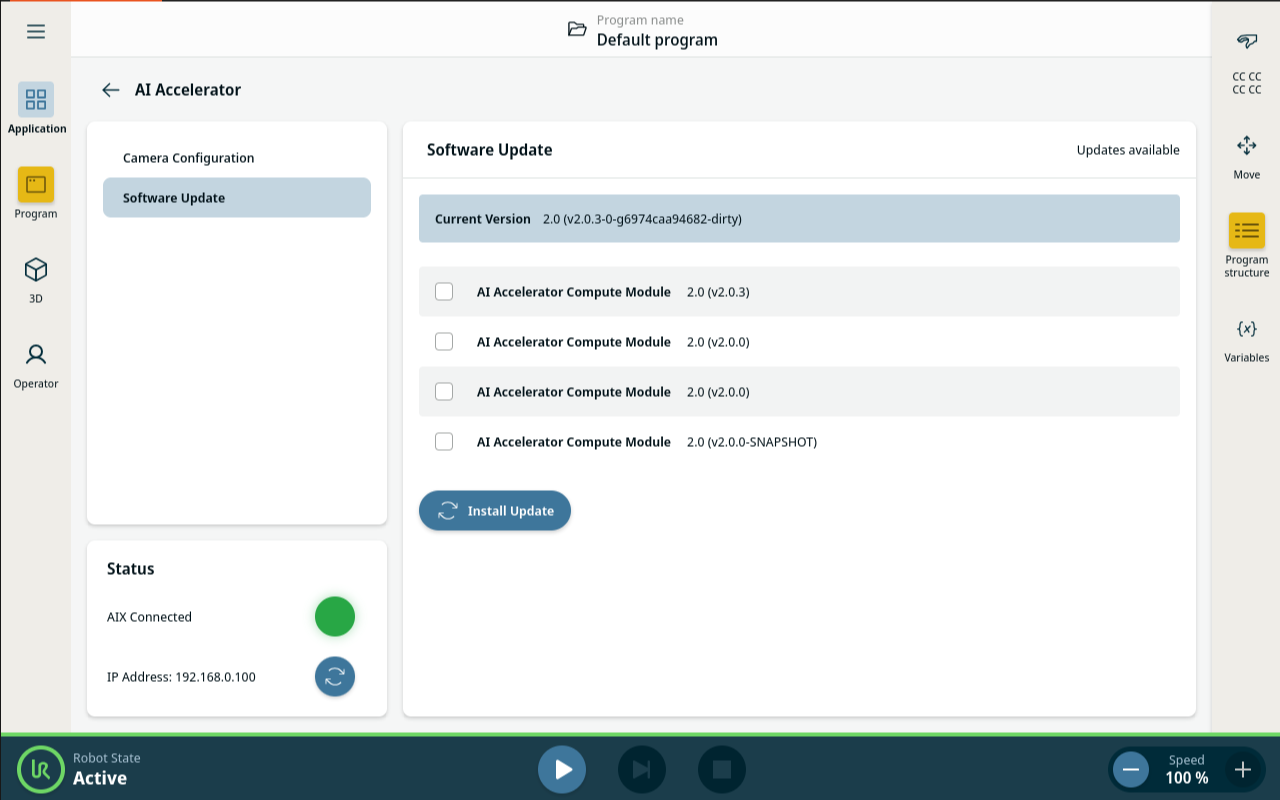
All data on the compute module will be lost after the update. Make sure everything is backed up before updating.
| Trouble shooting |
I can't see the live camera feed:
|