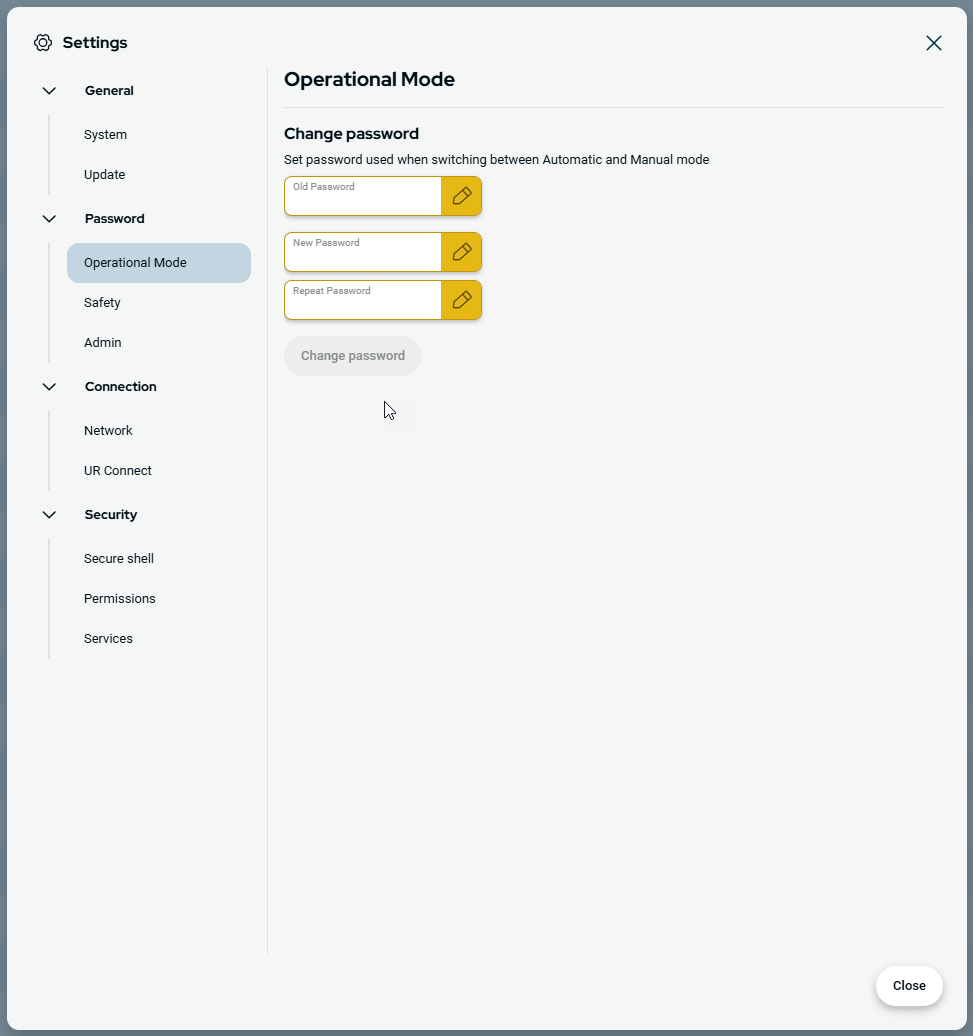
Password - Operational Mode
| Default Password |
The default password for operational mode: operator If you forget your password, it cannot be replaced or recovered. You will have to reinstall the software. You must use the default password, when you change the password for the first time.
|
| Change Operational Mode password |
This is how you change the password for operational mode in the PolyScope X setting.
|