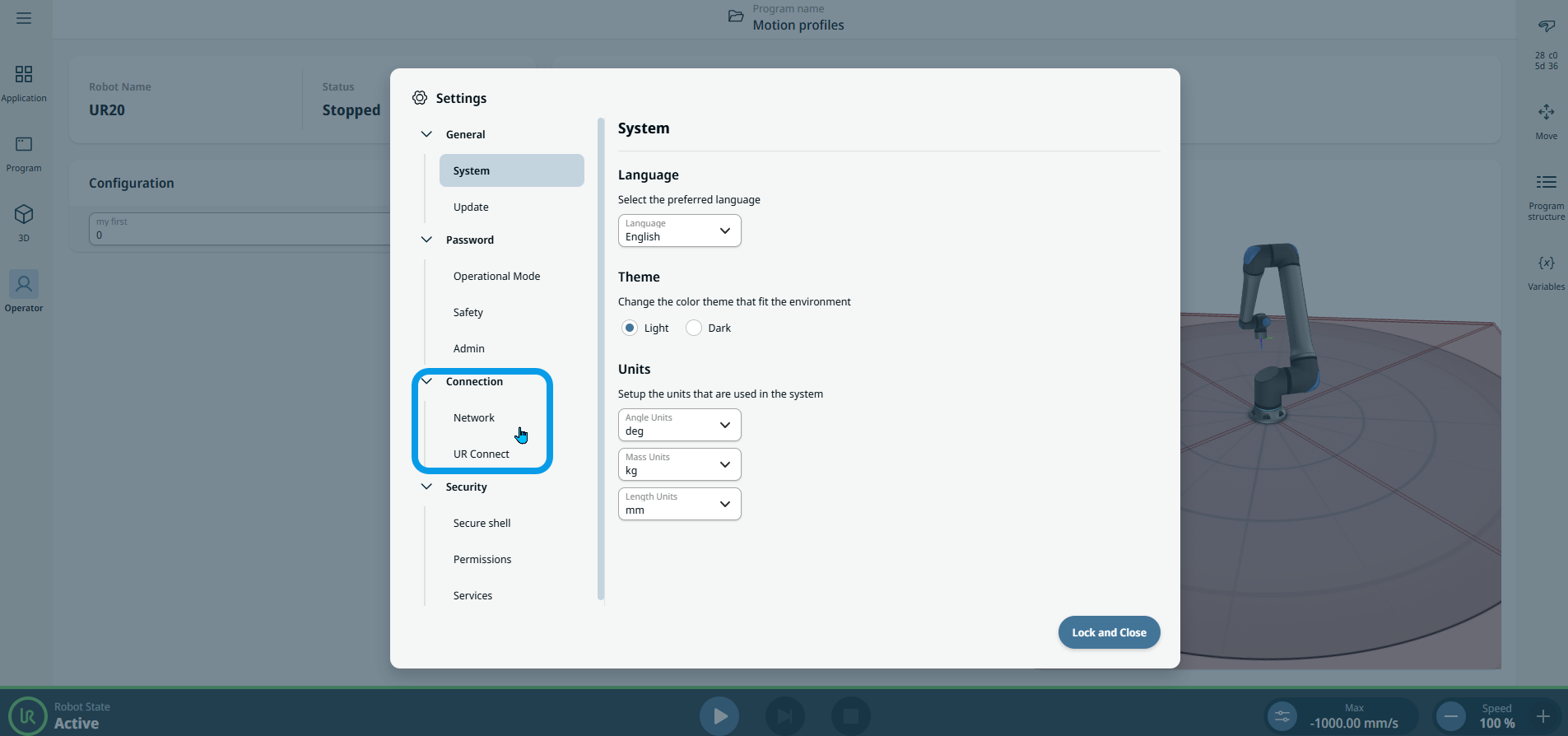
Connection

Description

The Connection setting of PolyScope X software enables you to access robot data anytime, anywhere.

You can access the Connection setting via the hamburger menu.


To access Connection tab

The main screen can be seen below.

  1. On the left header, tap the hamburger menu .

    Five tabs appear. Settings tab is the third.

  2. Tap Settings.

  • A sidebar opens with the Connection tab, below General and Password tabs.

  • You can see Network and UR Connect bars under the Connection tab.

    It is in these two functions where the input to connect network to PolyScope X is applied.