Network

Description

The network settings are used to connect the PolyScope X to a secure network.


To connect via Network

In the Network screen:

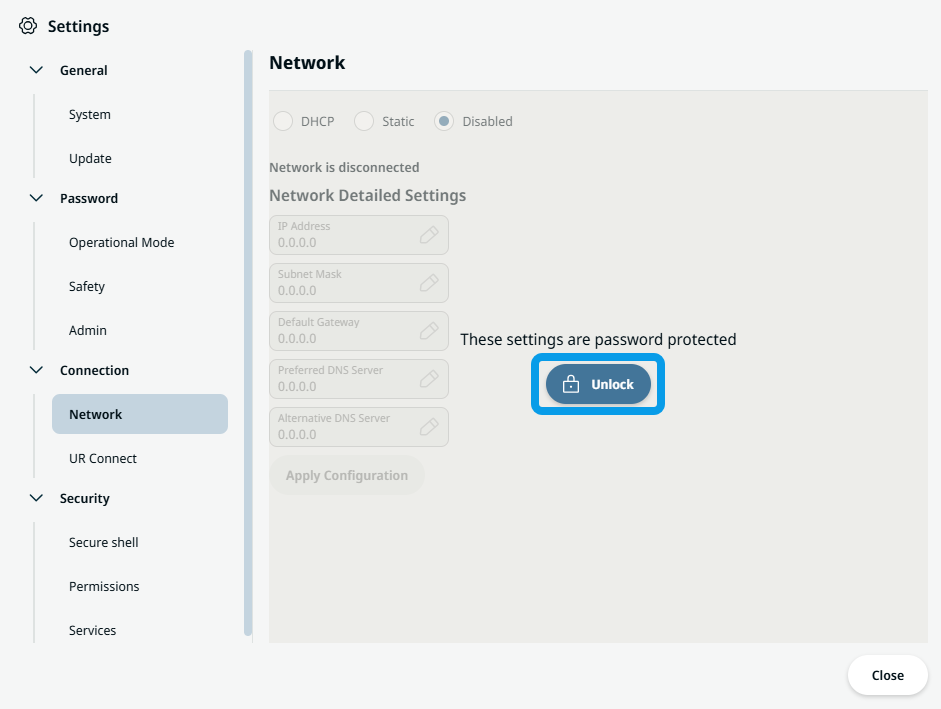
  1. Tap Unlock.

  1. Type the admin password.

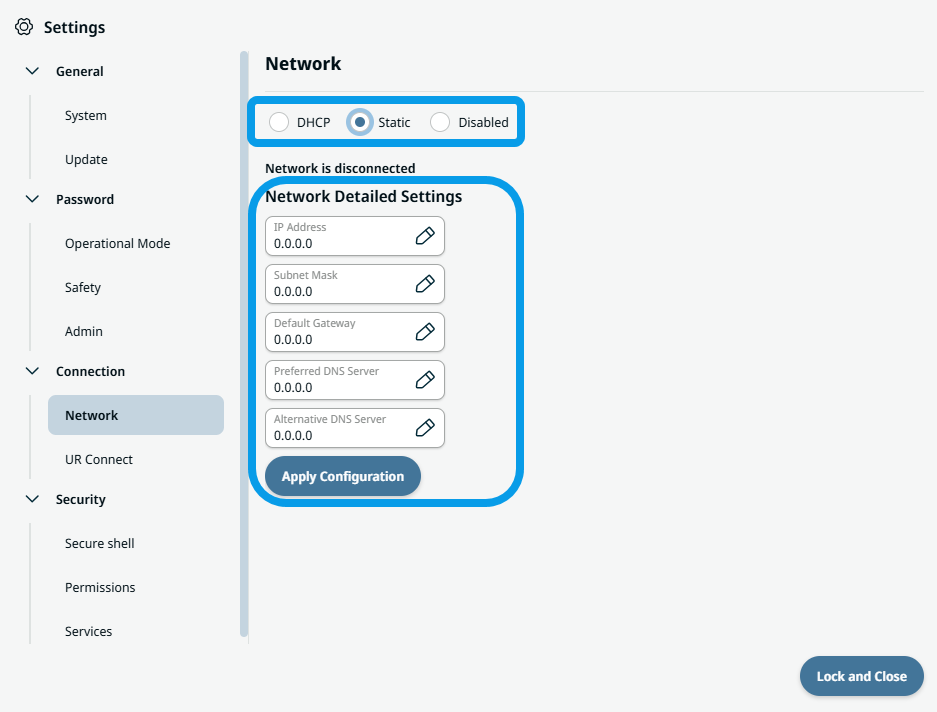
  2. Choose your preferred Network choice and confirm. Your main screen shows you three Network choices.

  3. Tap your preferred Network choice.

  4. When Static is chosen, fill in the box of the five required fields of Network Detailed Settings.

  1. Tap Apply Configuration.