General Settings

Description

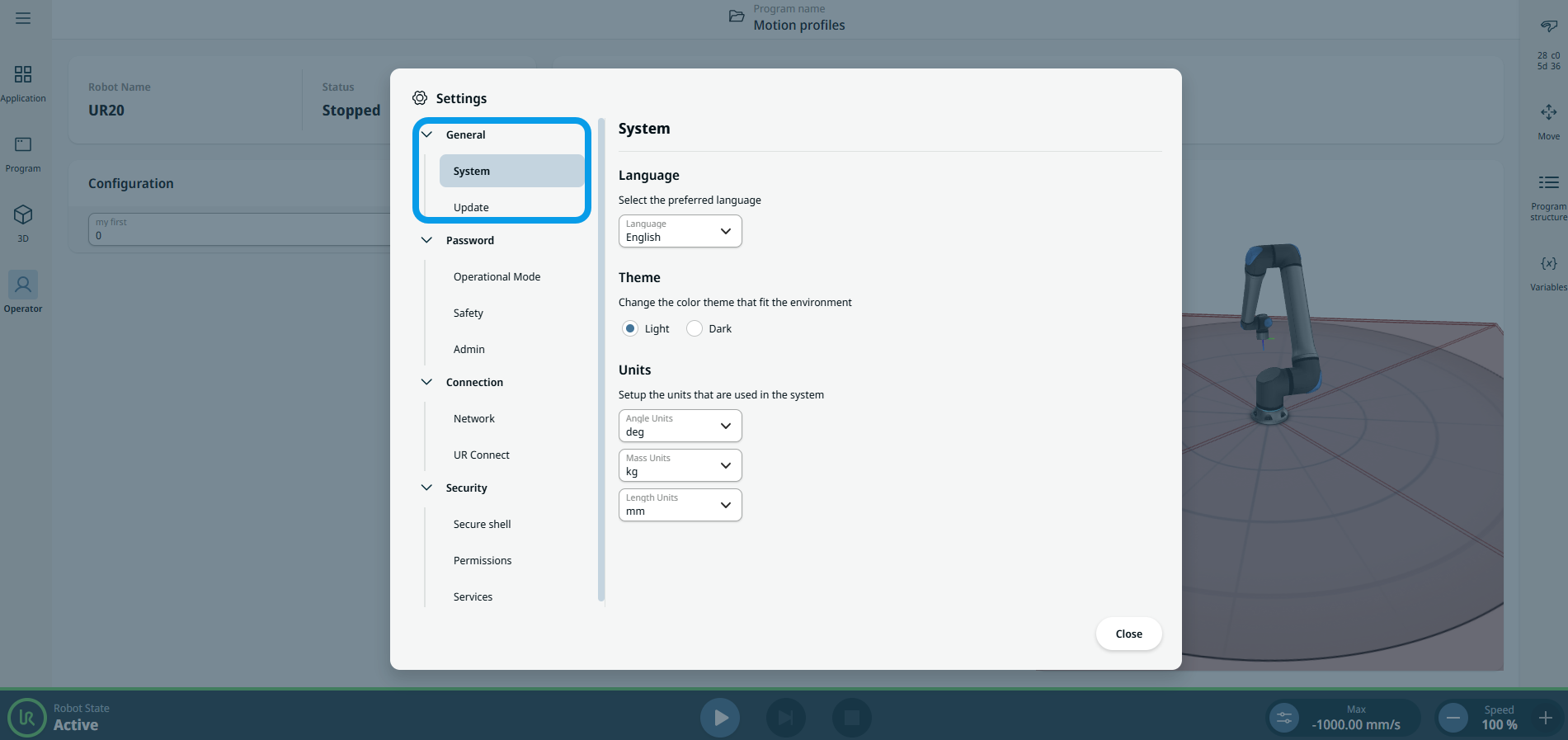
The General setting of PolyScope X provides you the function of System and Update.


To open General setting
  1. Tap the hamburger menu on the main navigation.

  2. Tap Settings tab.

    A left sidebar opens that contains the General tab.

  3. Under the General tab, tap System bar.

    You now have access to Language, Theme, and Units menu to suit your preference.

  4. Under the General tab, tap Update to see your software version and check for updates.