Manual Operational Mode

Description

In Manual Mode, you can create, modify, and save robot programs, applications, and installations. This has four properties:

  • A 3-position enabling (3PE) device must be held in its center position.

  • Modify and save programs.

  • Reduced speed control to 250 mm/s.

  • Manual high speed is enabled by adjusting the Manual High Speed slider in the footer. A confirming action is required before higher speeds can be achieved. If the enabling device has been released for five minutes, manual high speed must be reenabled before higher speeds than 250 mm/s can be obtained.

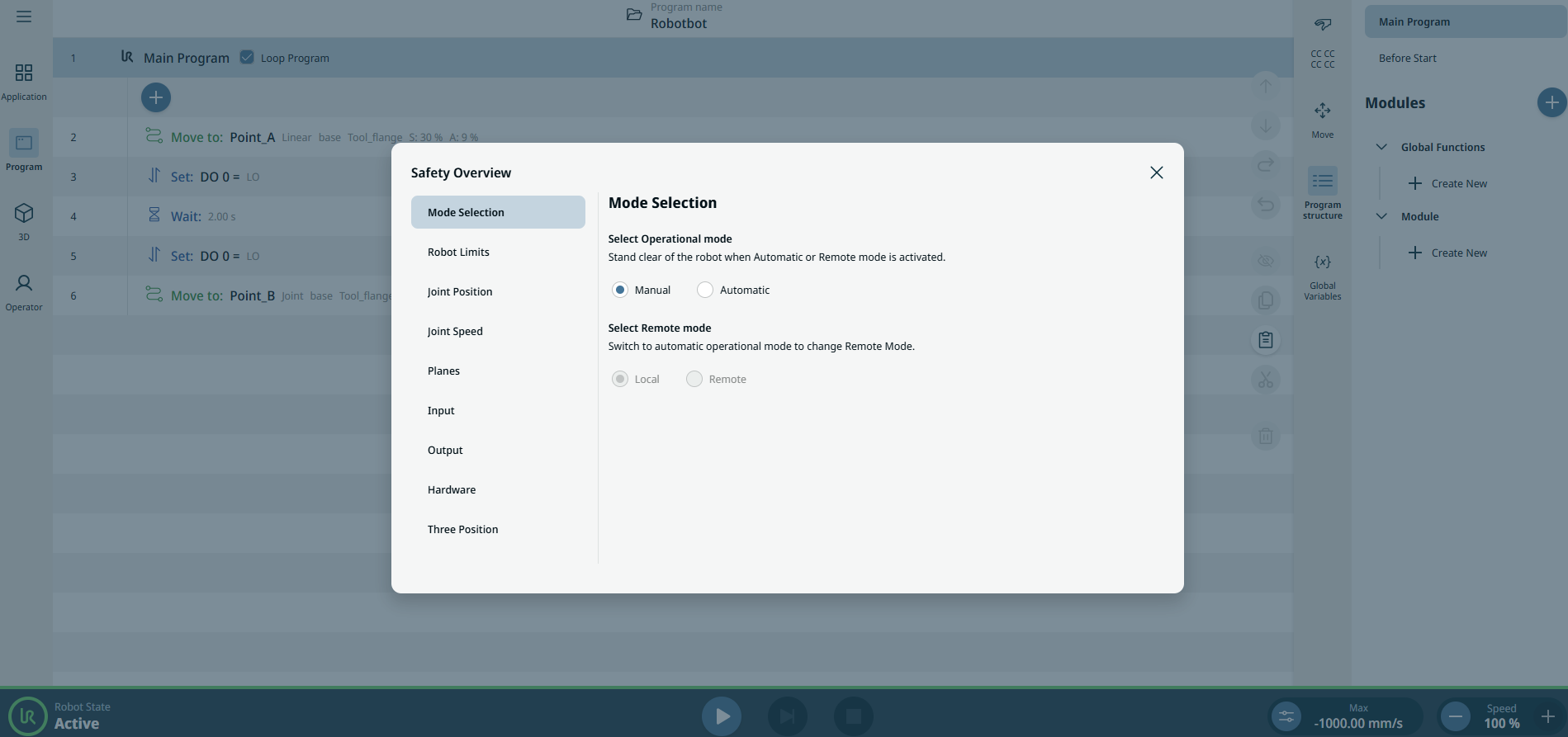
To use Manual mode

  1. Follow the steps of “To access Mode Selection” in Operational Mode. See Operational Mode.


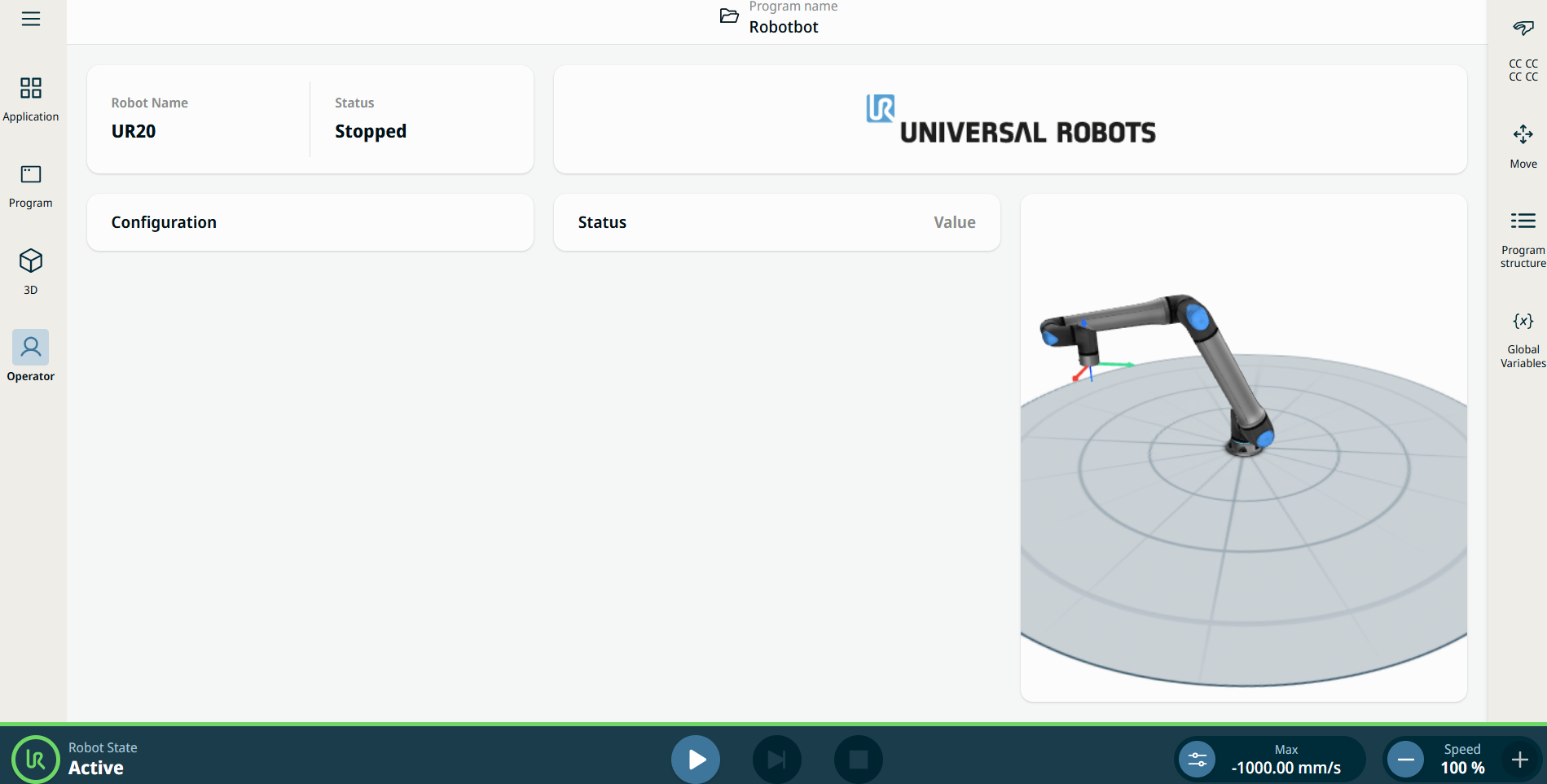
    Manual mode is the default setting. The main screen contains all the functionalities of the PolyScope X interface.