Script
| Description |
The Script command enables you to write and insert URScript code or files directly into your program, adding flow control, custom force and motion functions, and communication logic beyond the graphical nodes. You can combine it with other commands to run custom URScript for advanced integrations (sensors, PLCs) and external equipment control (gripper, conveyor).
|
|
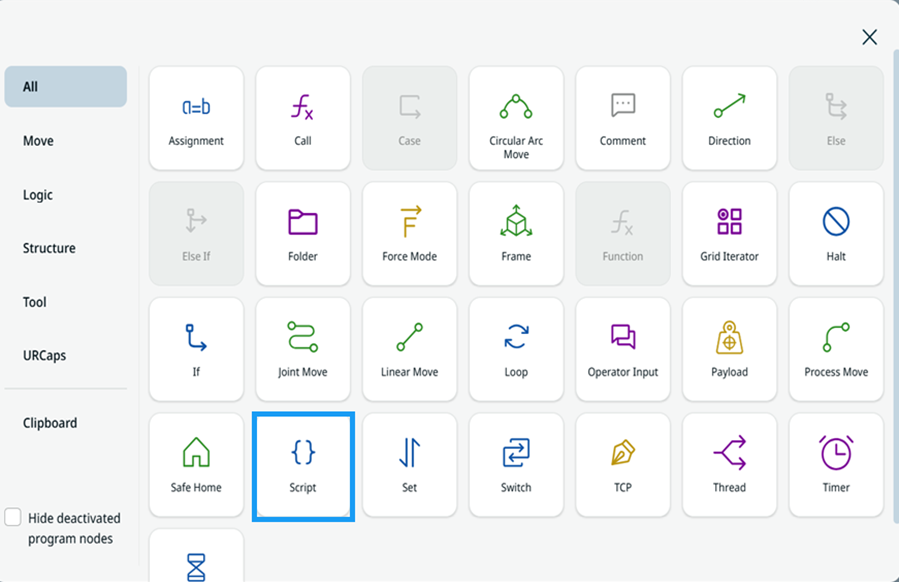
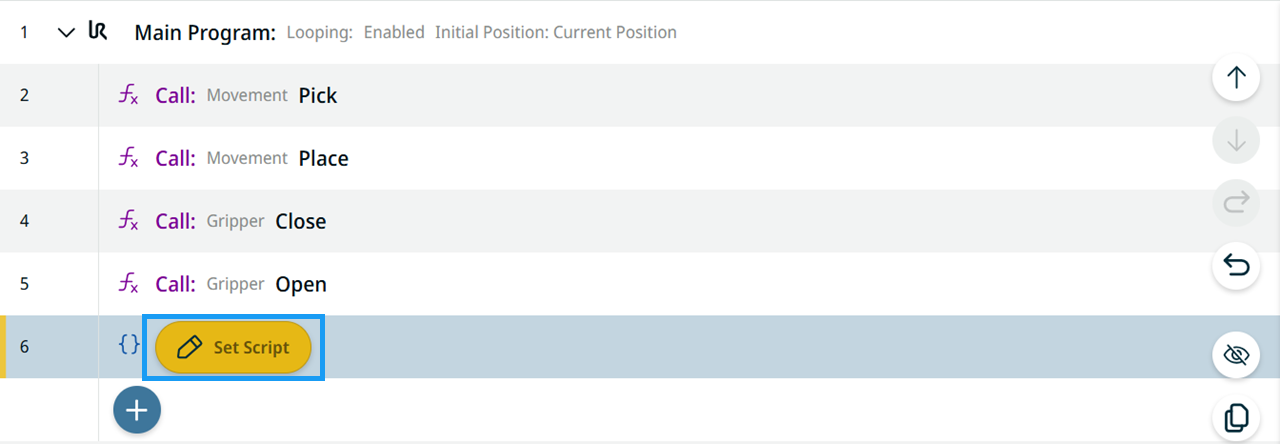
To access the Script command |
|
||||
|
|
|
|
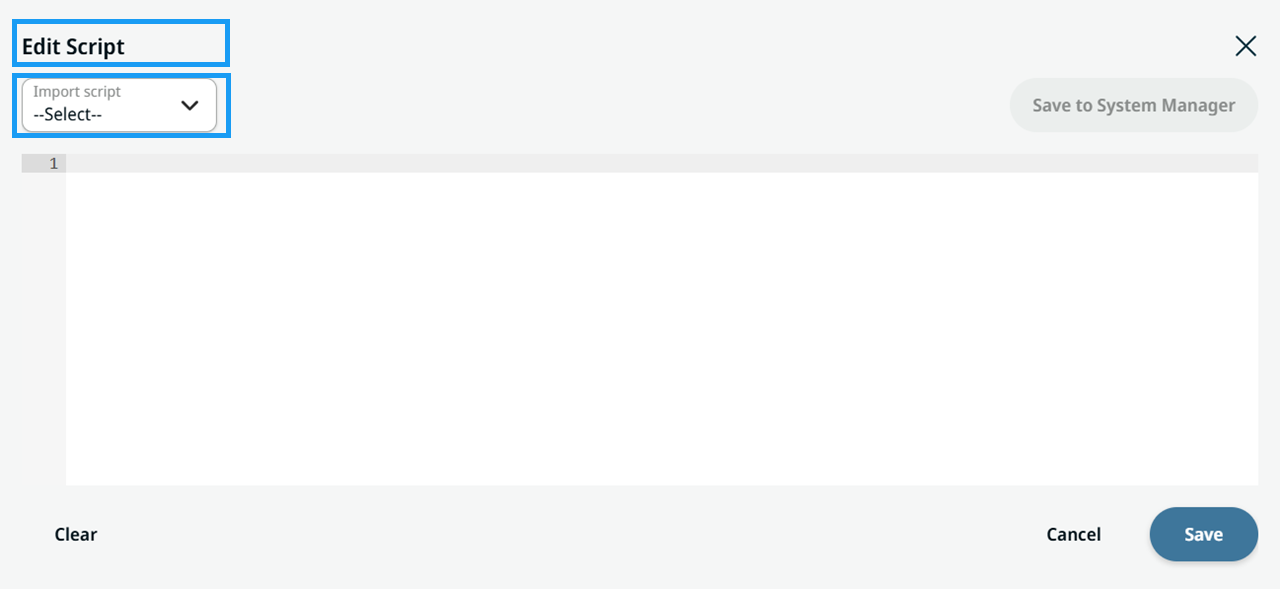
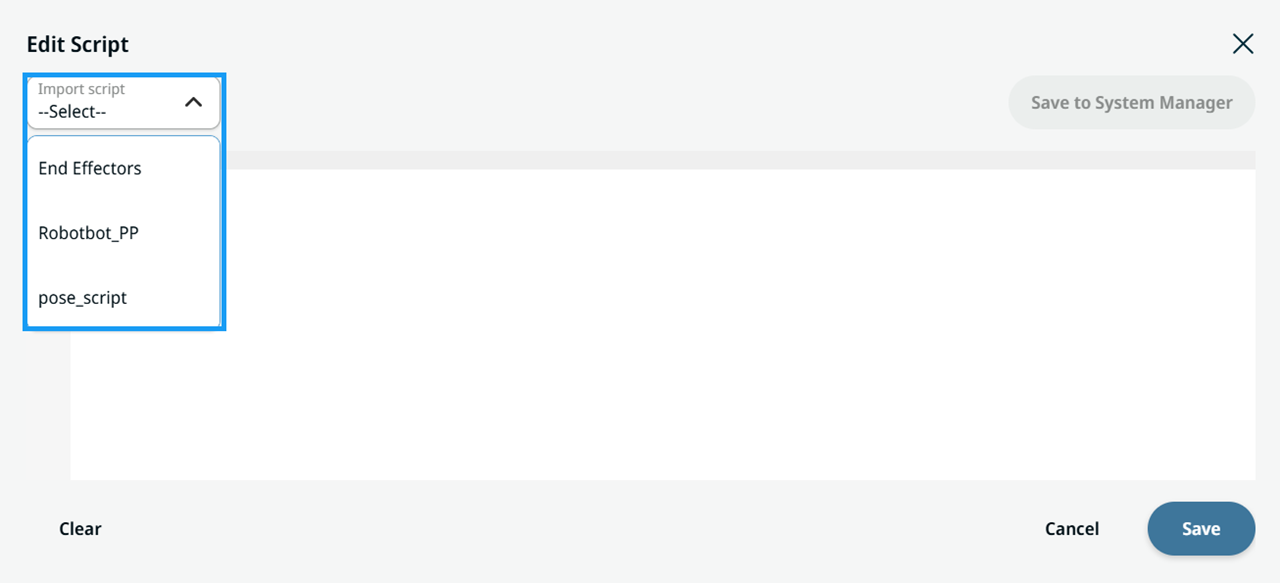
Import script |
|
||
|
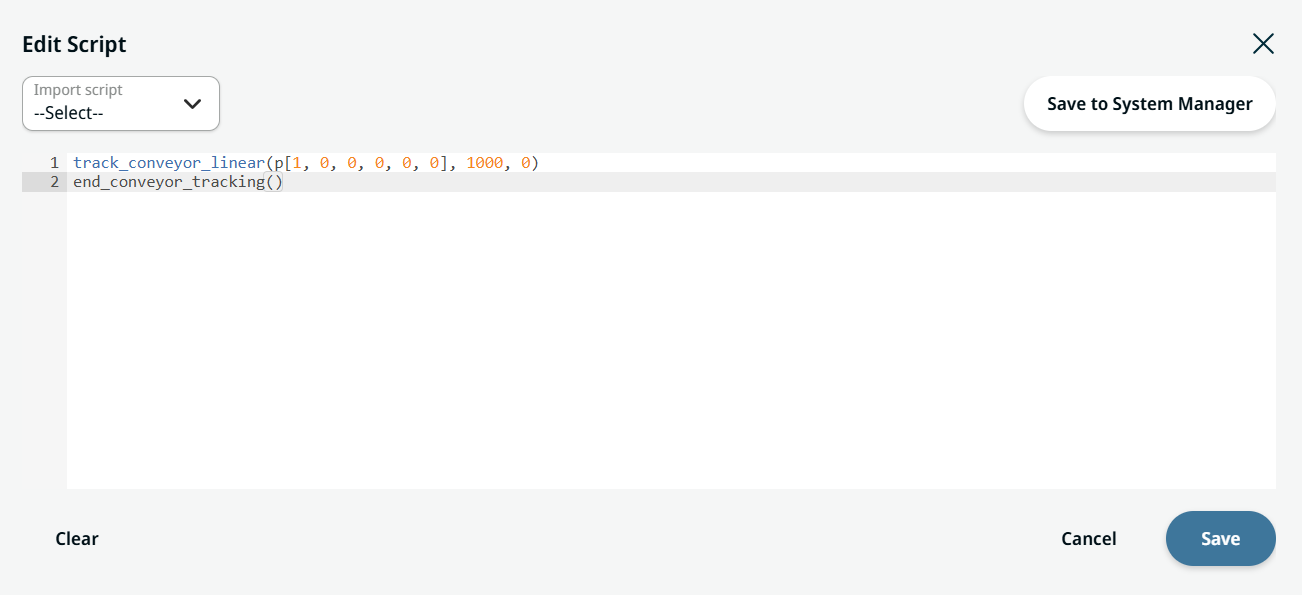
Create script |
|
|
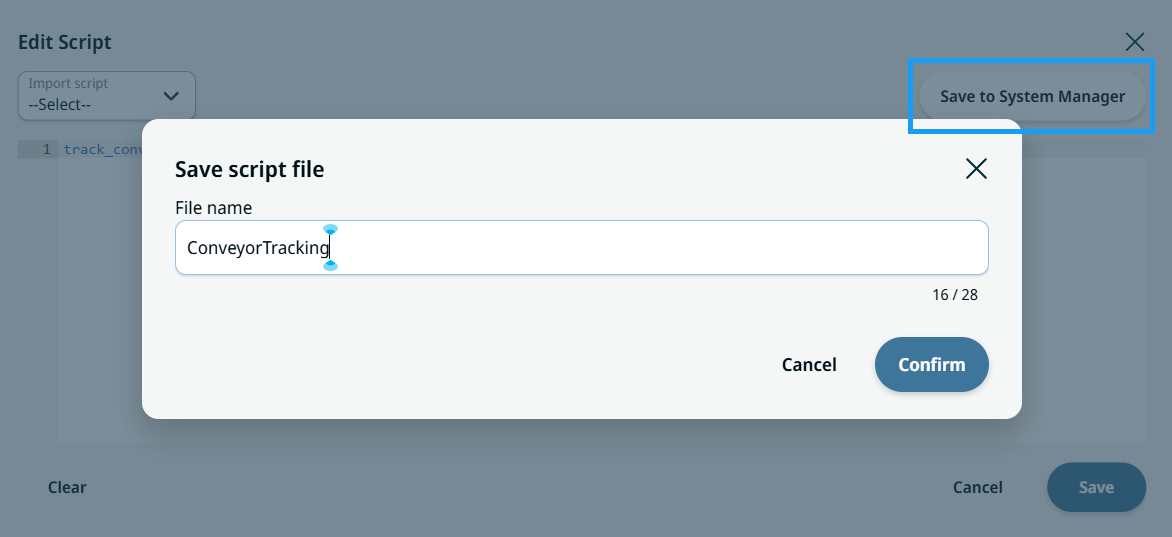
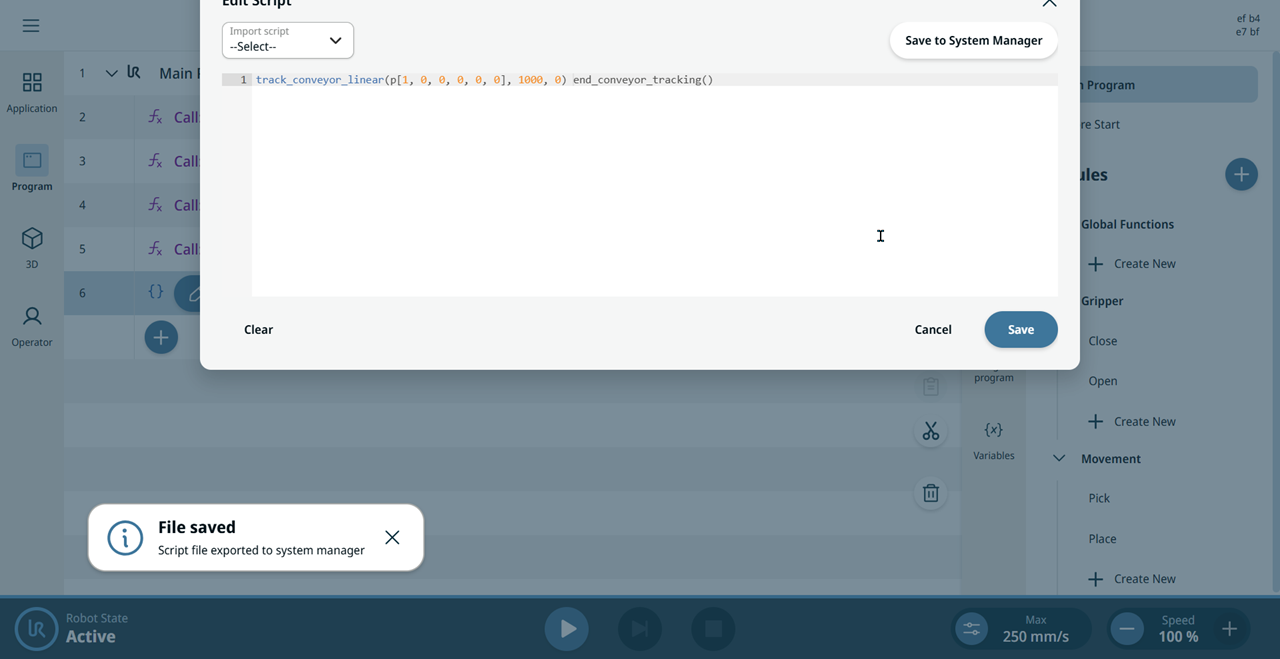
Save to System Manager |
Save to System Manager saves the script you have created or edited in the Edit Script field as a named and reusable
The script file is copied from the System Manager into the Script node when you insert it. Later imports of the file into the System Manager do not change existing programs. Update those programs manually if necessary.
|