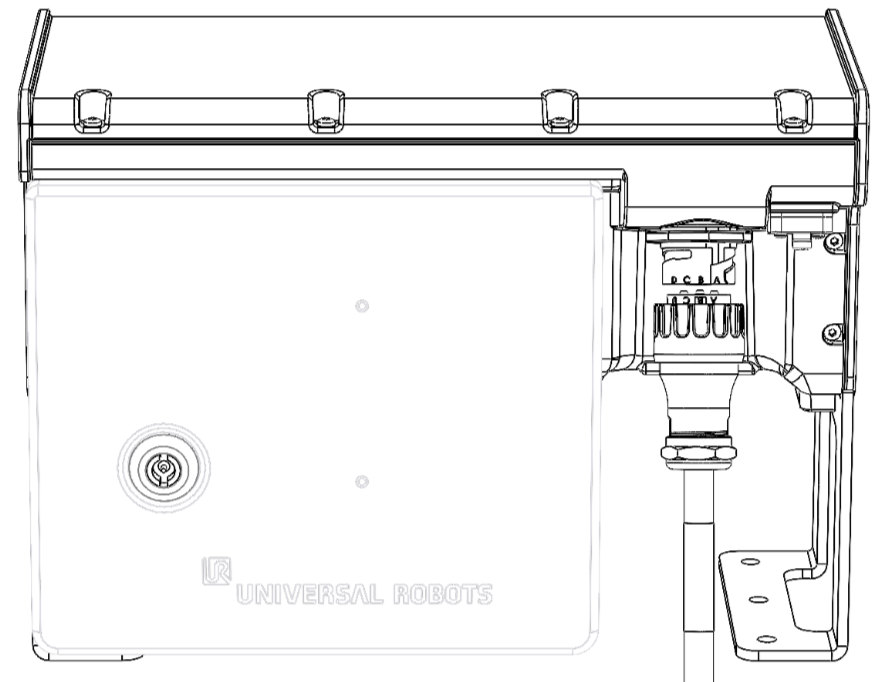
Robot Connections: Robot Cable

Description

This subsection describes the connection for a robot arm configured with a Robot Cable.


Improper robot connection can result in loss of power to the robot arm.

  • Do not disconnect the Robot Cable when the robot arm is turned on.

  • Do not modify the original Robot Cable.

Cable Robot Base g-Series

  1. The Robot Cable establishes the robot connection by connecting the robot arm to the Control Box.

  2. Plug the Robot Cable into the robot cable connector on the Control Box (shown below). Align the end-marking letters on both connector ends (shown below).

  3. Twist the connector clockwise to lock it securely when the robot connection is established.

  4. Confirm the connector is fully locked before turning on the robot arm.