Mounting of Teach Pendant (TP7)
Description

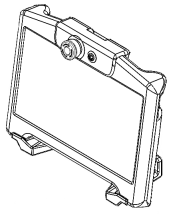
The Teach Pendant can be mounted on a wall or directly onto the Control Box. Teach Pendant can be carried by a single person. During operation, all cables must be coiled and handled properly to prevent tripping hazards.

Mount the Teach Pendant outside the safeguarded space, out of reach of a person inside that space, and where the operator can see the robot.


The operator must clearly understand the effect of the Emergency Stop Push Button on the Teach Pendant when it is activated. In multi-robot installations, there may be uncertainty about whether the Emergency Stop affects the entire installation or only the connected robot. This distinction must be clearly communicated.

If there is any potential for confusion, the Teach Pendant must be stored in a manner that prevents the Emergency Stop Push Button from being visible or accessible.


The TP7 mounting bracket is included when you purchase a full robot system. It is not included when a robot system is sold without a TP7, and when you purchase a TP7 as a single component.


Teach Pendant bracket

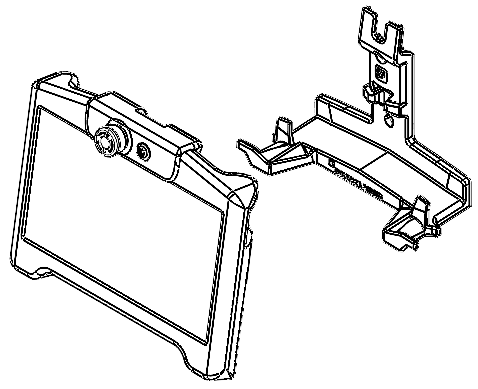
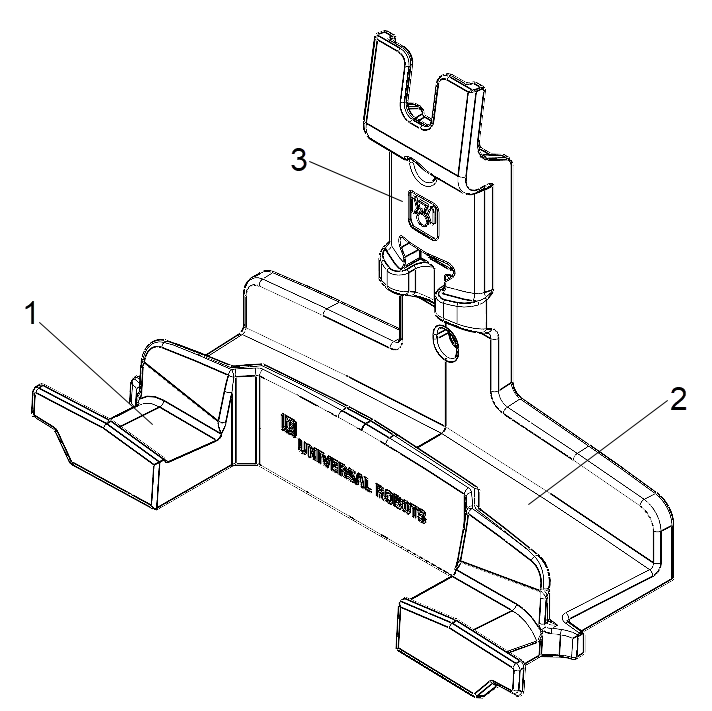
The TP7 Mounting Bracket securely supports the TP7 Teach Pendant on a tabletop or workstation surface, wall and on the Control Box during robot operation.

  • Teach Pendant holder - When TP7 is mounted vertically, the Teach Pendant holder can be used to store the Teach Pendant (TP7).

  • Cable management - Integrated routing channel to organize and store the Teach Pendant cable, preventing tripping hazards and cable damage.

  • Smart panel holder - Dedicated slot to hold the Smart Panel accessory alongside the Teach Pendant.

1 Teach pendant holder 3 Smart panel holder
2 Cable management    
TP7 Mounting Bracket


Mounting Teach Pendant (TP7) to a wall

Use the bracket to mount the Teach Pendant (TP7) to a wall.


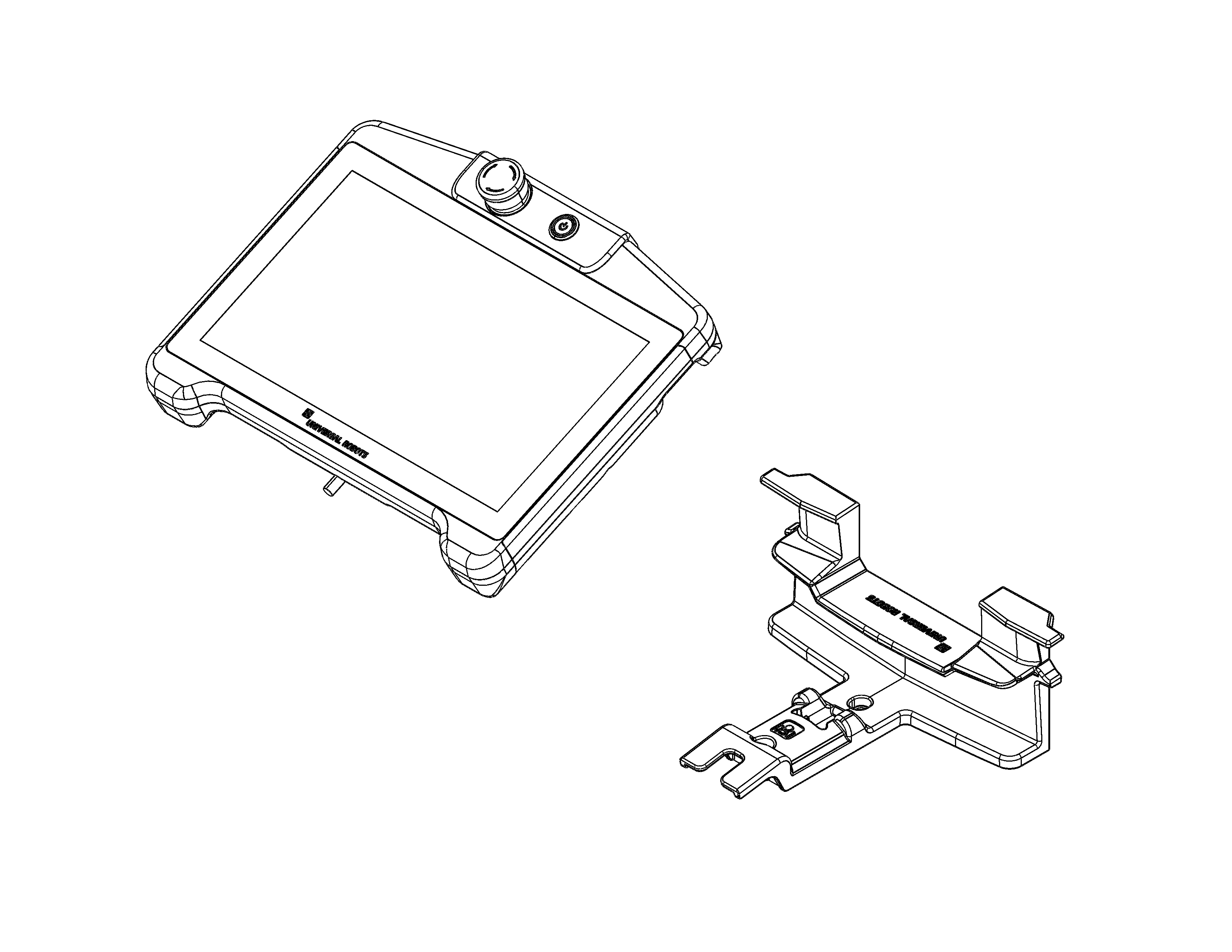
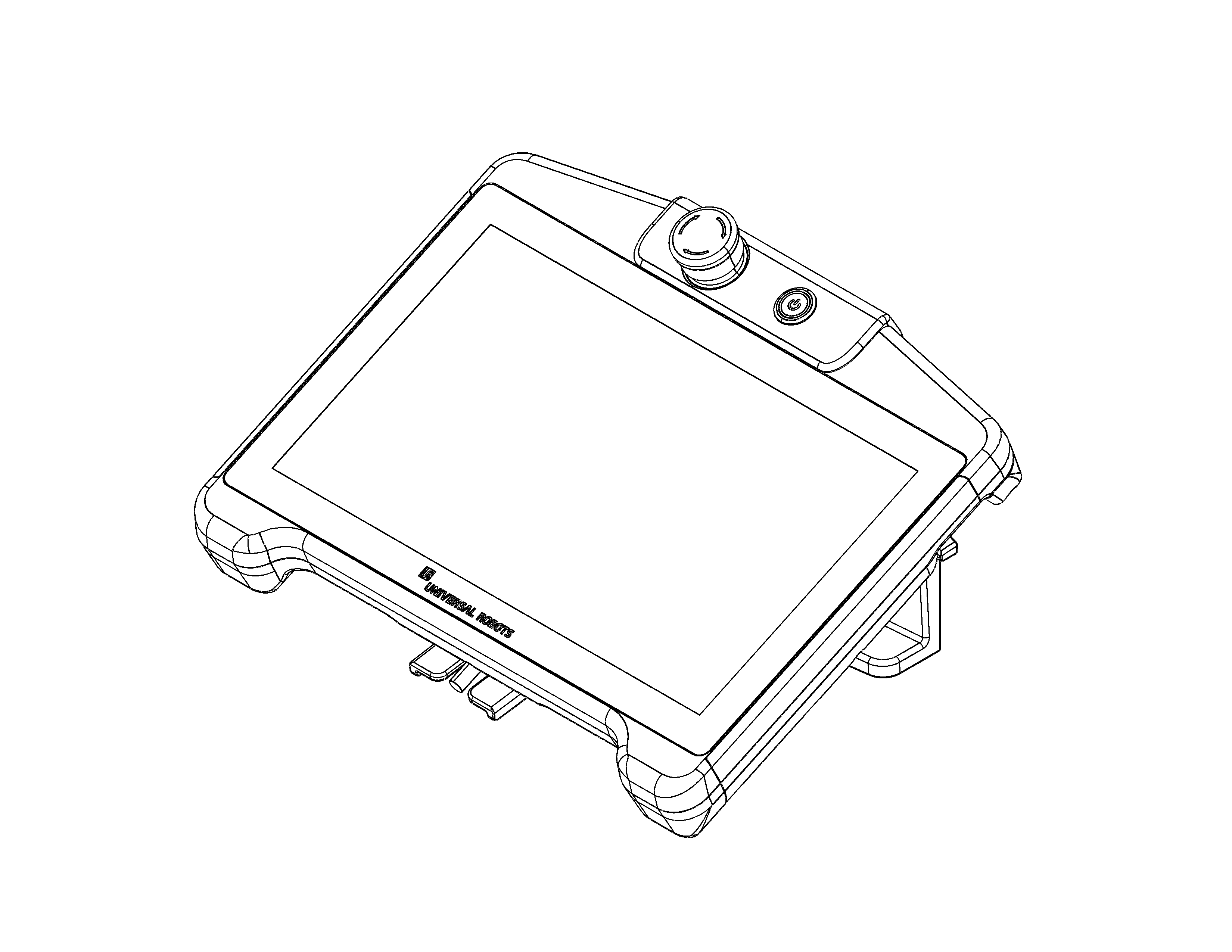
TP7 and Mounting Bracket TP7 mounted to a wall


Mounting Teach Pendant (TP7) to a table or working surface

Use the bracket to mount the Teach Pendant (TP7) to a table or a working surface.

TP7 and Mounting Bracket TP7 mounted to a table


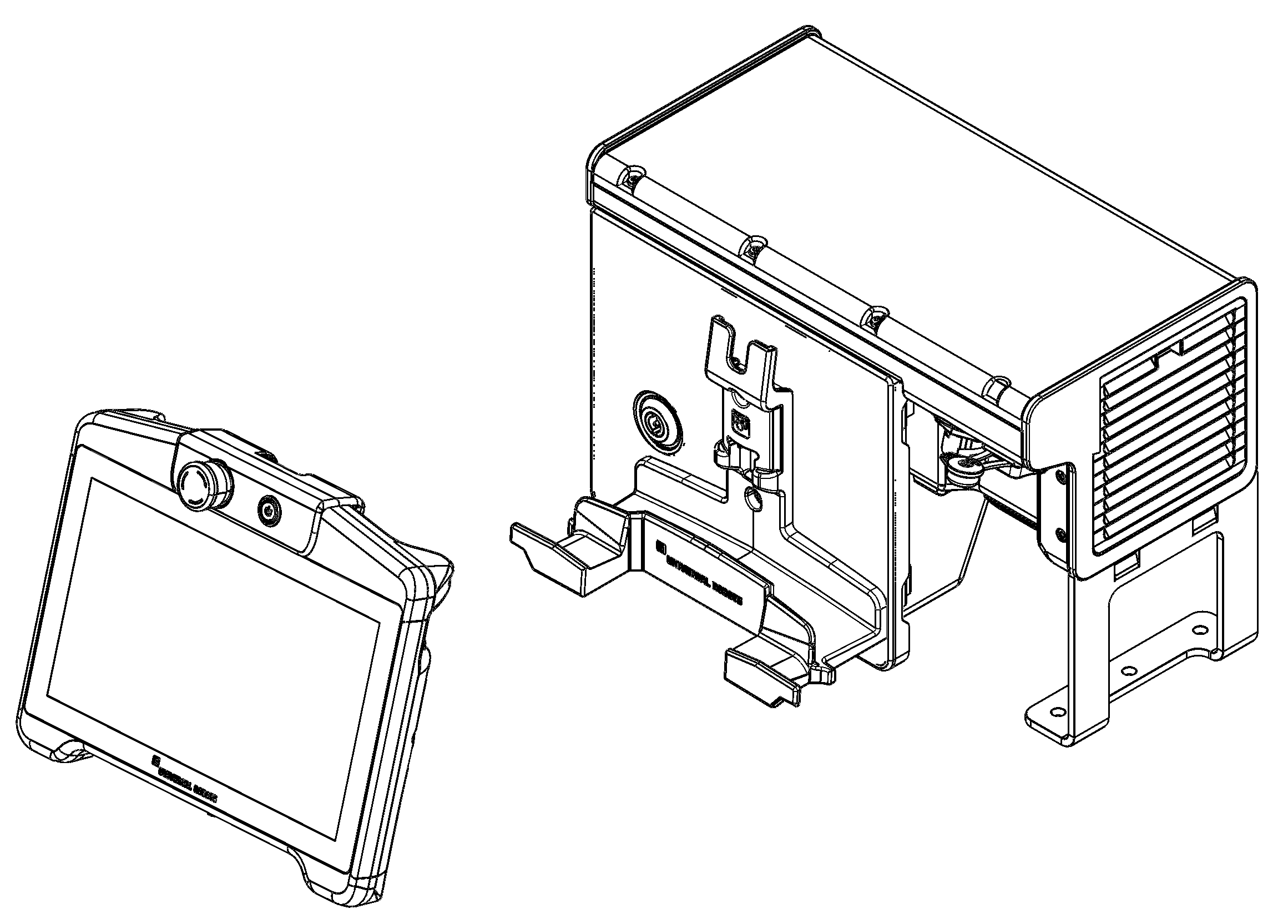
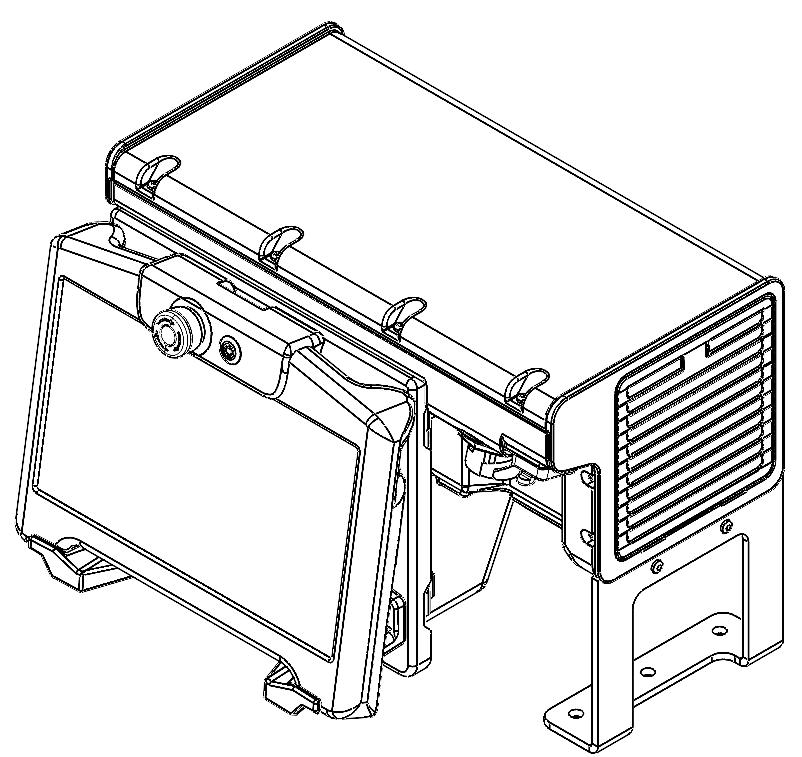
Mounting Teach Pendant (TP7) to Control Box (CB7)

Use the bracket to mount the Teach Pendant (TP7) to the front of the Control Box (CB7).


Teach Pendant (TP7) and Mounting Bracket

Teach Pendant (TP7)

mounted to Control Box