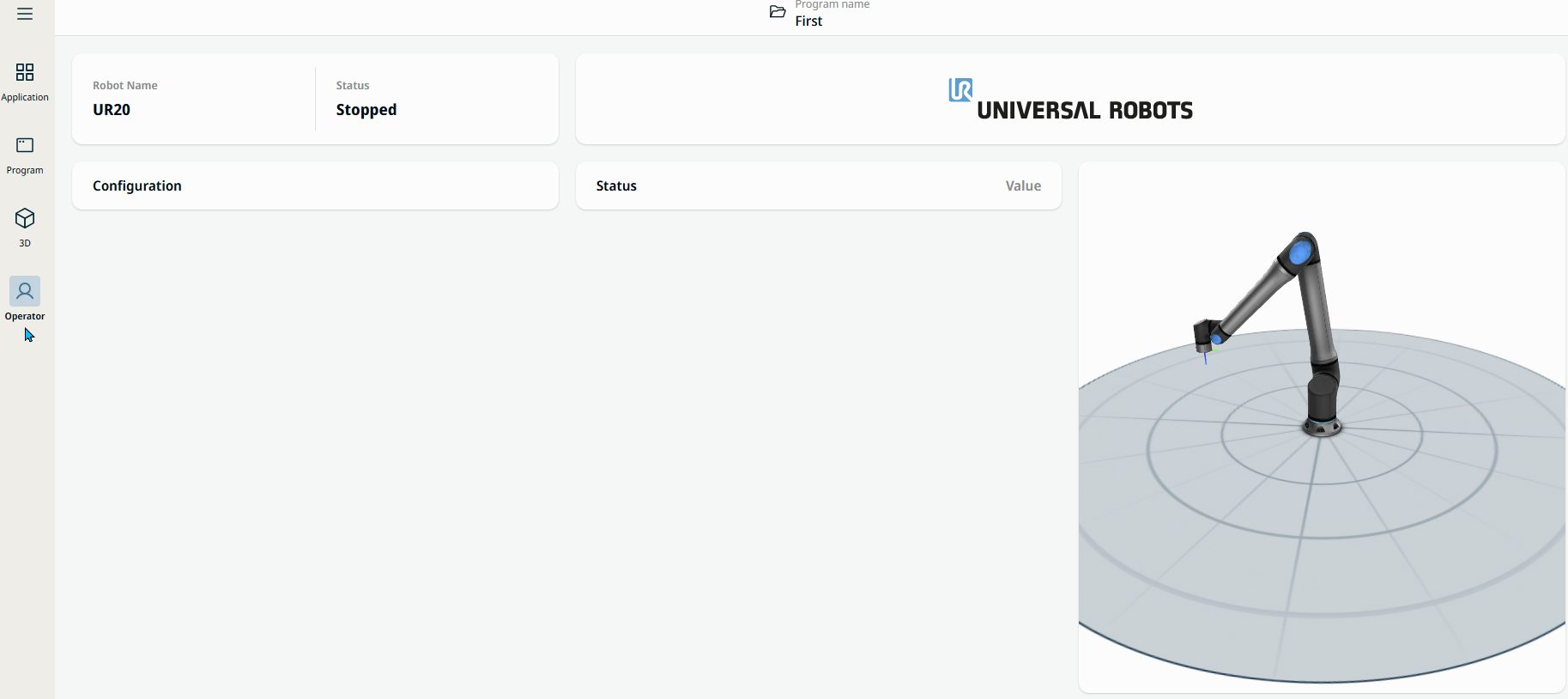
Main Navigation
| Description |
The main navigation, also called the navigation hub, contains five settings/menus:
|
| More about the Main Navigation |
When you open PolyScope X, your main screen is by default the Operator Screen. The Operator icon, highlighted in blue, indicates this.
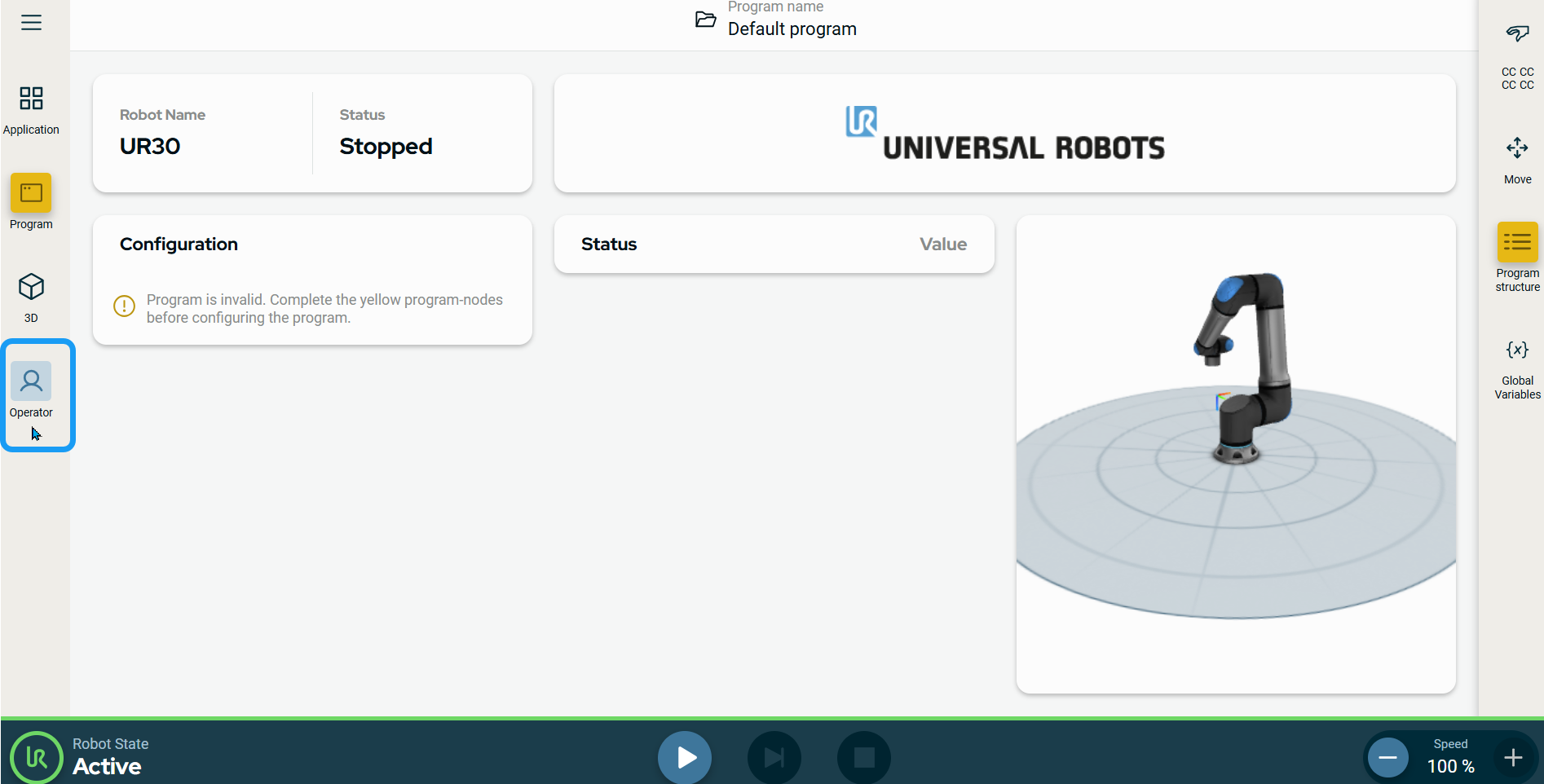
When you tap an icon, it is highlighted in blue, which indicates active in the main screen. The hamburger icon is an exception to this. |
|
Tap hamburger icon |
|
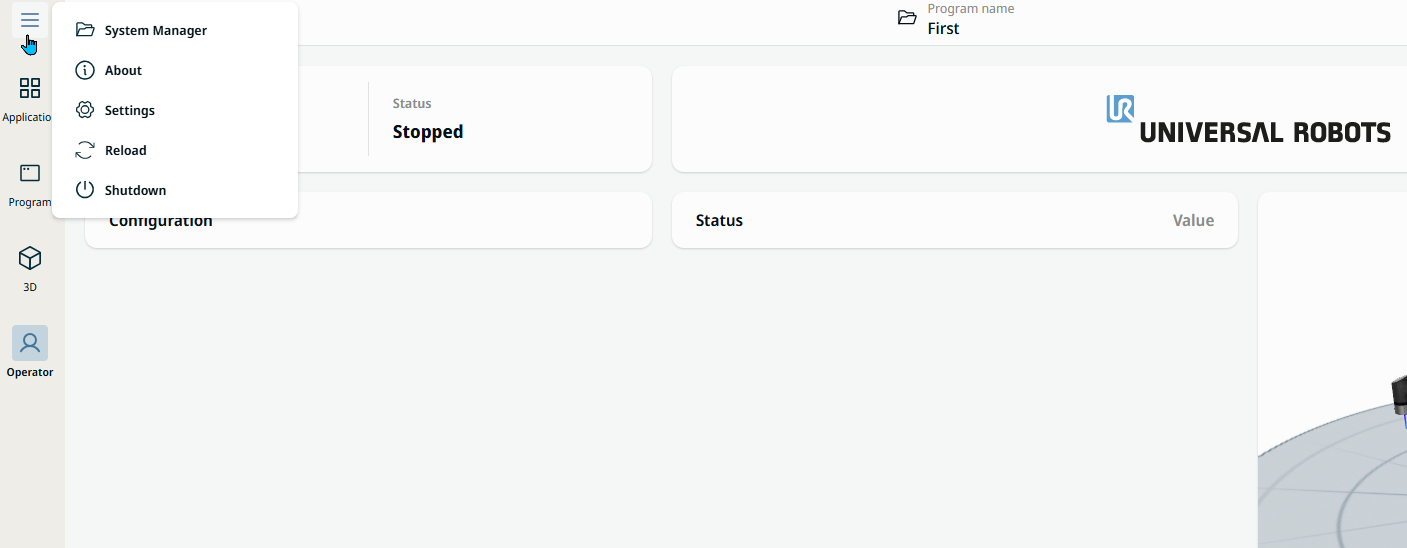
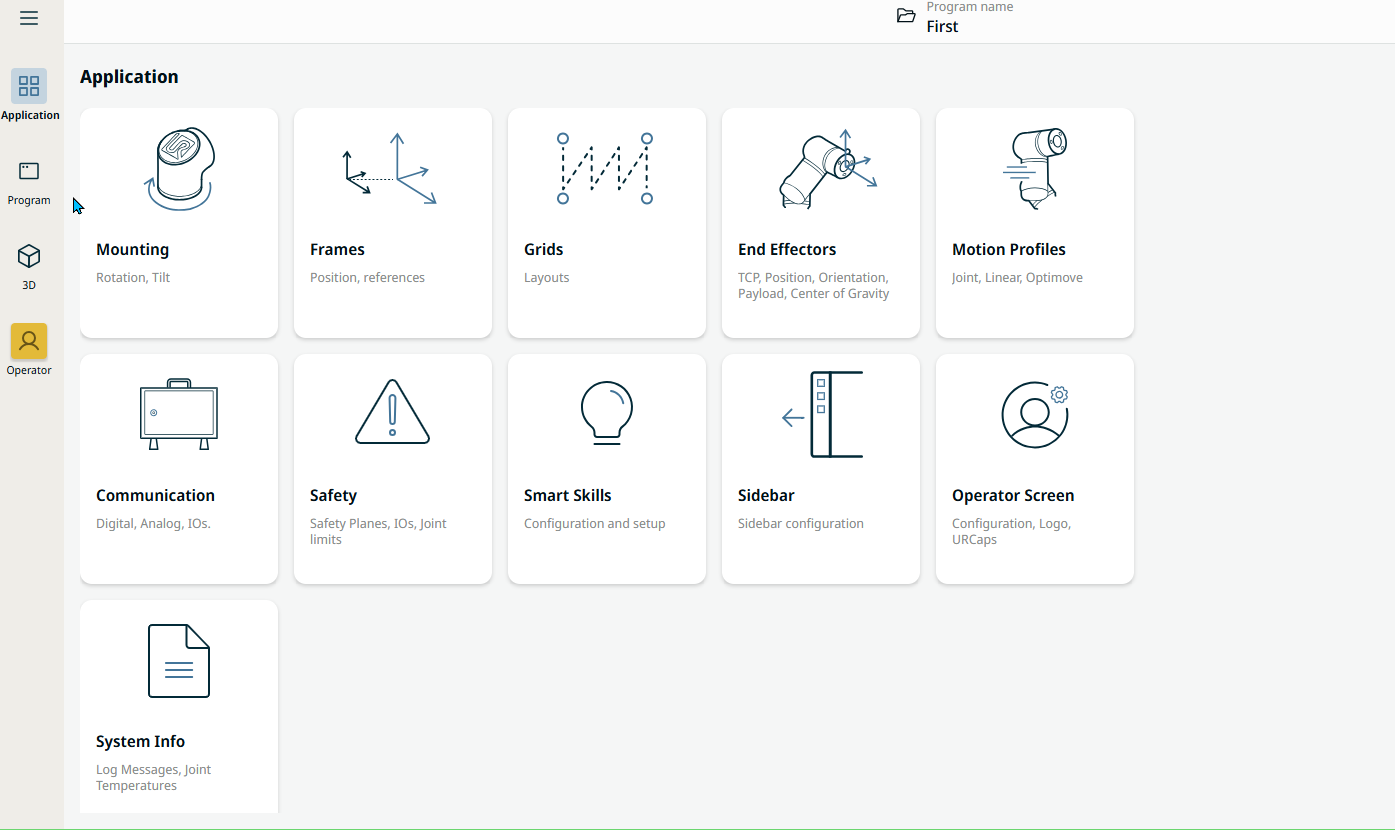
| Tap Application |
|
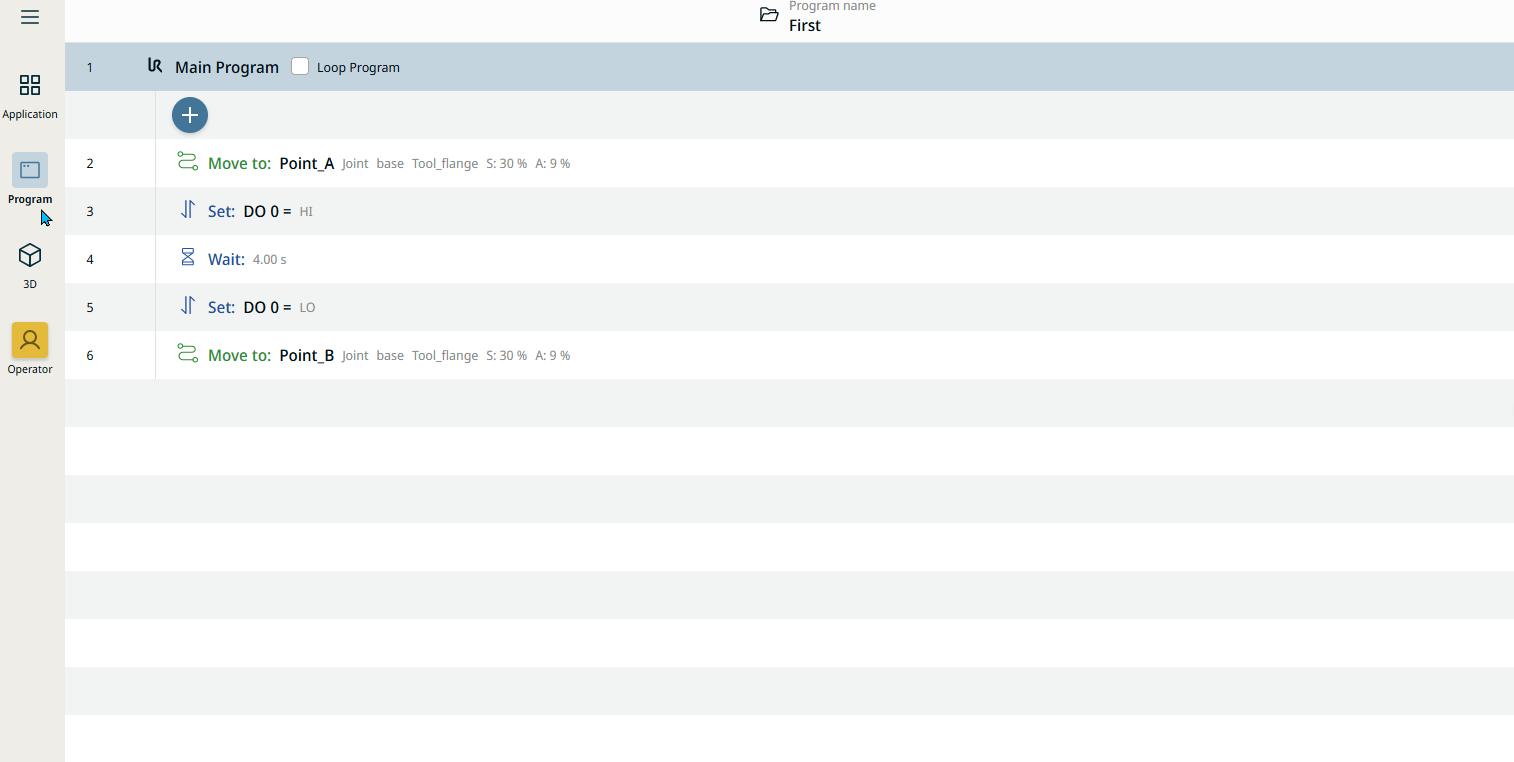
| Tap Program |
|
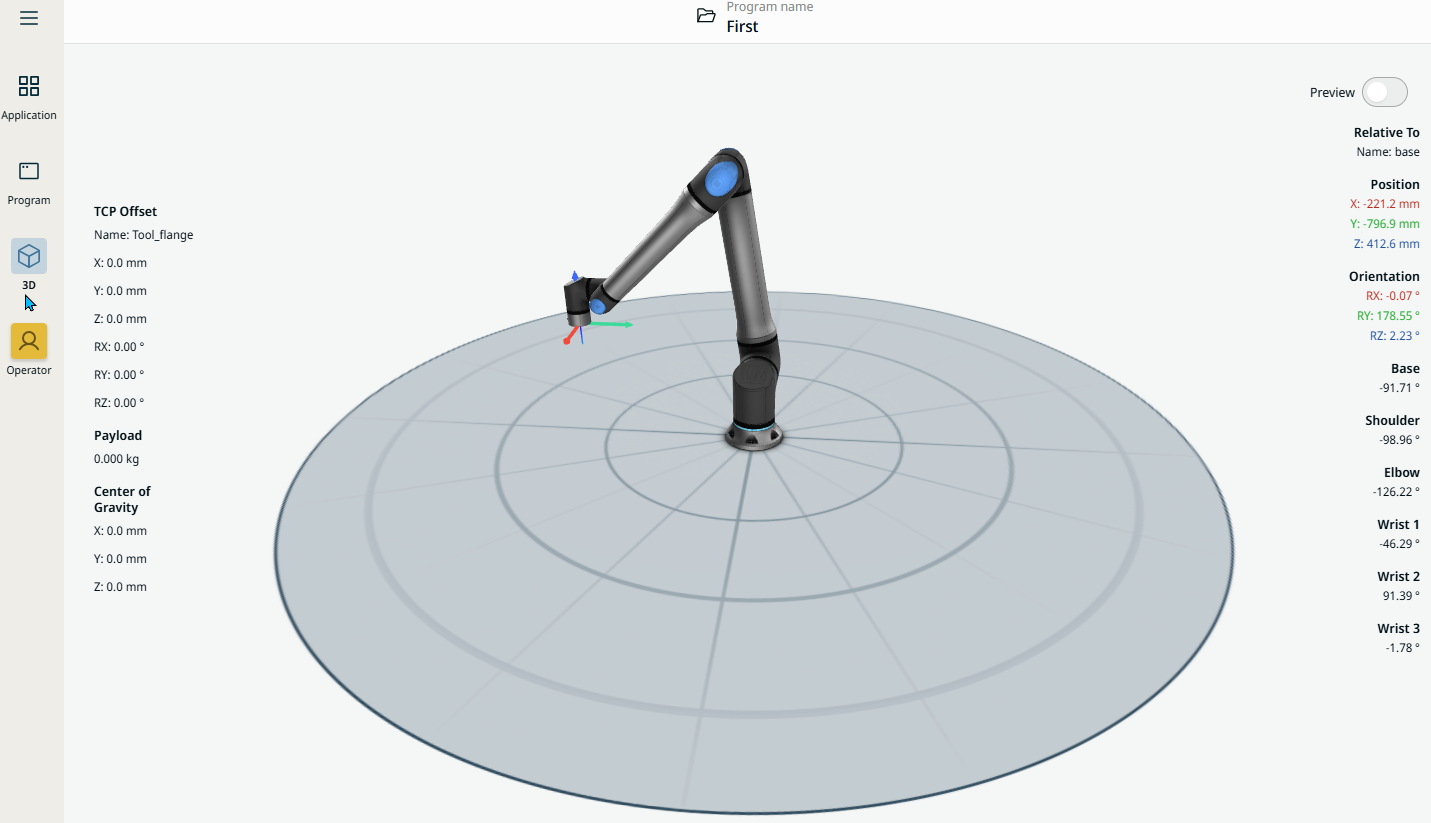
| Tap 3D |
|
| Tap Operator |
|