

How To Find Individual Joint Serial Numbers
This guide explains how to locate individual joint serial numbers on your robot in PolyScope 5.
Tools needed:
Wired keyboard (Default English layout preferably)
1. Connect a wired keyboard and Press Ctrl + Alt + F1
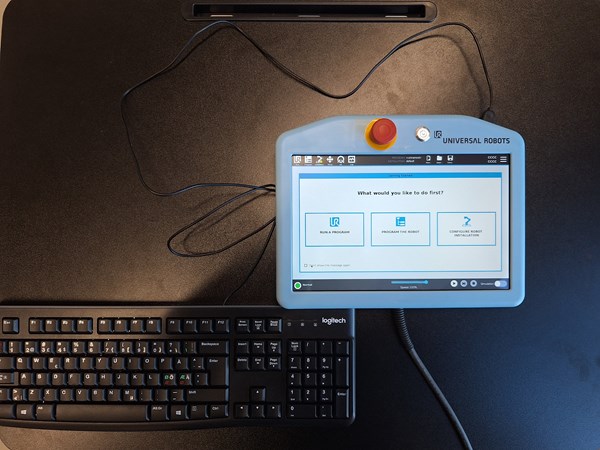
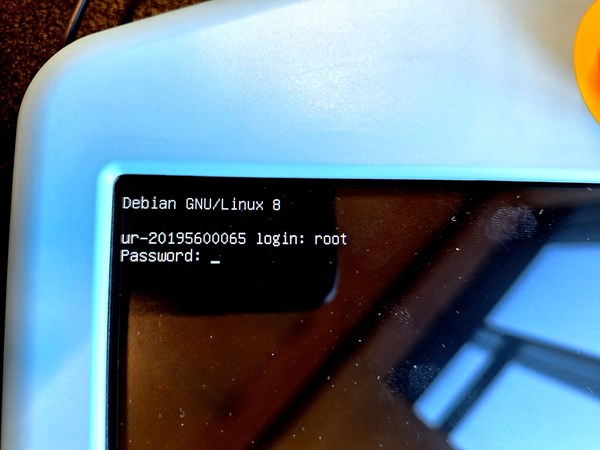
2. Login with “root”. Password is “easybot” (or the admin password you have set) when typing in the password the input will be invisible on the TP
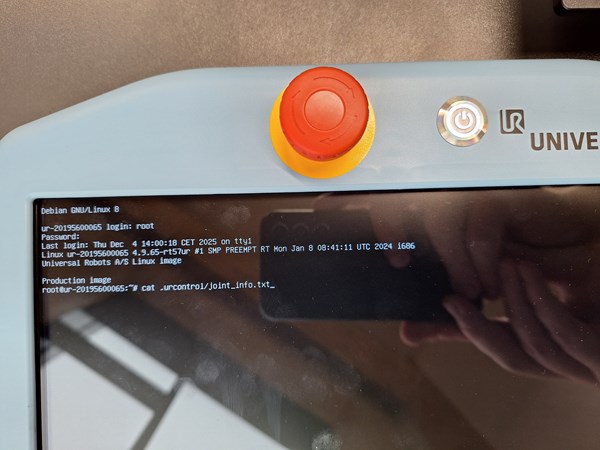
3. Type in "cat .urcontrol/joint_info.txt"
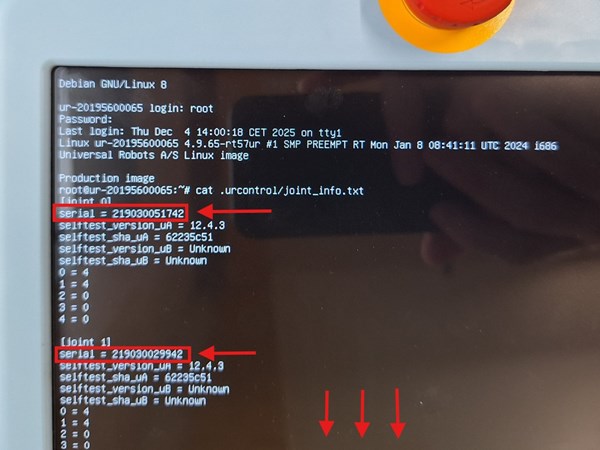
4. All joint ID’s will be shown, to scroll to the joint that you are looking for use shift + PageUp
5. When you are done press Ctrl + Alt + F7 to get back to the main screen