Disassembling Clamp Connection

Clamp disassembly

  1. Remove the screws in the blue lid, then remove the blue lid, as shown in section General Guidance to Separate Joint from Counterpart.
  2. Gently remove the power and communications wires from the terminals, as shown in section Power and Communication Connector Types on the Joint and Connector Location on joints.
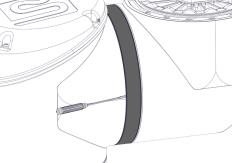
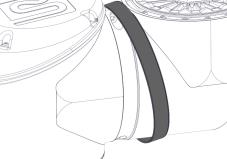
  3. Remove the black flat ring. You can use a small flat-head screwdriver.

 
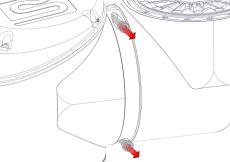
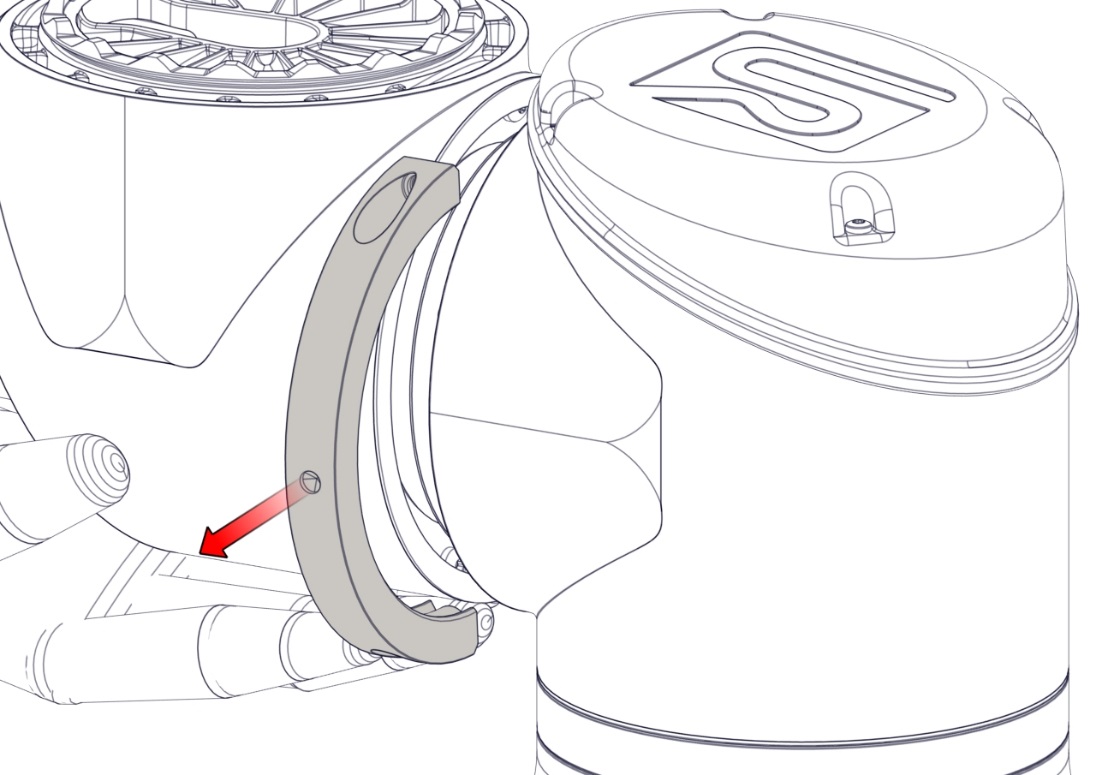
  1. 拆下一侧的螺丝和夹具。
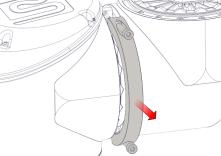
The joint can fall off if not supported when removing the clamp.

  1. 在拆下夹具的另一侧时,支撑关节。


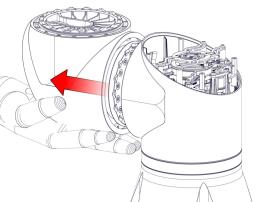
  1. 关节现已松动,可以拆下。 Remember to pull the wires out as well.