Manual Mode
| Description |
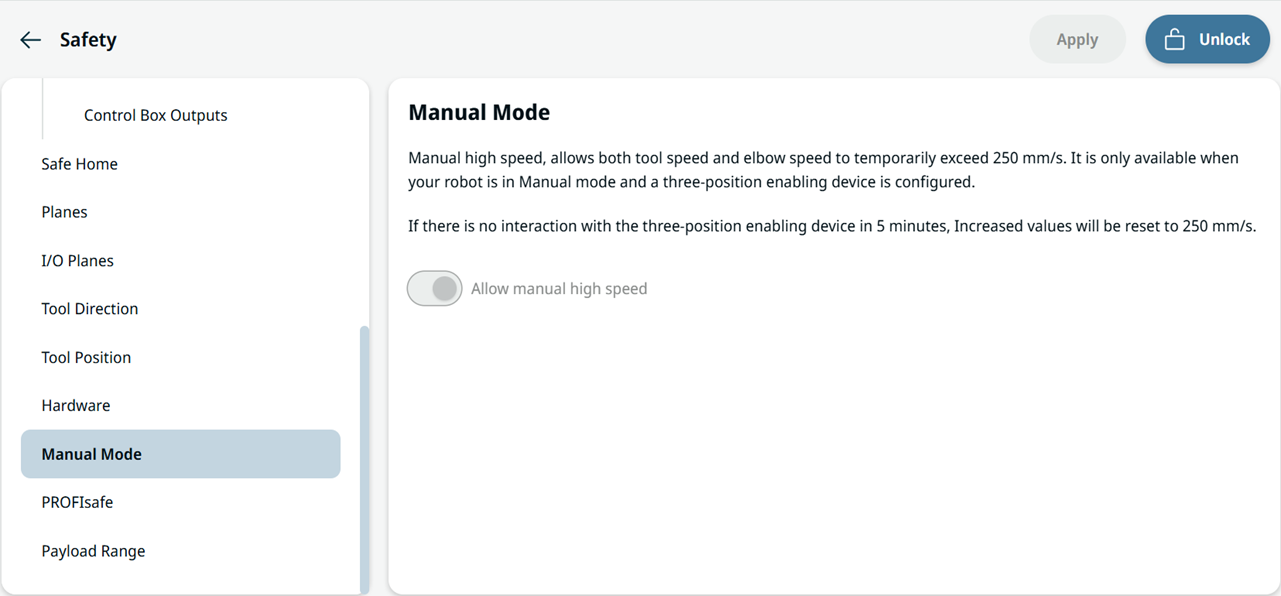
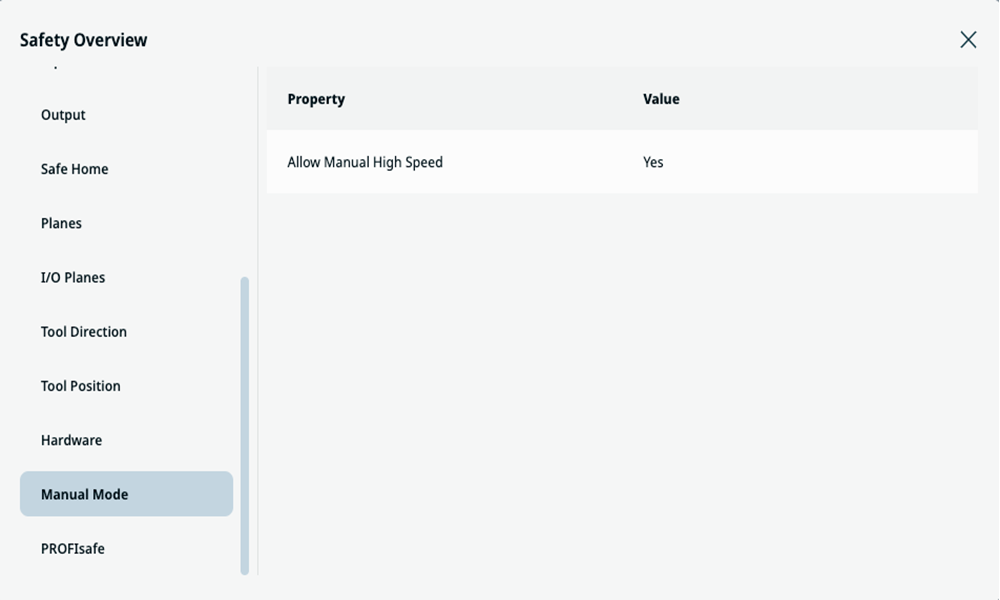
Manual high speed allows both tool speed and elbow speed to temporarily exceed 250 mm/s. It is only available when the robot is in Manual mode and a three-position enabling device is configured. If there is no interaction with the three-position enabling device for five minutes, increased values reset to 250 mm/s.
|
| Access Manual Mode |
|